Kling AI Prompts for Faceless Video Scenes
Use Kling to turn an approved frame into a short scene with a clear path of motion. The most useful instruction tells the model which part of the frame should move, what stays fixed, and how the viewer will know the action is done.
Choose the starting frame before describing motion
A strong image-to-video input already establishes identity, light and composition. For a top-down craft demonstration, place the paper square near the middle, show the hand entering from one edge, and keep the relevant fold readable. Use the prompt to describe the fold direction and where the fingers leave the frame. Repeating a different lighting or camera angle in the text can create competing instructions.
Kling’s Video 3.0 guide documents text-to-video, image-to-video and start and end frames. Available options depend on the model and input mode. Where end-frame control is available, prepare a matching composition with the subject in its finished position. Match prop scale, tabletop marks and light direction across the references so motion connects two states of the same scene.
Separate subject motion from camera motion
Describe the subject trajectory in ordinary language the editor can check. A wooden token slides from lower left to the center and stops flush with a pencil line. The overhead camera stays fixed. For a moving camera, describe the camera move in its own sentence and name the reference surface or subject it travels past. A gentle push toward a still token is a different shot from the token itself traveling toward the lens.
Name the parts that must hold through the movement. The cut edge stays sharp, the hand touches the object only once and the surrounding tools remain still. Start with a short clip and inspect frames near the beginning, the point of contact and the end. If testing Video 3.0 sound or multi-shot features, check the current model guide. On a single physical action, you can isolate motion more easily with a single shot.
Keep reference elements consistent between shots
Use clean, rights-cleared references if your selected Kling mode supports reference elements. For a recurring object, record its finish, relative scale and most recognizable edge or mark. Use the approved reference for the next clip. Save the prompt and the chosen frame with the source in your edit folder so a collaborator can reproduce the setup.
Plan the join in the edit before adding a second movement. A close insert of the folded corner often belongs after a brief hold on the overhead frame. If the next shot reveals the result, leave enough space around the result to crop for your final layout without cutting off the contact point or shifting the apparent direction of motion.
Sample image-to-video direction
Use the supplied top-down craft frame. The right hand enters from the bottom, lifts the lower corner of the yellow paper and folds it precisely to the center mark, then leaves frame. The tabletop and ruler stay fixed, with steady window light. Hold the finished crease for the last beat. Fixed overhead camera.
Troubleshoot the first draft
The camera follows a hand it should observe
A tracking move can hide the exact point where the paper meets the mark. Use one locked camera instruction and keep both the hand and mark visible in the reference frame.
The prop changes shape during contact
The object crumples or loses an edge before the intended change is complete. Reduce the action to one contact, describe the visible edge, and use a matching end frame if available.
The clip adds a second shot during a demonstration
An extra angle interrupts an action that needs a continuous view. Use single-shot mode where available. Generate the close insert separately and add it in the edit.
Official model guidance
Compatible prompt templates
Choose a starting template and adapt any references, duration, audio, and aspect ratio to the controls in your version.
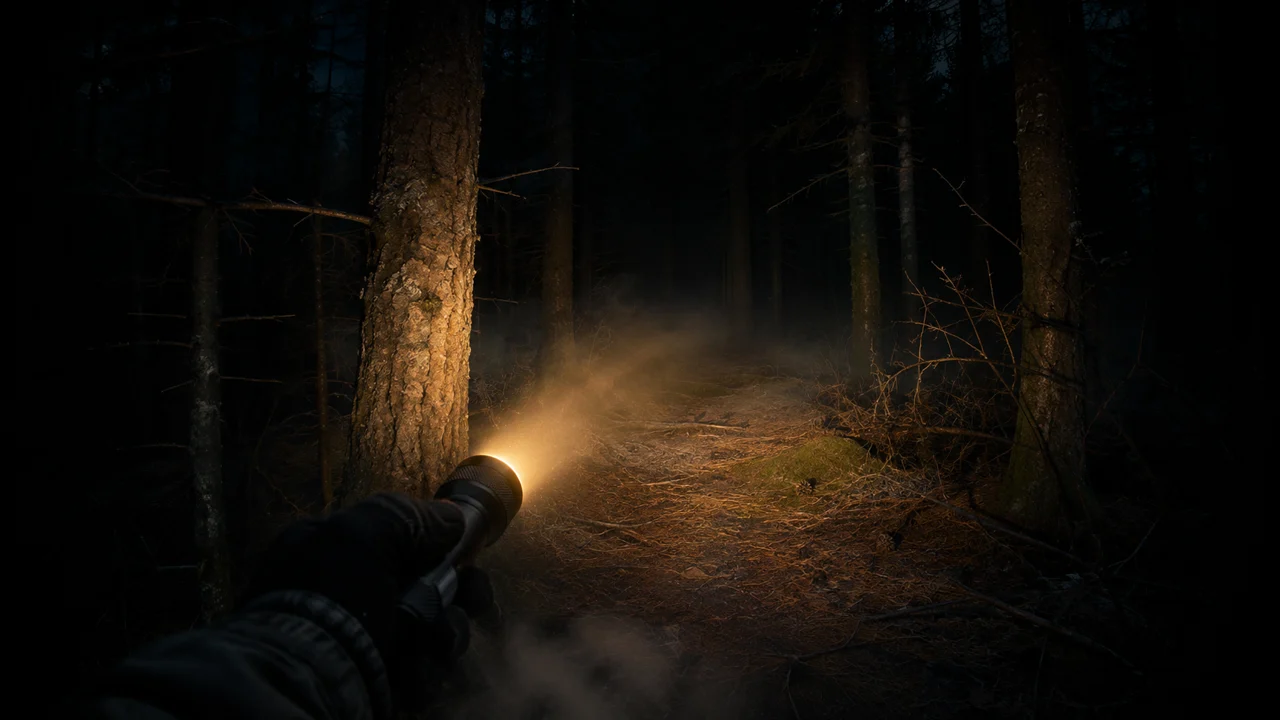
Video prompts
POV Night Forest Walk
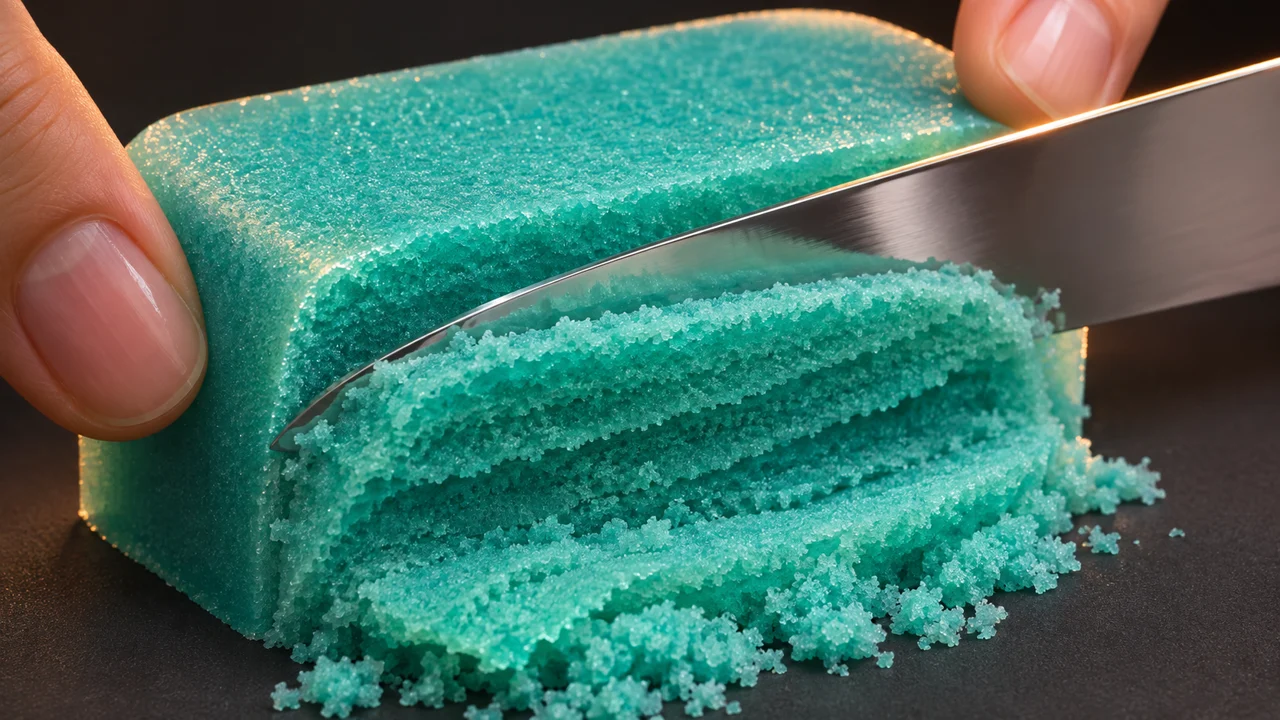
Video prompts
ASMR Close-Up Trigger Loop

Video prompts
AI Cooking Anime Sequence
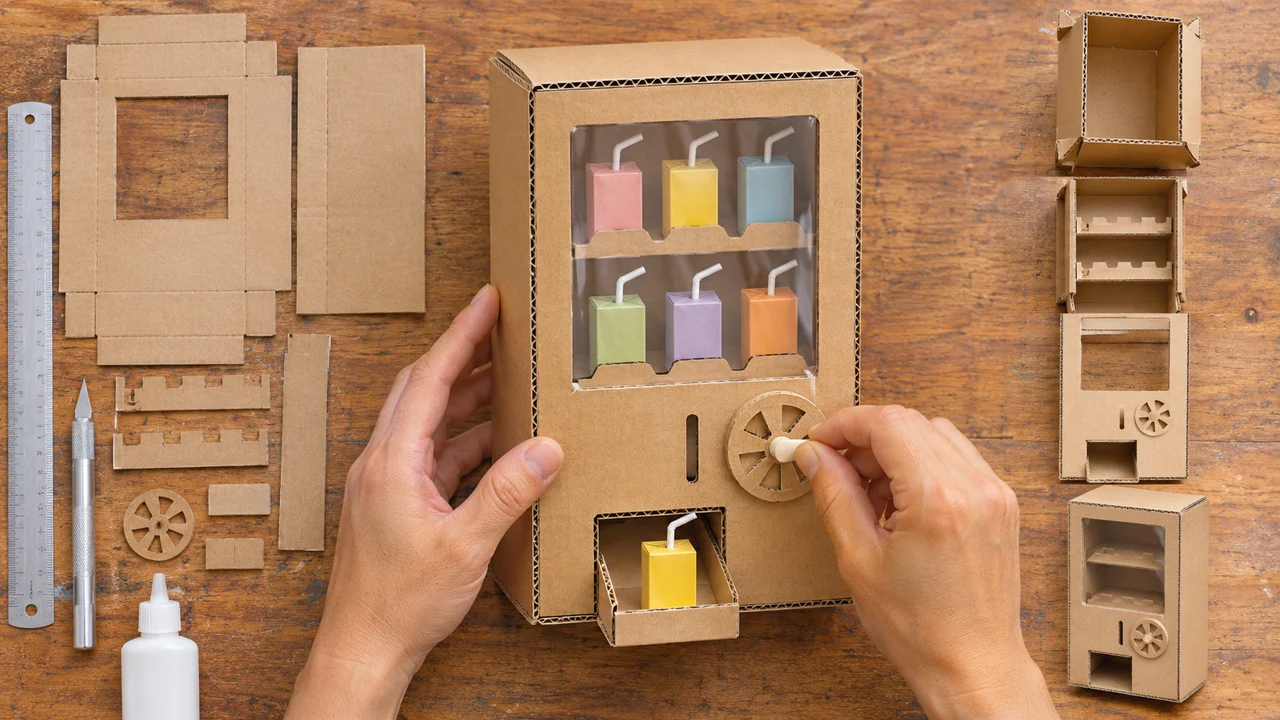
Video prompts
Cardboard DIY Build Time-Lapse
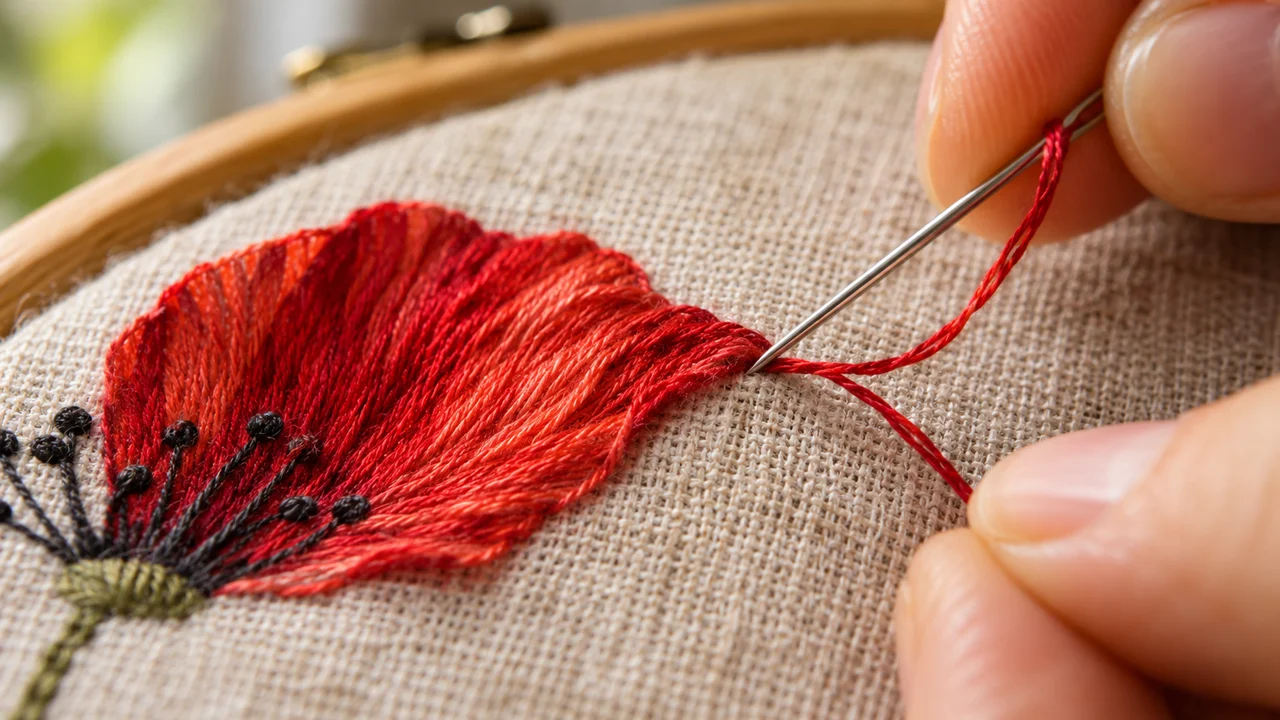
Video prompts
Embroidery Macro Loop
Video prompts
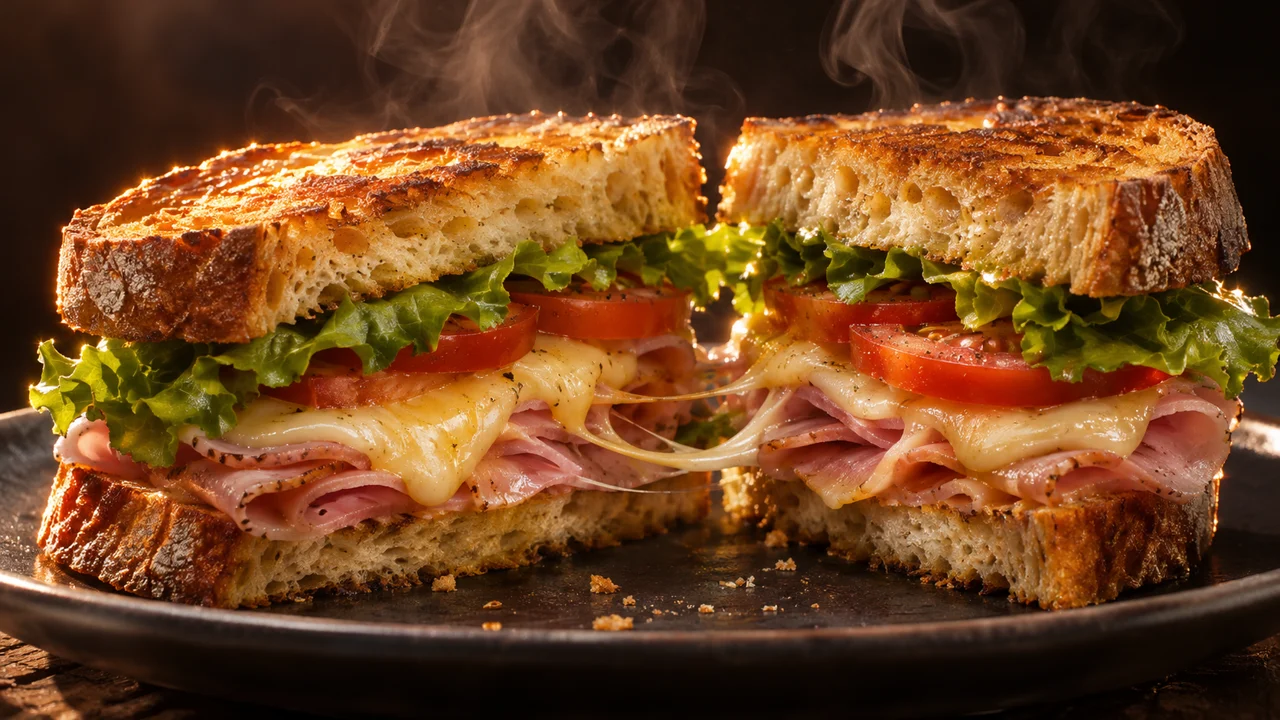
Sandwich Build Food Cinematography
Video prompts
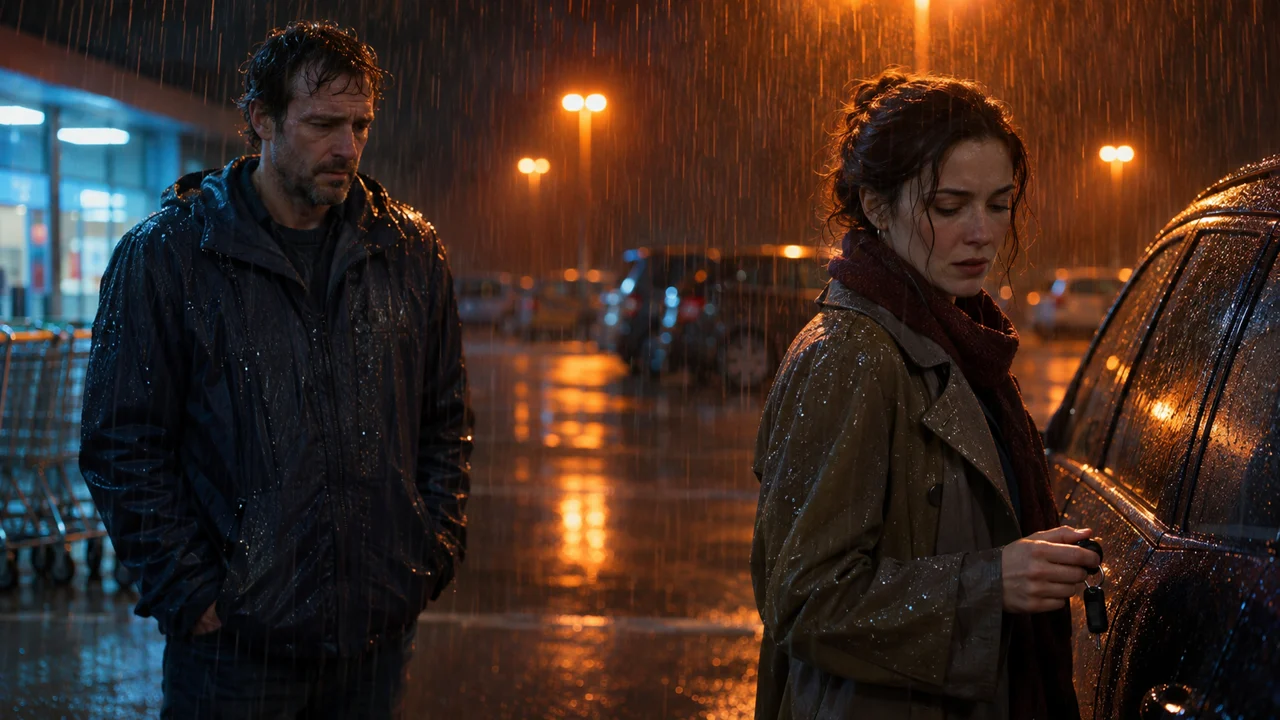
AI Drama Scene (English Dialogue)
Video prompts
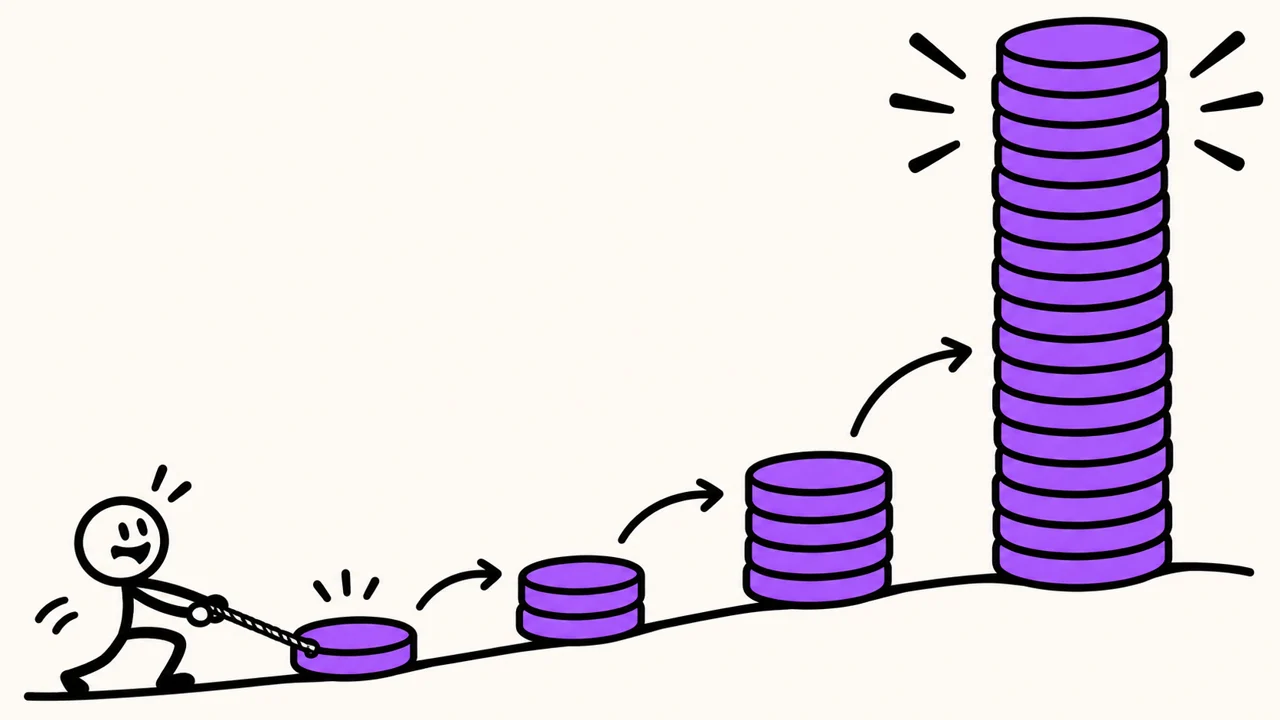
Stickman Explainer Animation

Video prompts
Sketch-to-Video Control Shot

Video prompts
AI Talking Objects

Channel planning
Anime Fight — Versus Format

Channel planning
Fusion / Transformation Morph

Channel planning
AI Whale POV Deep Dive
Channel planning
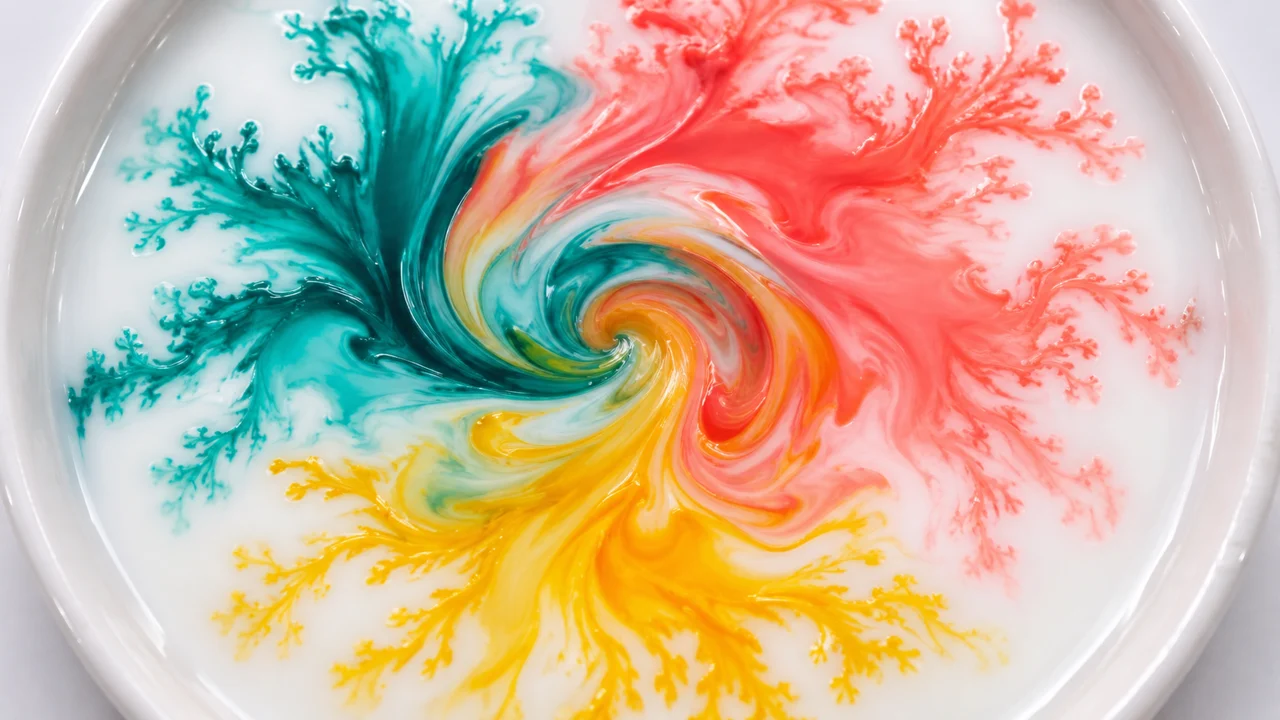
Color Mixing Satisfying Loop

Video prompts
Seamless Loop Transition Clip

Video prompts
First-Second Hook Shot
Use this as the opening 1-2 seconds of any short — the rest of the video can be generated separately.
Video prompts
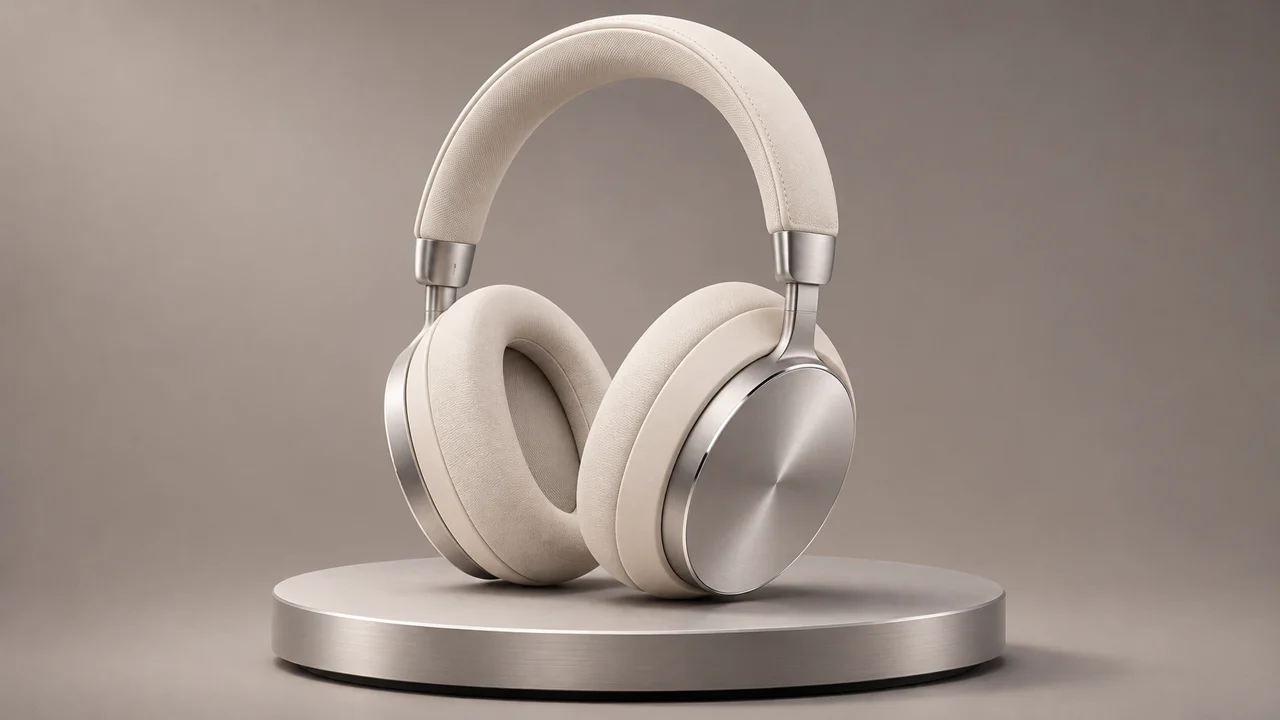
Product Turntable Spin

Video prompts
Day-to-Night Hyperlapse
Video prompts
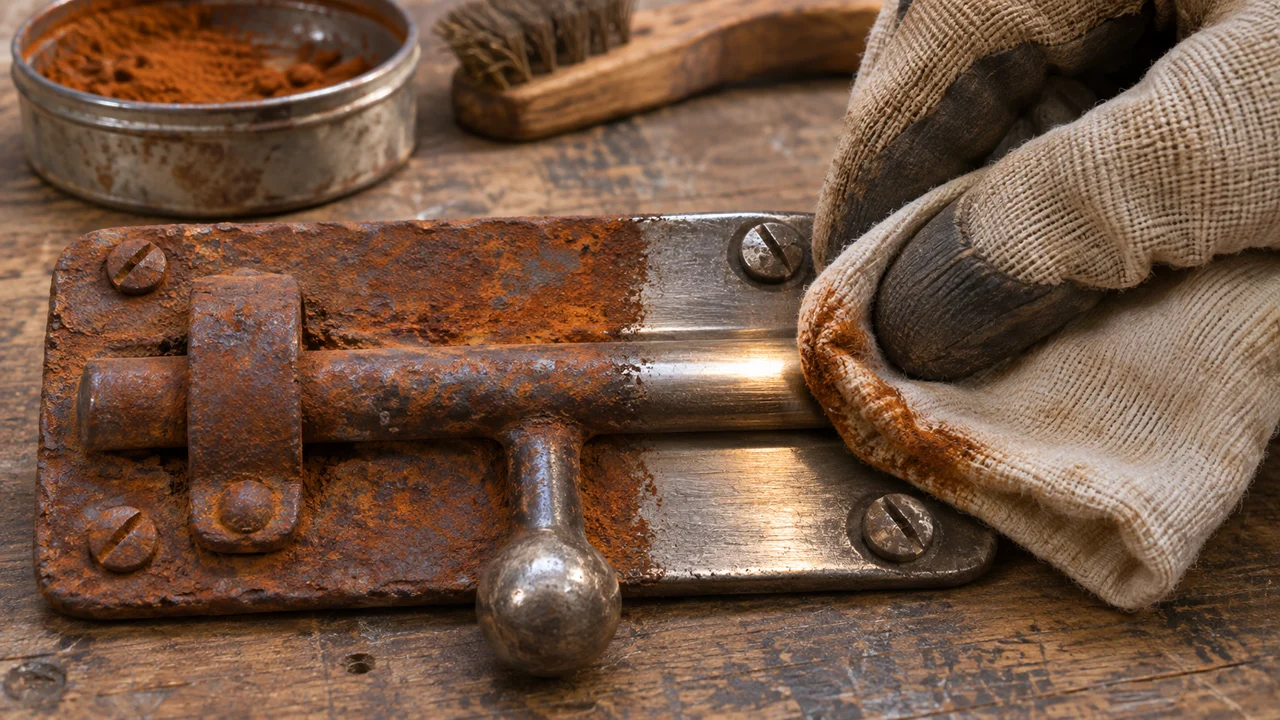
Rust Restoration Close-Up
Use an old metal latch as a first test. Label a generated restoration as a simulation and keep the rough and finished frames registered.
Video prompts
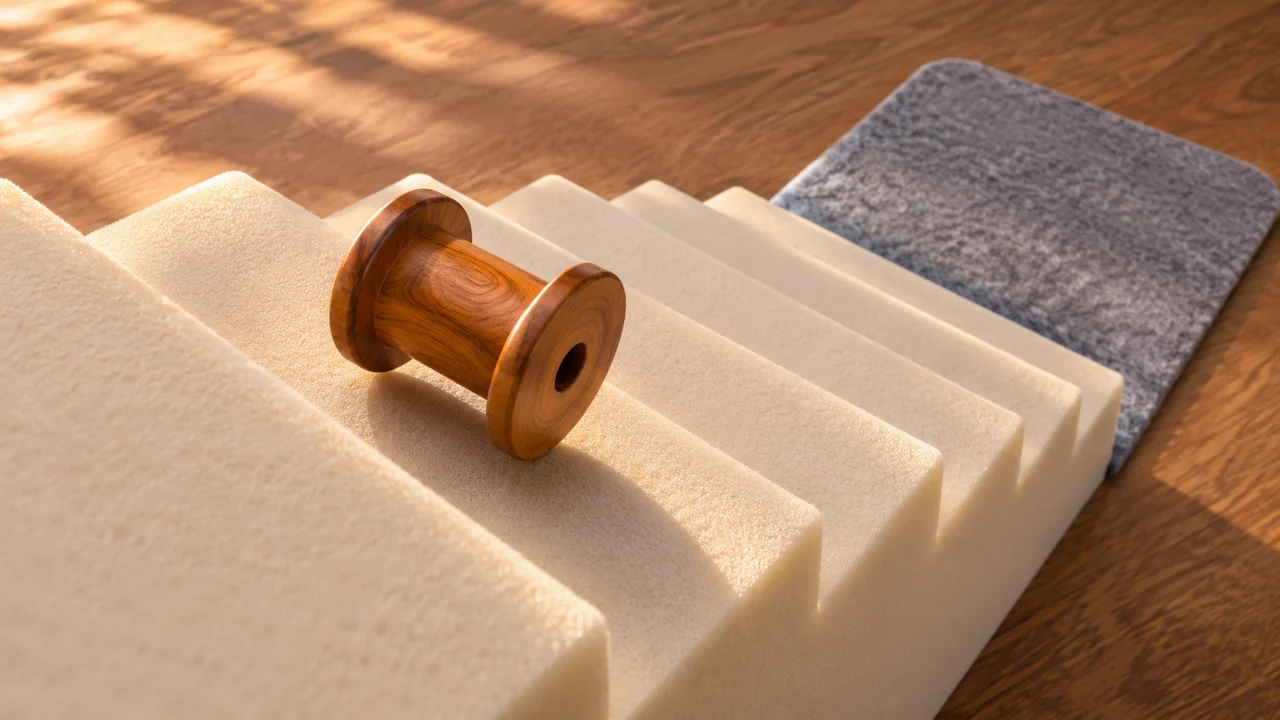
Rolling Object Staircase ASMR
Try a wooden spool on foam test stairs. The object should never jump between steps or change material mid-shot.

Video prompts
Car Wash Mud Reveal
Give the model both endpoint frames if it supports them. Compare rim spokes and door seams before you cut the reveal.

Video prompts
Miniature Recipe Macro ASMR
Mix sound after the cut so each utensil hits on screen. Keep one familiar object in frame as a scale reference.
Video prompts
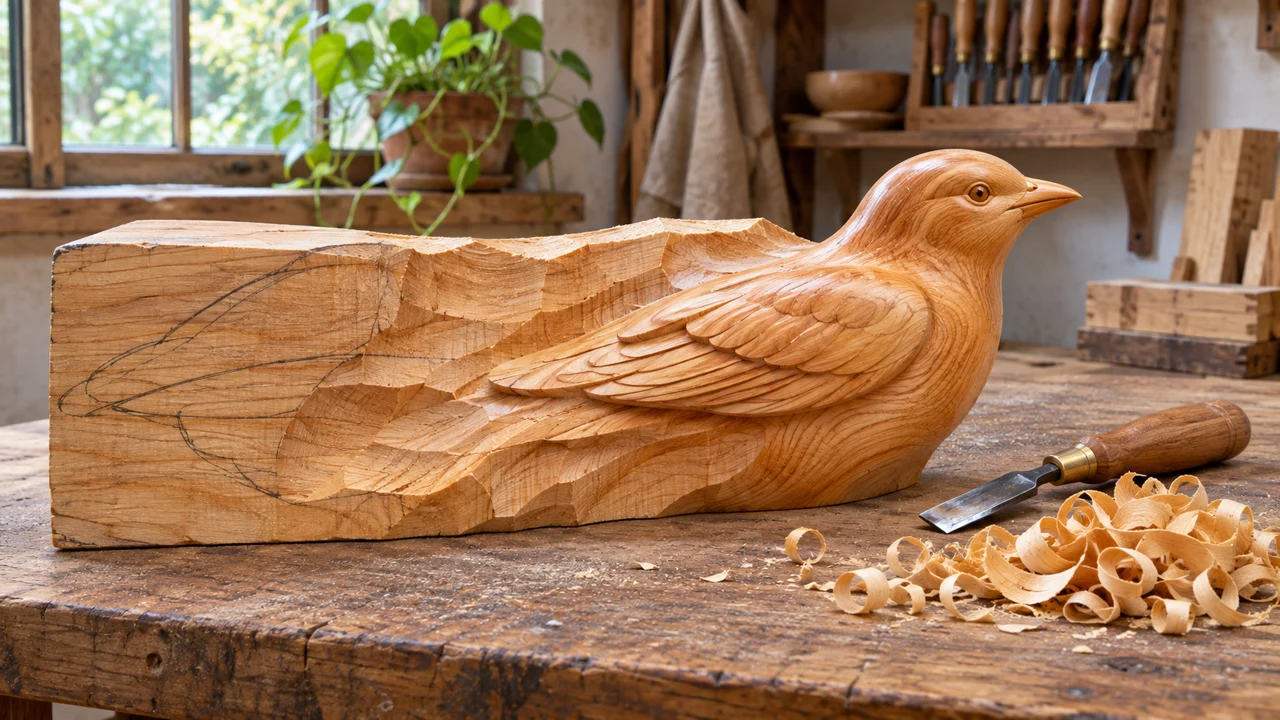
Wood Sculpture Timelapse
Plan four reference frames before animating. Match the wood grain and workbench marks across them.
Video prompts
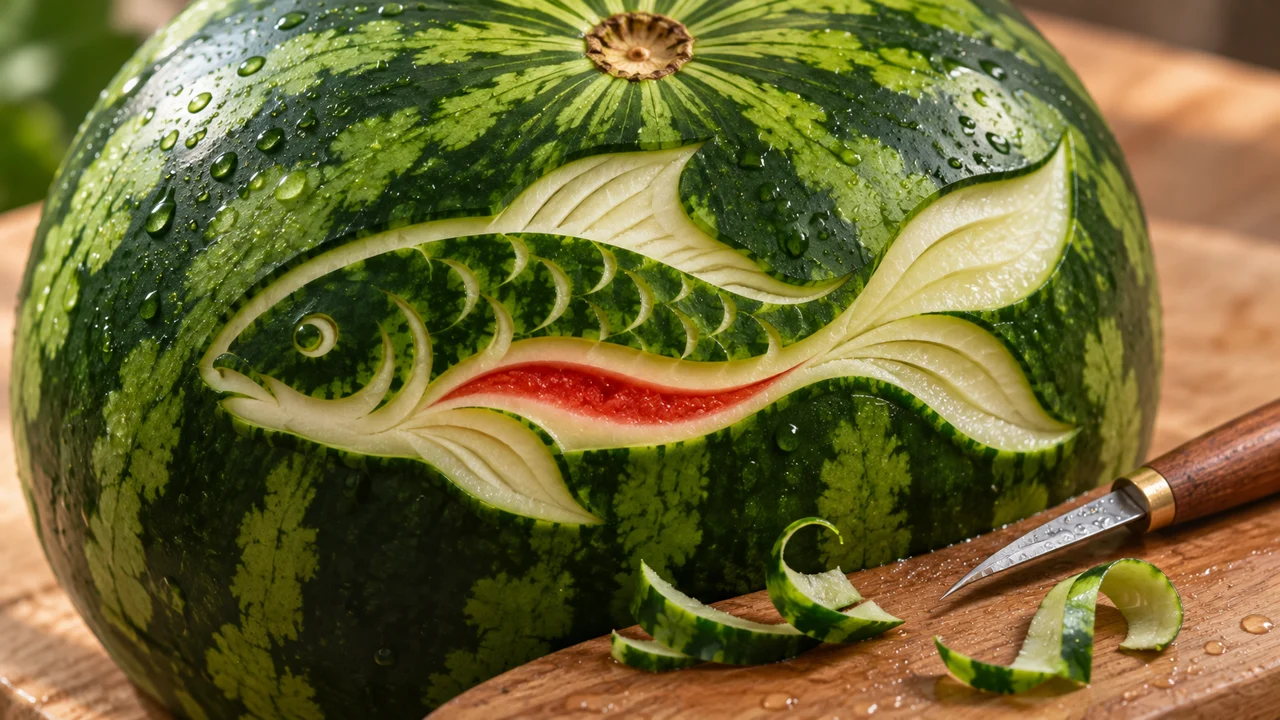
Watermelon Rind Relief in Macro
A simple moon or fish silhouette keeps the depth changes easy to judge. Design the final relief before generating the in-between shots.
Video prompts
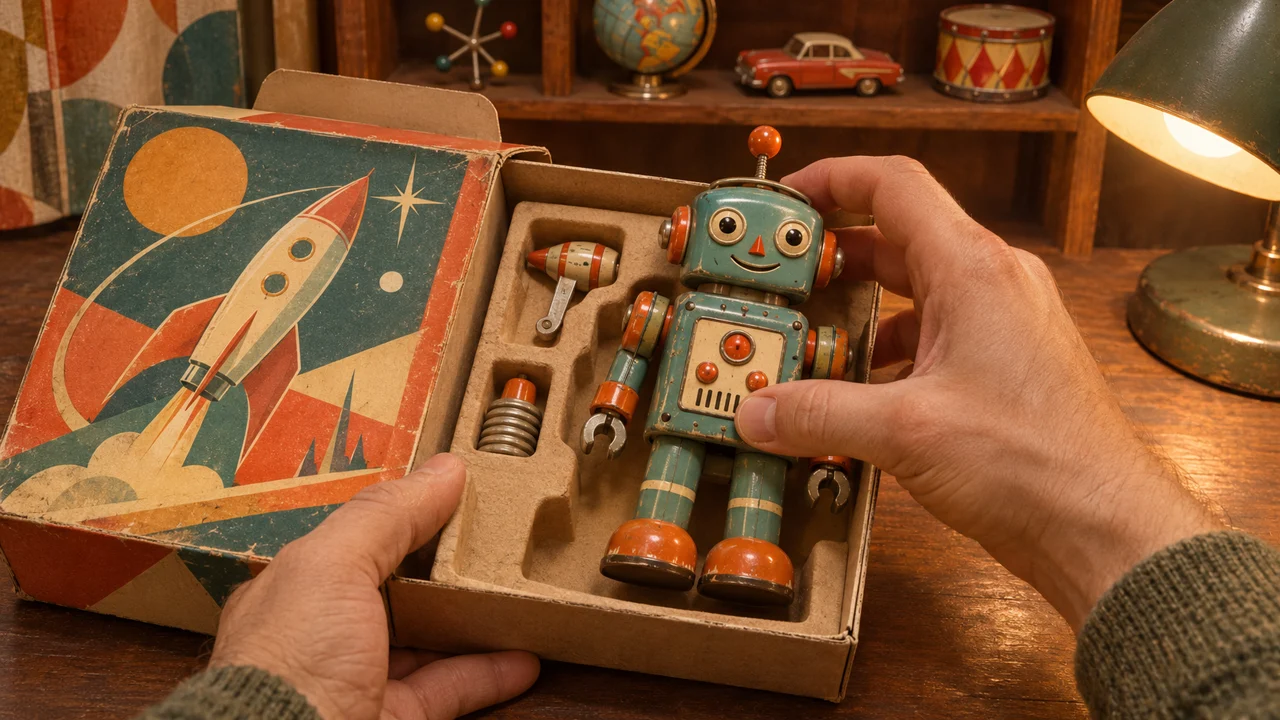
Retro Toy Unboxing in Immersive POV
Use your own package art and create an insert frame for the box tab. The tray should stay inside the box until you pull it out.
Video prompts
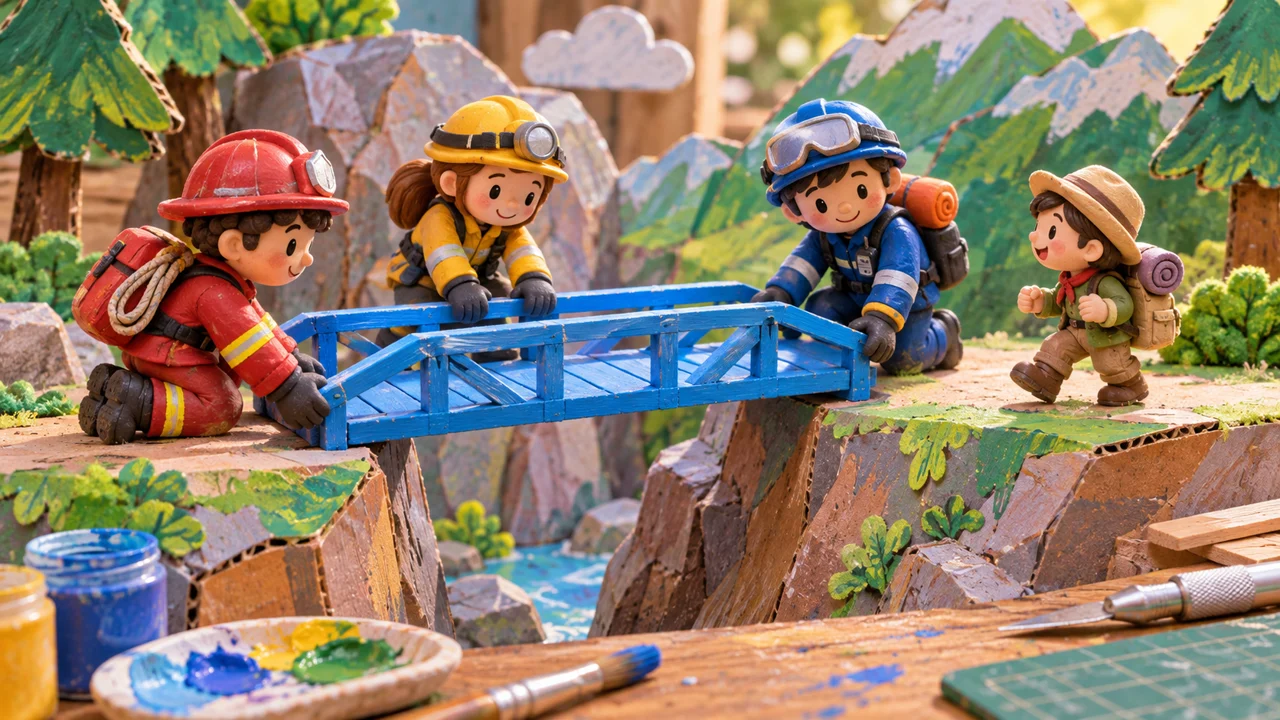
Miniature Rescue ASMR Story
Leave scale cues in frame so the audience can see they are watching a model set. Use a low-stakes obstacle with three clear positions.
Video prompts
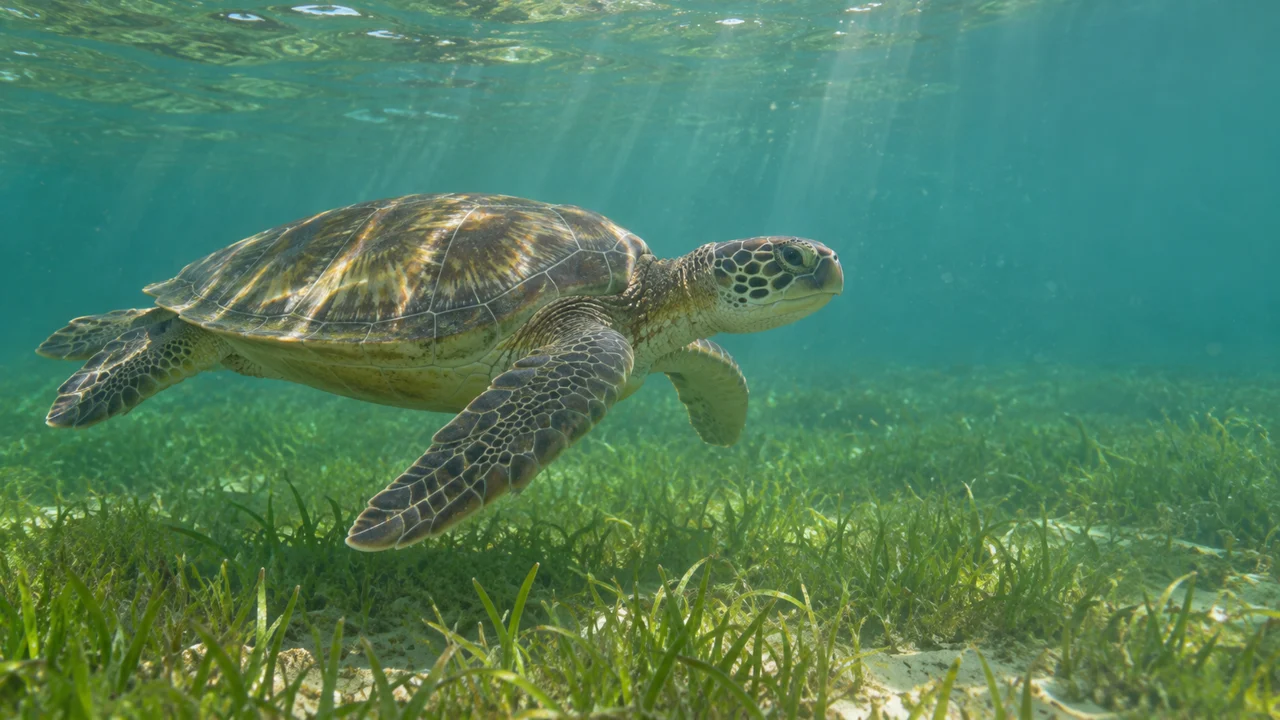
Underwater Wildlife Reconstruction
Use a species reference and check the anatomy at full size. Keep the habitat and behavior notes with the edit.

Video prompts
Fictional Pet Grooming Before and After
Stage this as an animated character moment. The same coat markings should be visible in the first and last frames.
Video prompts
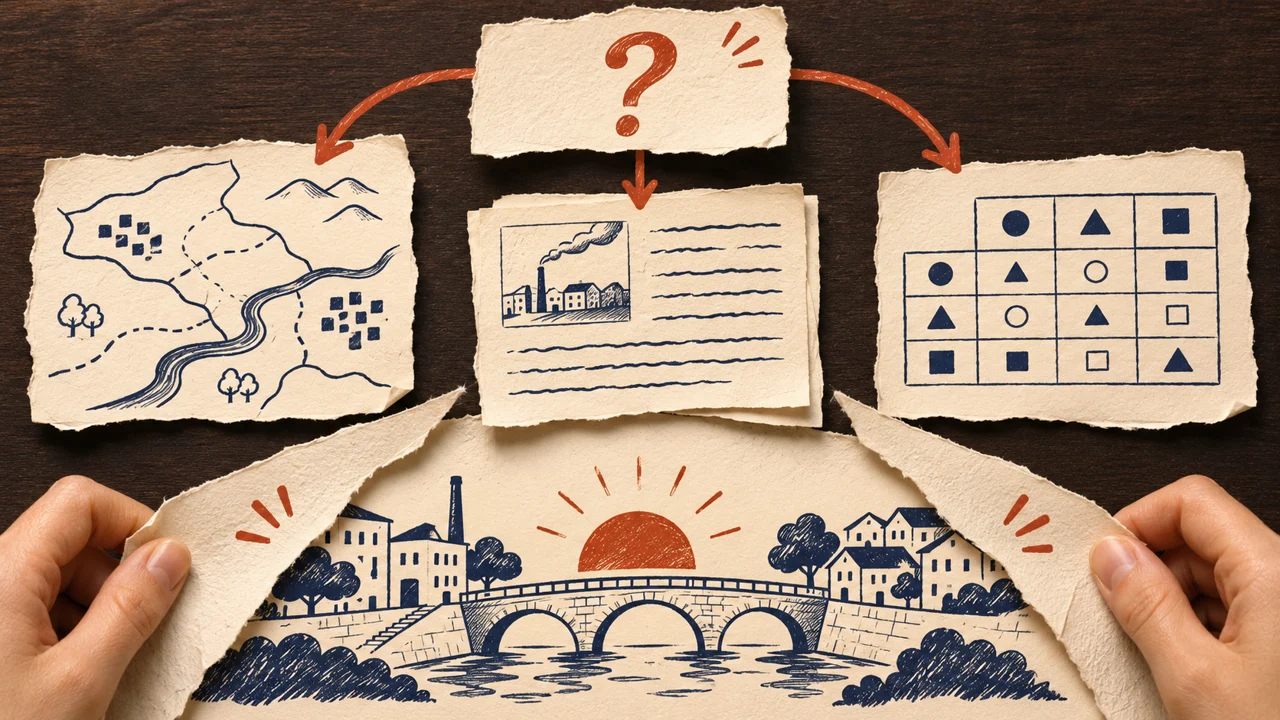
Paper Collage for Source-Led Commentary
Put the source beside each factual claim in your edit notes. Add the map labels and captions yourself for legibility.
Video prompts
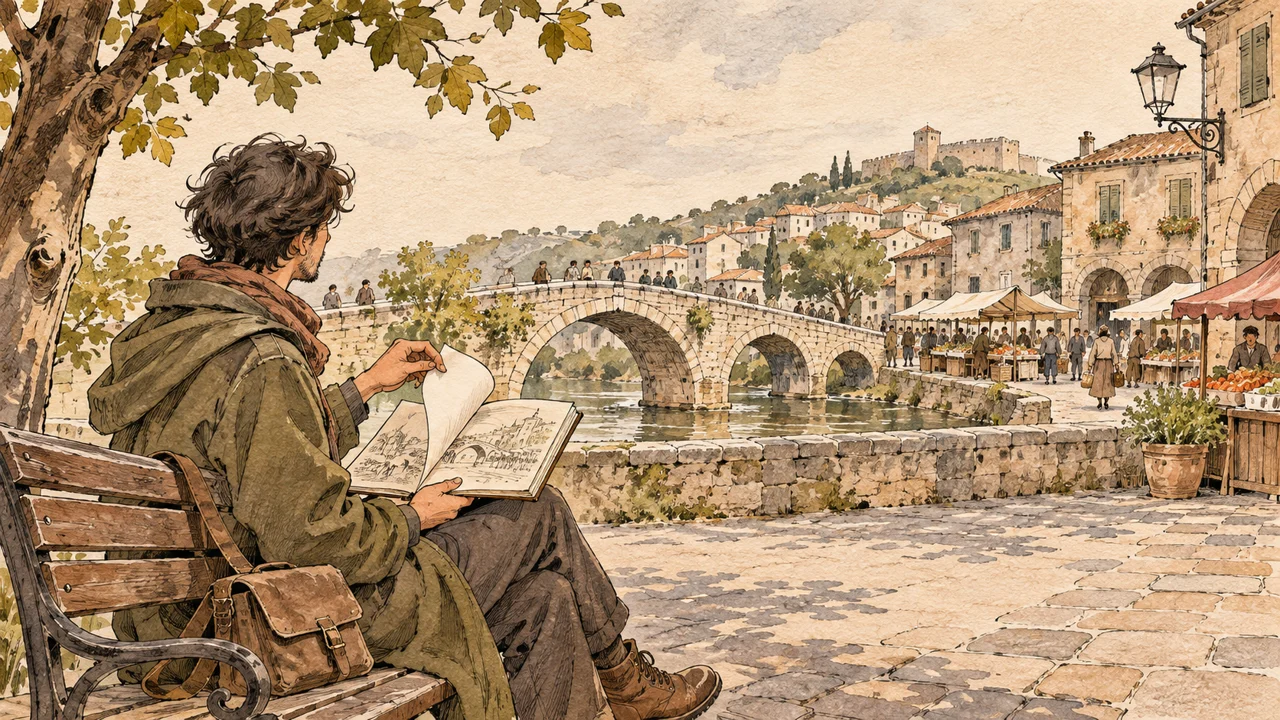
Hand-Drawn Sketch Commentary Scenes
Try a wide establishing frame followed by a single detail. Let the narration carry dates and names while the illustration handles location or movement.
Video prompts
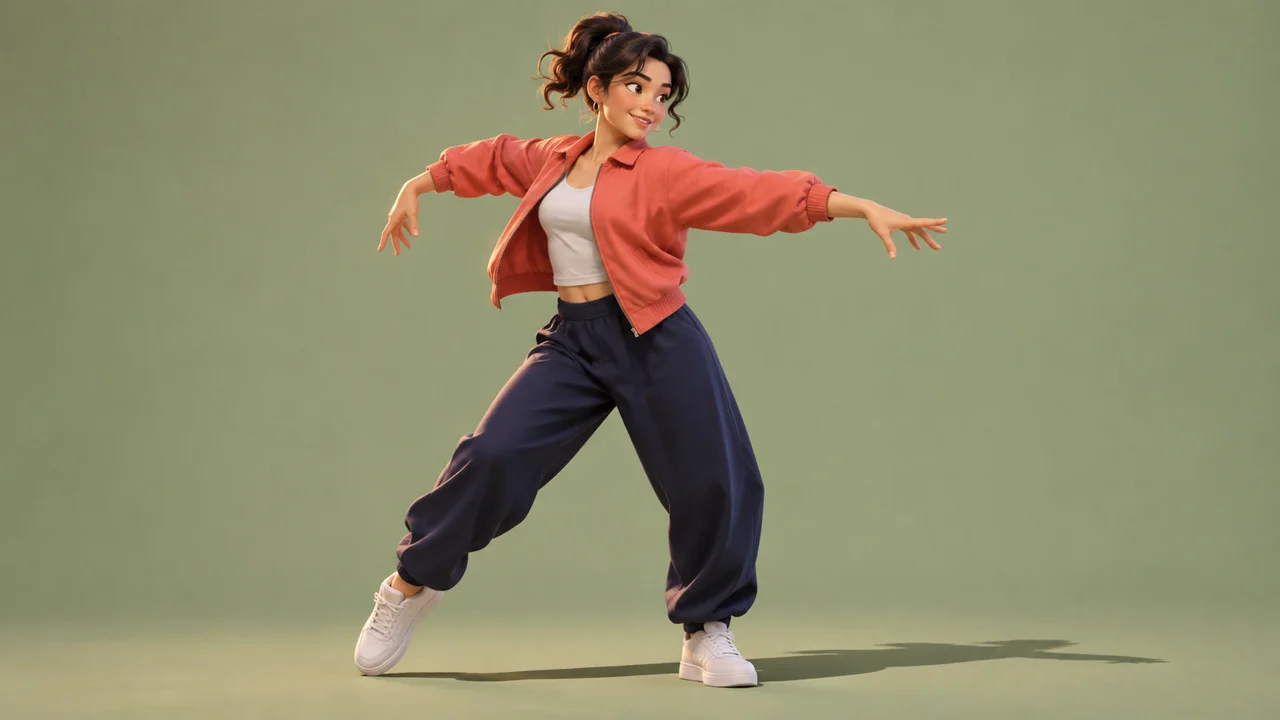
Original Dance Loop with Counted Poses
Create the four anchor poses first. Review foot contact and check that the final pose rolls cleanly into the first.

Video prompts
Lo-Fi Watercolor Ambience Loop
Run the export through three consecutive repeats and listen with headphones before extending the runtime.
Channel planning
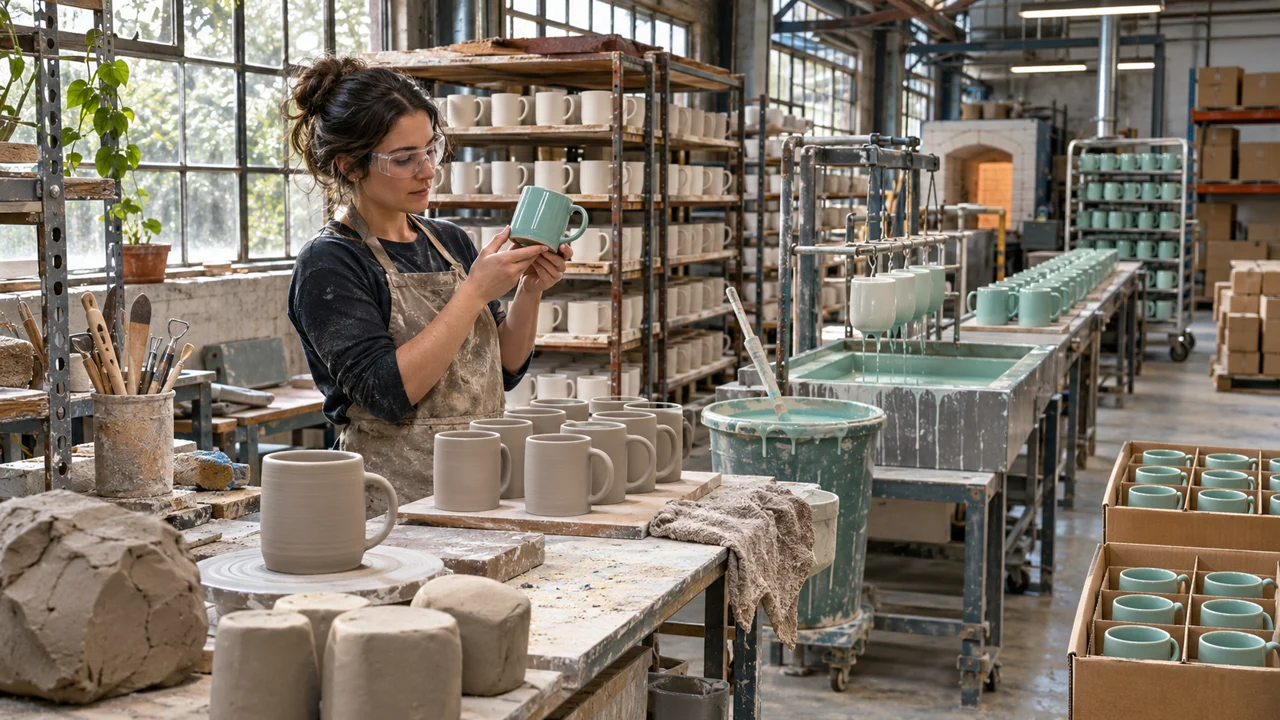
Factory Documentary Shot List and Narration
Start with a product whose production steps can be verified. A paper notebook or ceramic mug gives you several clear on-screen transformations.
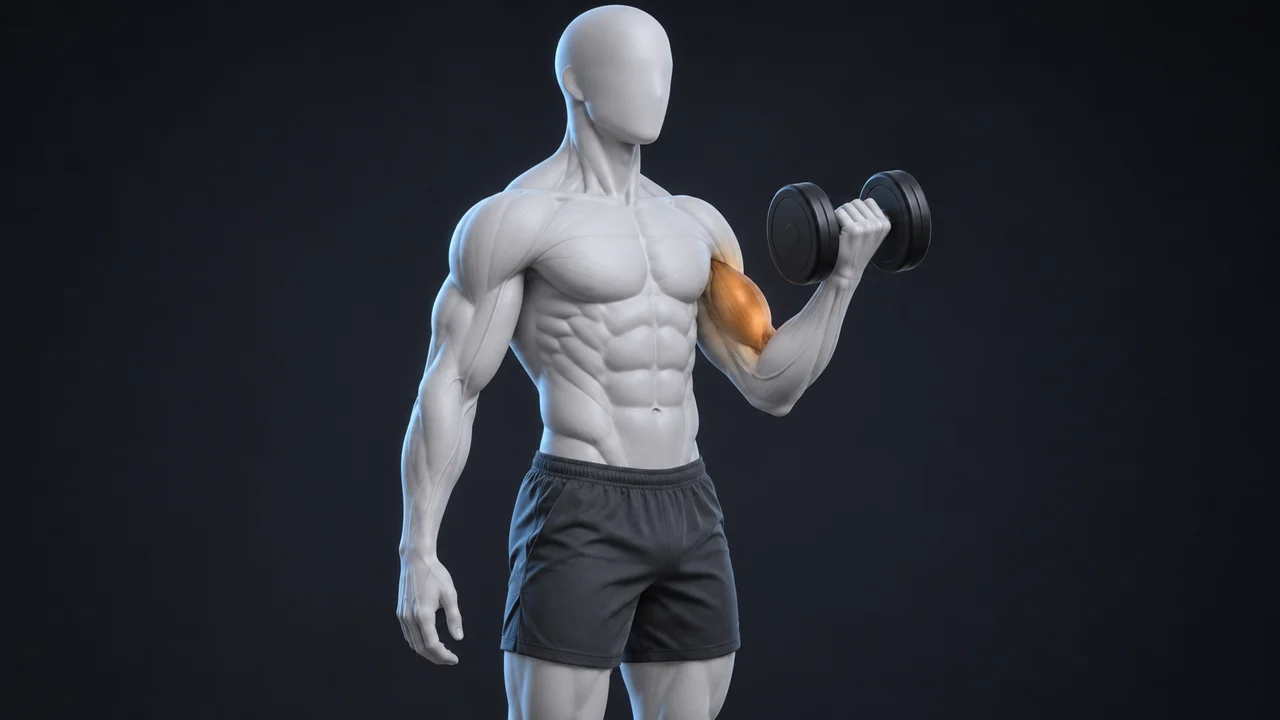
Video prompts
3D Fitness Anatomy and Form B-Roll
Try bench press, lat pulldown, dumbbell curl, squat, or pull-up. Check the muscle overlay and full repetition against a qualified form reference.

Channel planning
Zodiac Horoscope Reflection Reel
Use the same narration rhythm for a series, then vary the emblem, palette, and reflection question for each sign.

Channel planning
Guess the Logo Quiz with a Five-Second Hold
Composite authorized logo files in the editor. That keeps the clue faithful and the answer legible.

Channel planning
Printed Quiz Sheet with a Pen-Tick Reveal
Typeset or print the worksheet yourself. Check that the hand lands on the same question number, letter, and answer in the key.
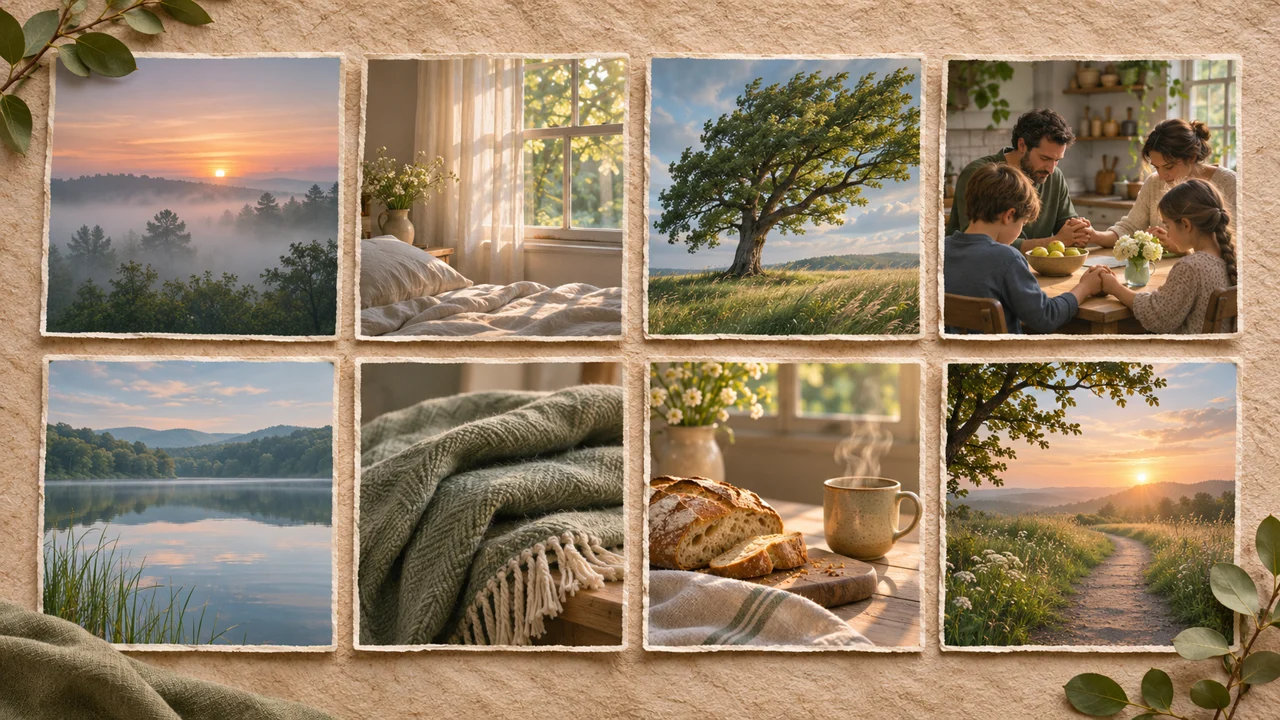
Channel planning
Eight-Part Daily Prayer Shorts Series
Record the prayers and time the captions first, then choose B-roll movements that leave room for the spoken pauses.
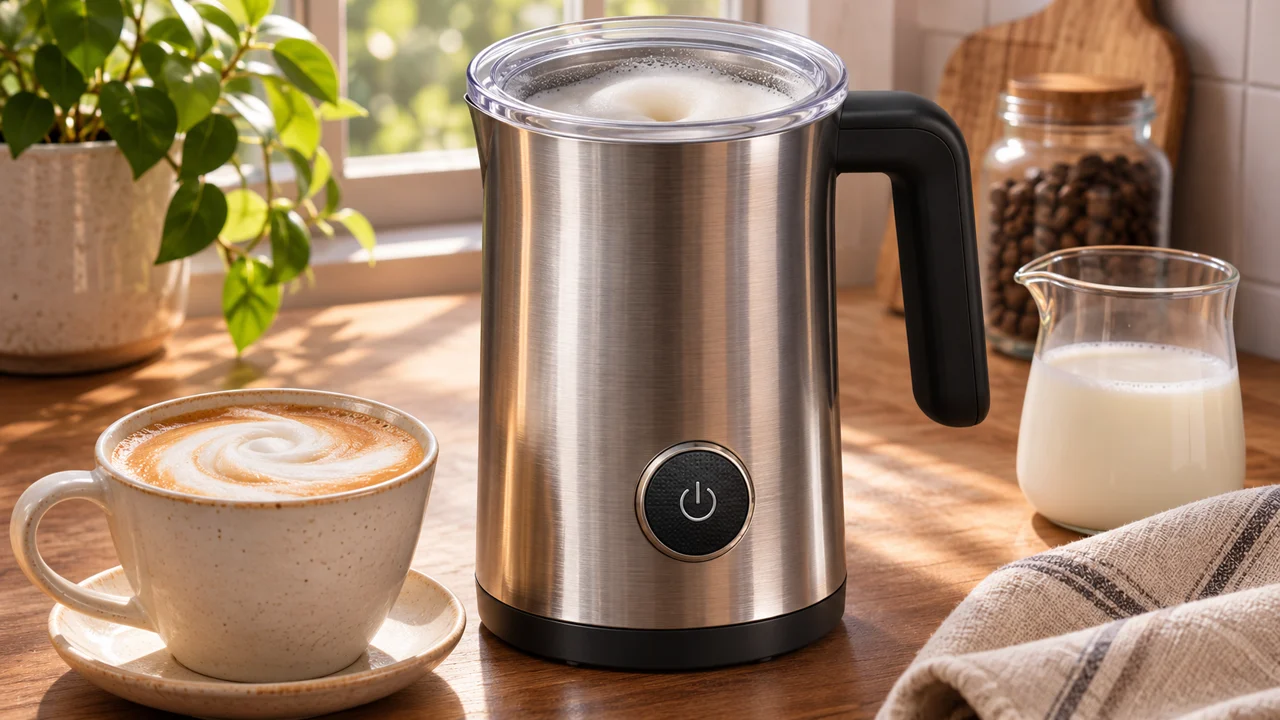
Video prompts
Affiliate Product Commercial B-Roll
Check every generated angle against the original product image, especially packaging text, caps, controls, and proportions.
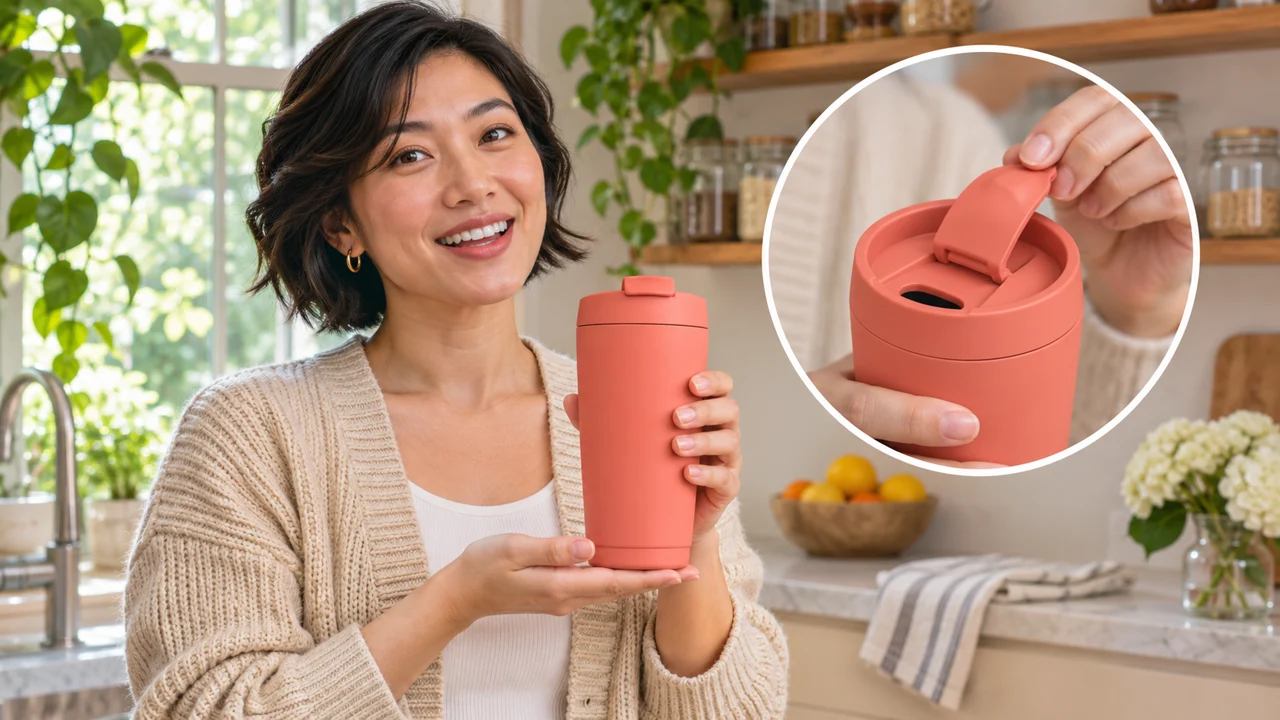
Video prompts
Virtual Presenter Affiliate Product Demo
Add a clear affiliate disclosure before the call to action and identify the presenter as virtual where applicable.
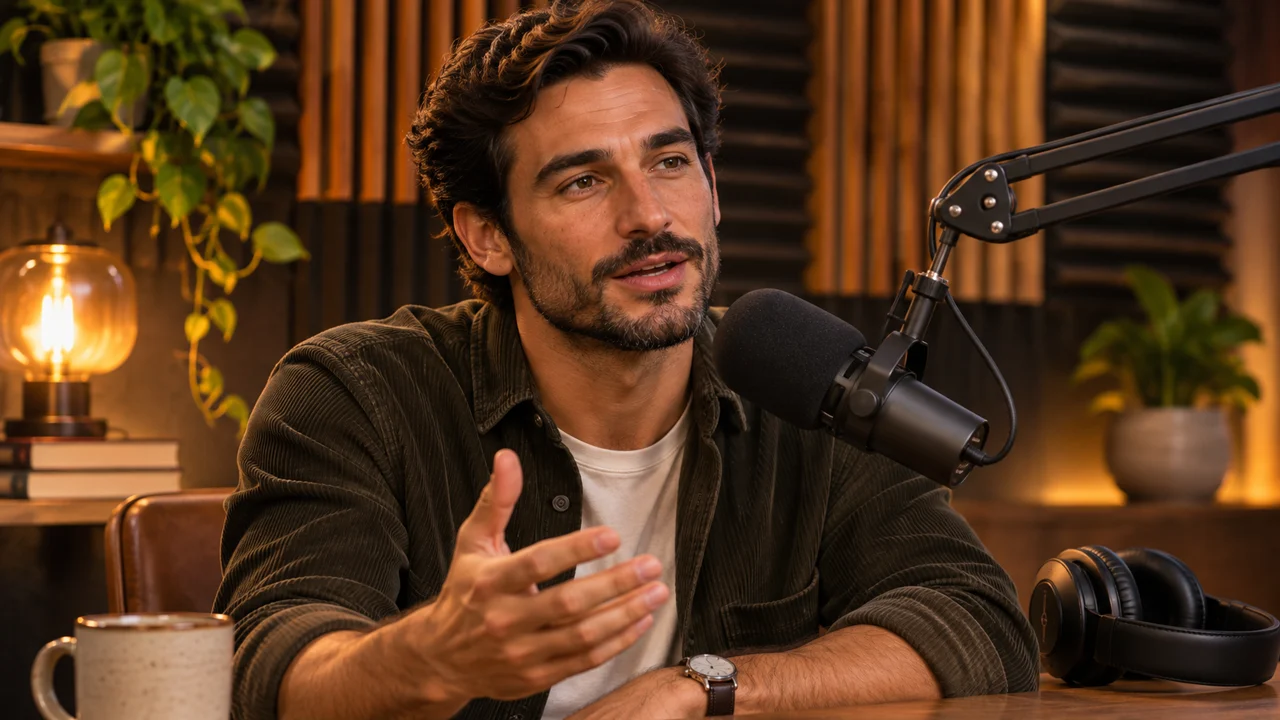
Video prompts
Scripted AI Podcast Clip with Clean Dialogue
Read the script aloud and split it between natural pauses before generating multiple takes.
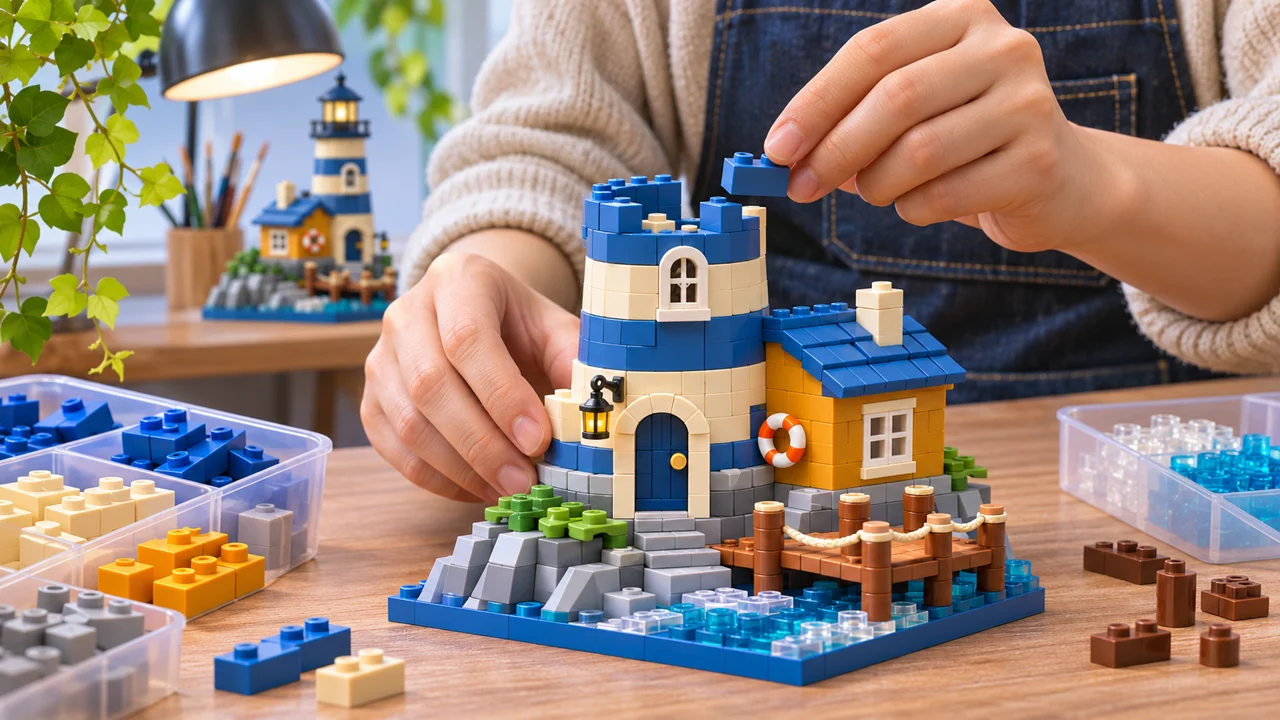
Video prompts
Original Construction-Brick Build Timelapse
Use matching end frames between clips. Check that built pieces stay attached and that the final reveal matches the approved design.
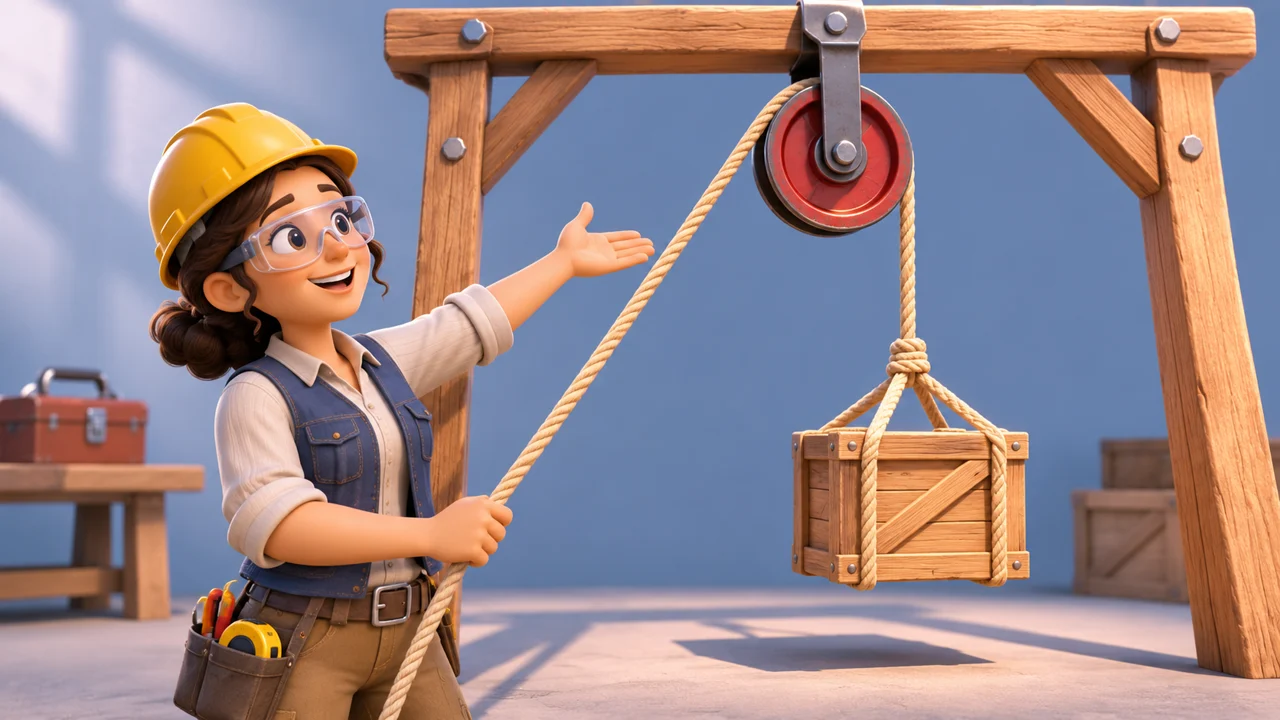
Video prompts
3D CGI Educational Explainer With Off-Screen Narration
Choose one concept you can demonstrate in two contrasting shots. Generate each shot separately and record the narration before setting the cut points.

Video prompts
Ten-Second Anime Cooking Montage Prompt
Use an original adult cook and one kitchen reference. Treat the timeline as an edit assembled from short clips if your model drops ingredients or steps.

Video prompts
First-Person Block-World Story With an Emotional Payoff
Give the recurring object one silhouette and one color. Show it in the setup, the memory, and the payoff so viewers can follow it in fast cuts.

Video prompts
Tagalog Folklore Horror B-Roll and Voiceover Prompts
Choose one legend and time each Tagalog line before generation. Reuse a location frame for matching before-and-after shots.
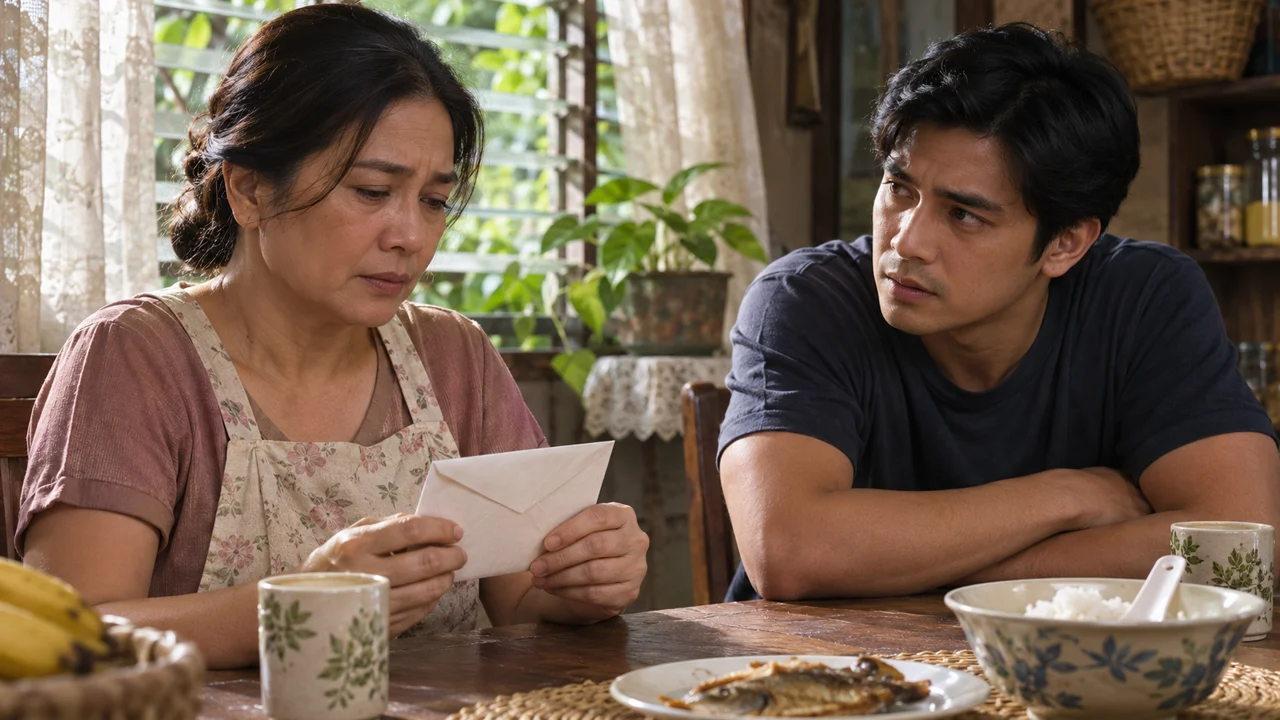
Video prompts
Five Tagalog Microdrama Scenes for Vertical Shorts
Keep the spoken exchange to two lines and give the second performer one silent beat. If the audio fails, record each line separately and cut to hands or objects.
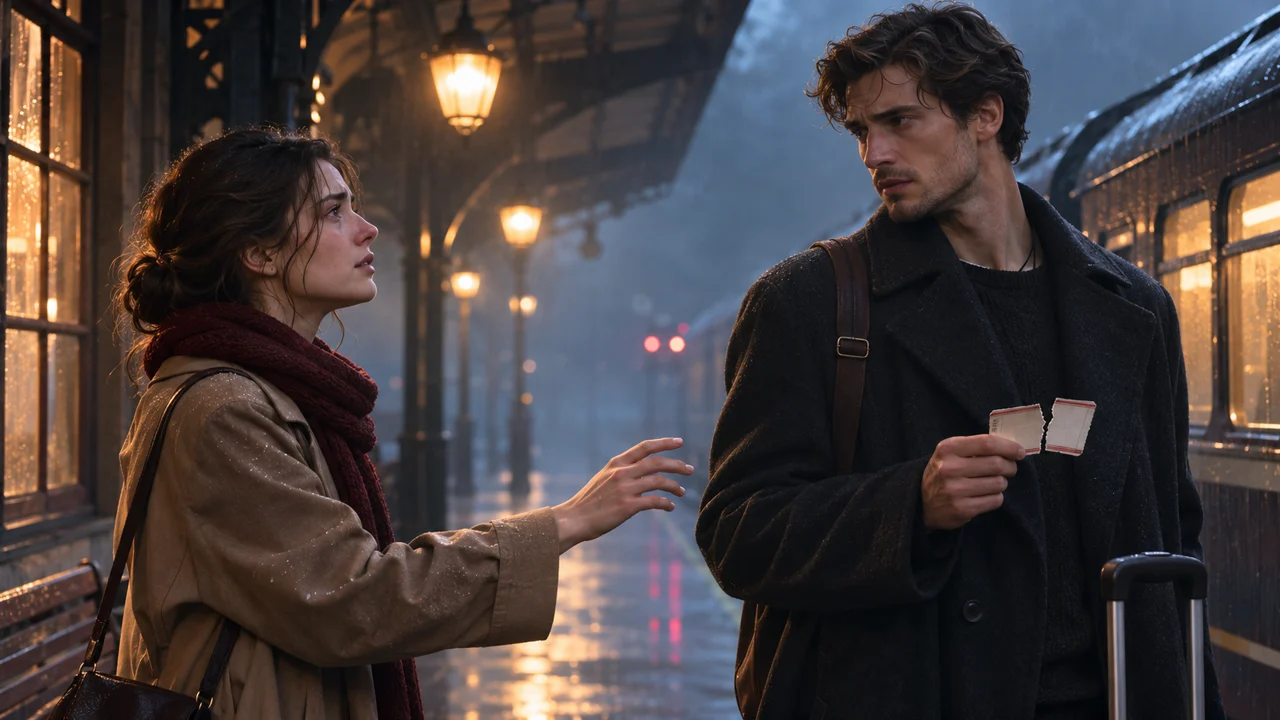
Video prompts
English Microdrama Prompts for Ten-Second Scenes
Play the exchange at normal speaking speed. Keep the revealing object in a consistent position when cutting between the two performers.
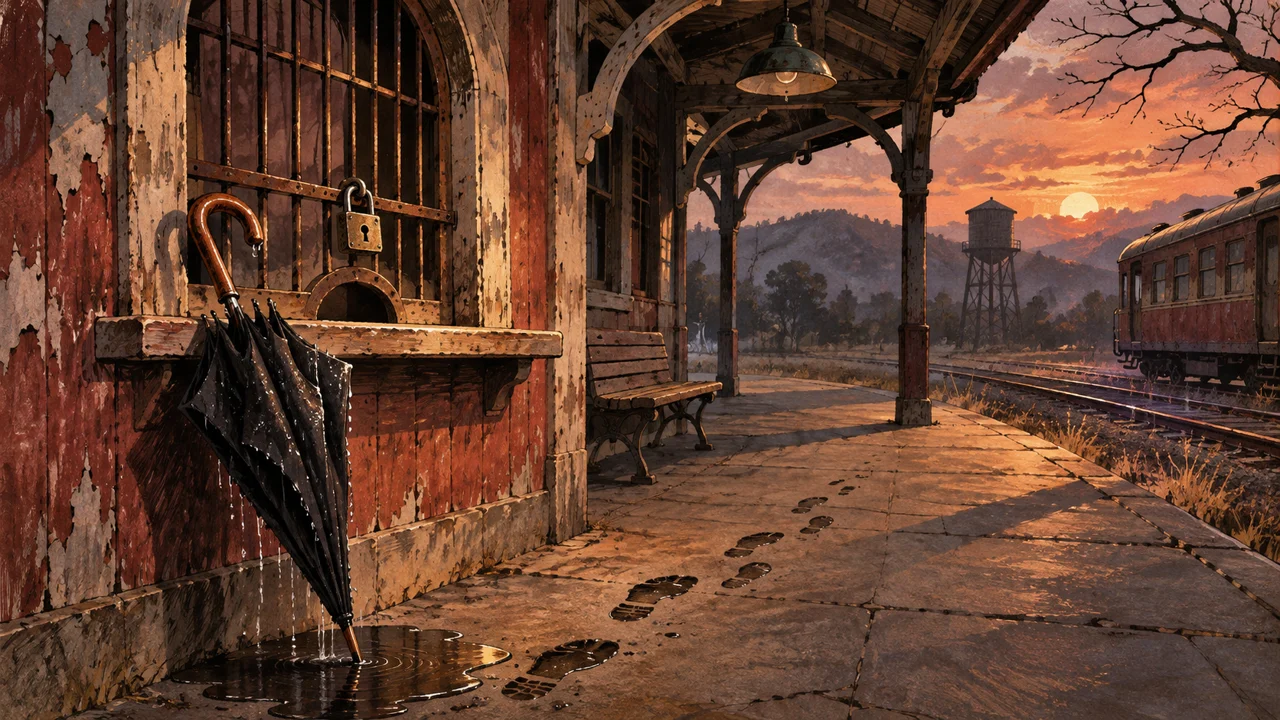
Video prompts
Illustrated Fictional Mystery Script and B-Roll Prompt
Put the clue in the first half and revisit it in close-up near the end. If it still fits the first explanation, the twist may need a more specific object.
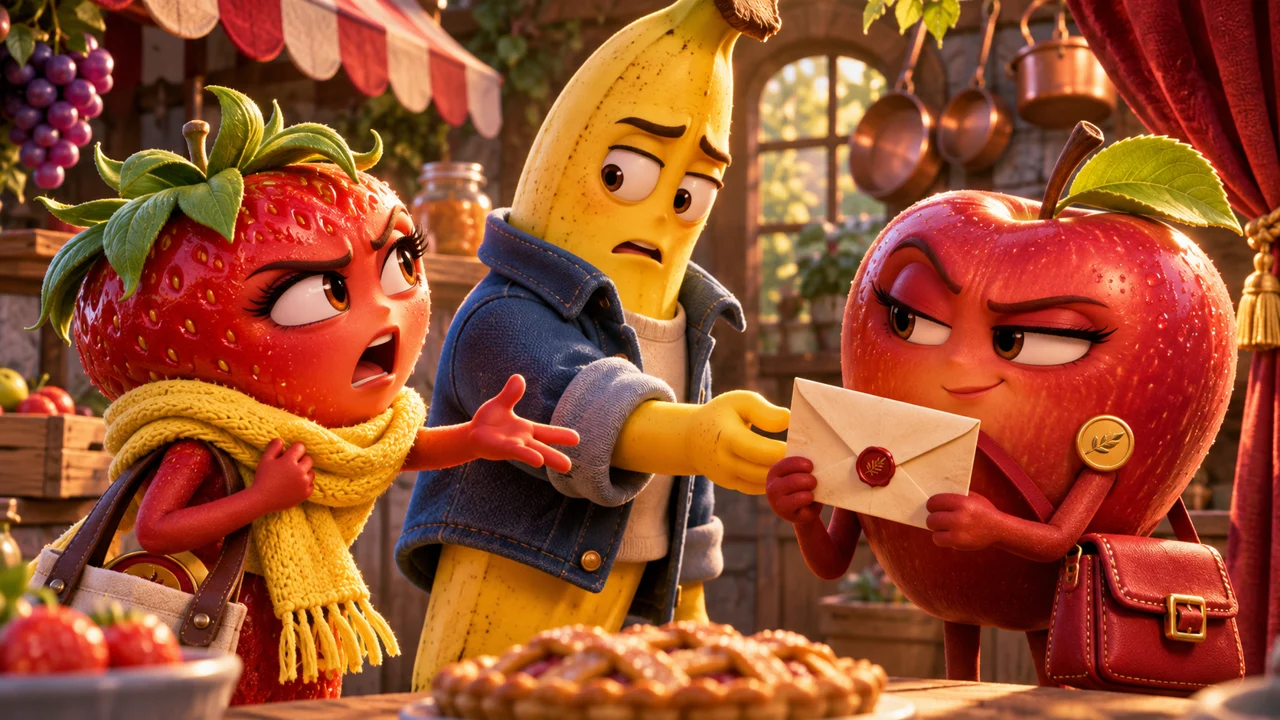
Video prompts
Five-Part Fruit Drama Series Prompt
Export the last frame and dialogue of each episode into the next generation. Verify the same prop remains in the same hand across an uninterrupted cut.
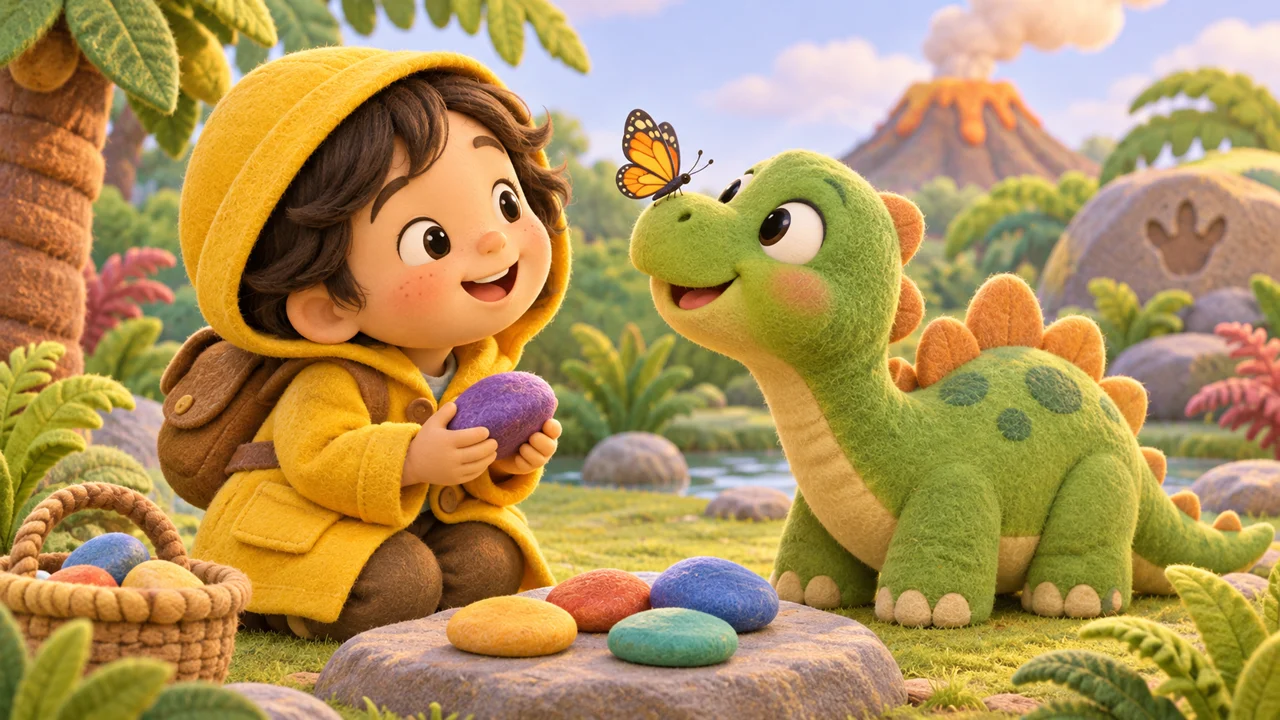
Video prompts
Five Gentle 3D Animation Prompts for Preschool Stories
Use one action per shot and keep the goal in frame. Rewatch without sound to check that the reveal still makes sense.
Video prompts
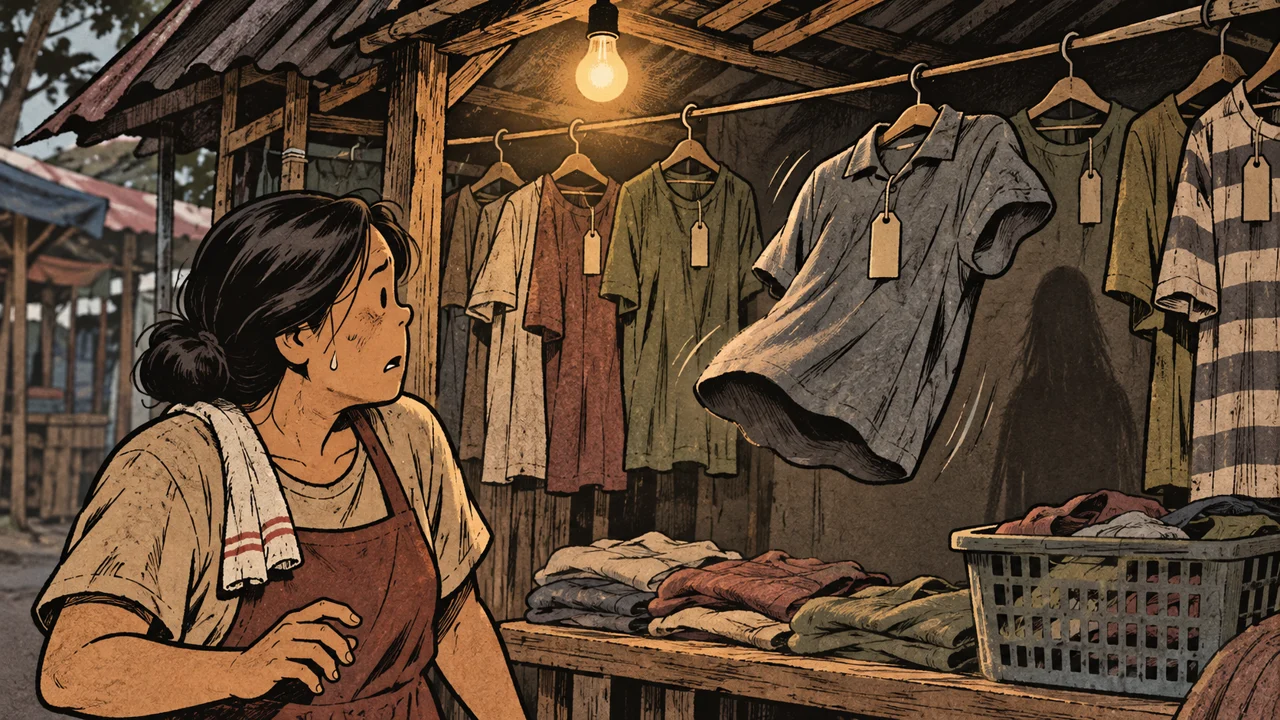
Tagalog Horror 2D Comic B-Roll Prompt
Make a reference sheet for faces, outfits, and common props. A held frame with a changing shadow can carry more suspense than a busy motion prompt.
Video prompts
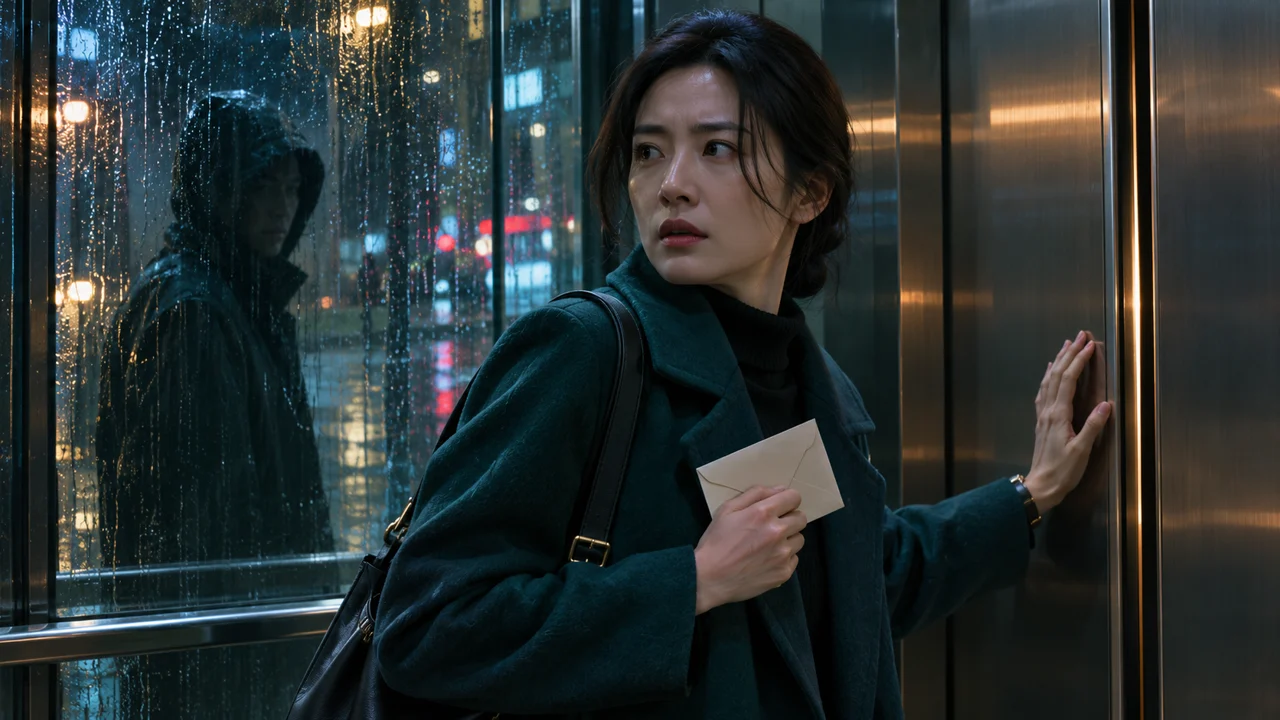
Mandarin Microdrama Prompts for Modern Suspense
Place characters and moving lights on an off-screen storyboard before generating. Use original or authorized voices for Mandarin dubbing.

Video prompts
Mandarin Period Microdrama With Weather and Standoffs
Lock the direction of wind, eyelines, and fabric between cuts. Use a wide shot followed by a close reaction to preserve the geography.