English Microdrama Prompts for Ten-Second Scenes
Play the exchange at normal speaking speed. Keep the revealing object in a consistent position when cutting between the two performers.
Make this prompt yours.
Create one cinematic 9:16 scene with original adult characters from [CHARACTER REFERENCES]. Choose [CONFLICT] or one of these premises. Use a two-shot to establish the relationship, a prop insert where needed, and one final silent reaction. Keep room tone present and genuine pauses between lines.

1. Relationship betrayal, apartment at night. A phone lights up beside two cups. “You said the messages stopped.” “I deleted the thread.” She slides one cup away.
2. Family secret, evening kitchen. A mother unfolds an old photo at the sink. “Why is your father in this picture?” “Look at the date on the back.” Hold on the mother turning it over.
3. Workplace credit, a quiet office after hours. An employee sets down the printed presentation. “Those were my numbers.” “I thought you’d see the draft.” “I saw the announcement.” End on the boss lowering the paper.
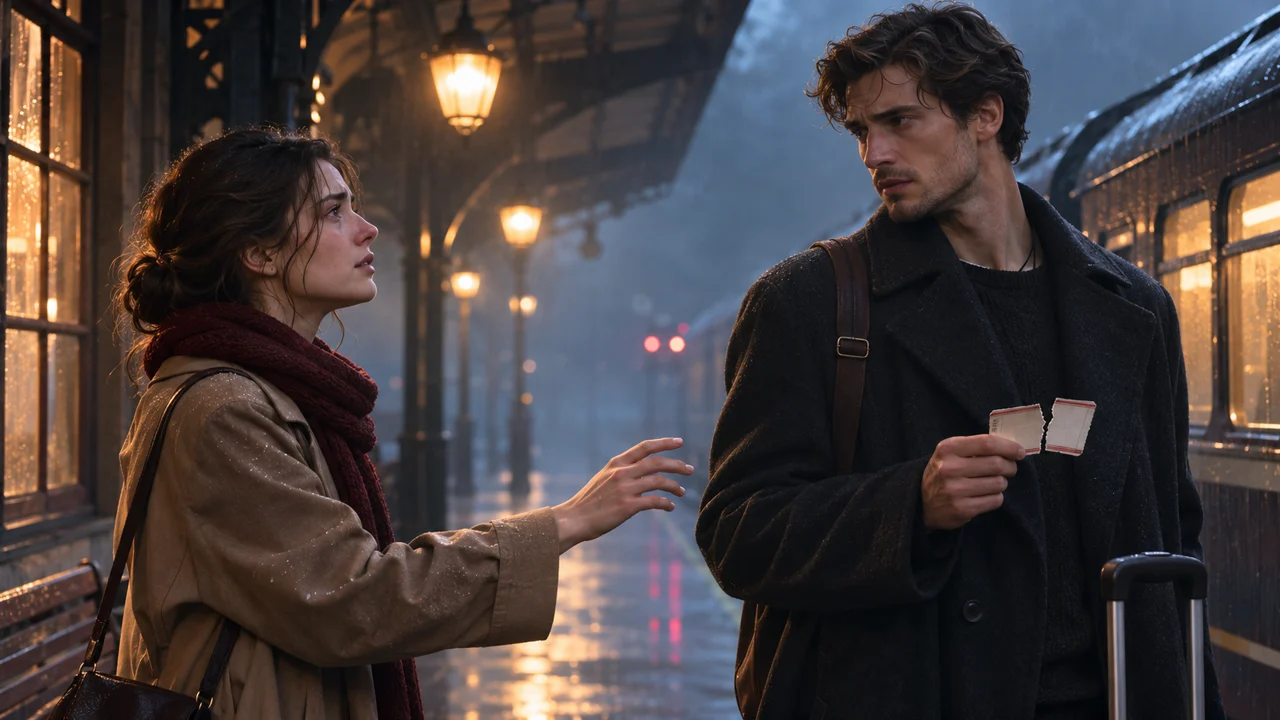
4. Unexpected goodbye, a rain-lit train station. “Please stay until morning.” “My train leaves in two minutes.” The partner closes the gap halfway, then stops. Hold on the traveler letting go of their hand.
5. Dinner confession, a small restaurant. “I read the letter.” “Which letter?” “The one you never sent.” The other person puts down their glass without answering.

Output a 10-second shot map and exact dialogue. Frame mouths only for lines that need visible sync and use small gestures on the pauses. Keep clean sound for separately recorded dialogue, captions, and the later edit.
Edit the full prompt
2 placeholders still unfilled
How to use it
Keep the model version, aspect ratio, and reference consistent when comparing drafts. Change one camera or lighting cue at a time so you can see what it affects.
Add specific context
Fill in the topic, audience, format, and any reference material you have. If a detail is unknown, ask your AI tool to flag it instead of inventing it.
Generate a draft
Paste the customized prompt into your chosen tool. Check which controls it supports; descriptive wording transfers more reliably than model-specific flags.
Review and refine
Check facts, remove claims you cannot support, and compare the output with your intended video. Change one detail at a time to understand what improves the result.
Keep creating
 Veo 3 Selfie Vlog (Talking Head) ↗
 POV Night Forest Walk ↗
 ASMR Close-Up Trigger Loop ↗
 AI Cooking Anime Sequence ↗