Affiliate Product Commercial B-Roll
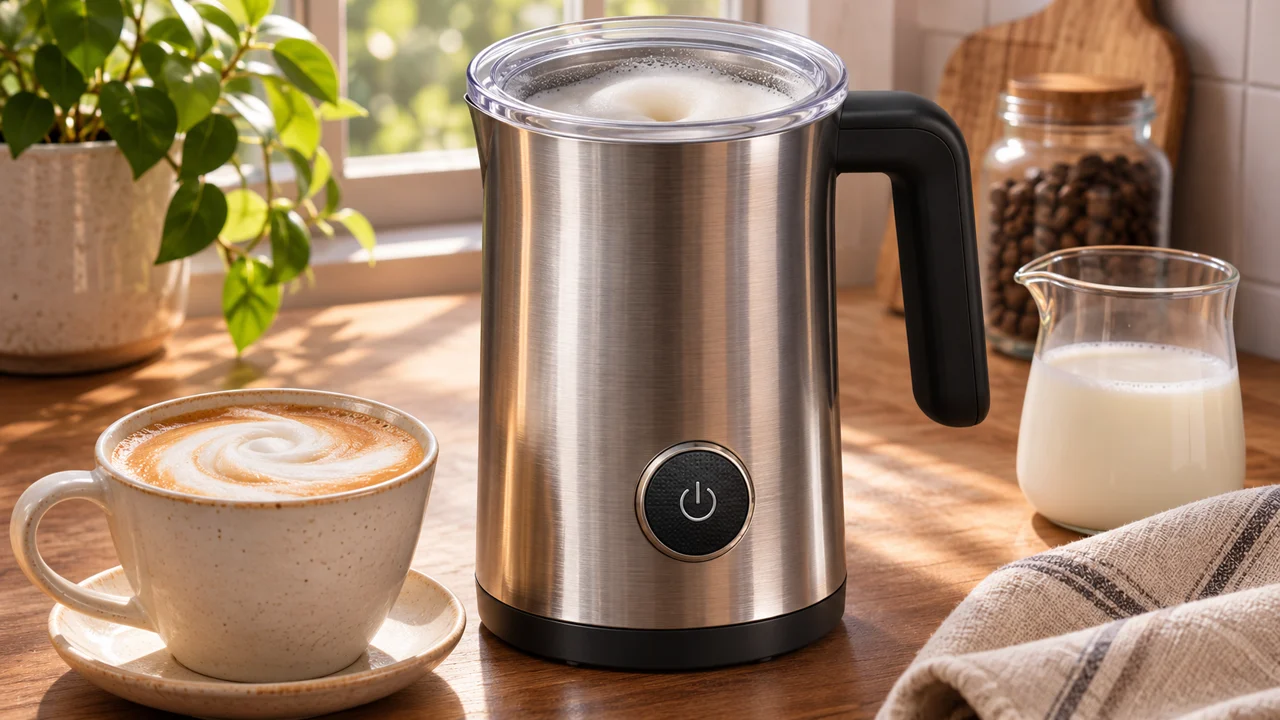
Check every generated angle against the original product image, especially packaging text, caps, controls, and proportions.
Make this prompt yours.
Create a 9:16 commercial B-roll sequence from an approved product reference.

PRODUCT: [PRODUCT]
REFERENCE IMAGE: [REFERENCE IMAGE]
VISIBLE FEATURE: [FEATURE]
SURFACE AND LIGHTING: [SET DESCRIPTION]

Build three shots: a clean establishing frame, a close-up of the chosen feature, and a closing hero shot with room for the disclosure and call to action. Use controlled movement, plausible reflections, and consistent product scale. Keep the exact silhouette, color, materials, visible controls, and packaging consistent with the approved reference. Keep any unreadable label detail out of the shot or composite the approved packaging in post.

Return a short timing plan and a stand-alone prompt for each shot. Limit demonstrations to visible, verified behavior. Put any pricing, product claims, and affiliate disclosure in the edit using the supplied copy.
Edit the full prompt
4 placeholders still unfilled
How to use it
Keep the model version, aspect ratio, and reference consistent when comparing drafts. Change one camera or lighting cue at a time so you can see what it affects.
Add specific context
Fill in the topic, audience, format, and any reference material you have. If a detail is unknown, ask your AI tool to flag it instead of inventing it.
Generate a draft
Paste the customized prompt into your chosen tool. Check which controls it supports; descriptive wording transfers more reliably than model-specific flags.
Review and refine
Check facts, remove claims you cannot support, and compare the output with your intended video. Change one detail at a time to understand what improves the result.
Keep creating
 Virtual Presenter Affiliate Product Demo ↗
 Veo 3 Selfie Vlog (Talking Head) ↗
 POV Night Forest Walk ↗
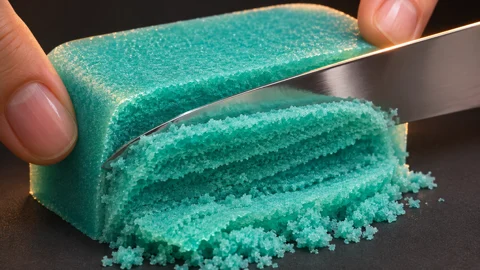 ASMR Close-Up Trigger Loop ↗