Scripted Podcast Clips
Script an original podcast clip with a short exchange, distinct speakers, and a clear edit plan for captions and reaction shots.
Start with the viewer promise.
Build a short exchange around one real question. Give the second speaker a concrete observation the first speaker can react to.
Who it may suit Viewers interested in compact conversations about a specific creator decision or topic.
Formats to try Shorts (9:16) · 20–60s
Make the channel distinct.
One question and one useful example
Use a recurring pair of speakers who bring different experiences. Center each short on something the audience can try or observe.
Ideas for your first episodes
Build a repeatable episode.
Plan the opening
Write one question and a short answer grounded in an example.
Build the middle
Record each speaker to a separate track.
Finish the episode
Cut on changes in thought and check captions against the voices.
Editable scene examples
Keep one action per clip. Use the camera and lighting cues as a starting point and change one setting per take so you can see what improved.
One useful sound comparison
Narration / character direction
Host: “Why record the paper twice?” Guest: “The close mic catches the tear. The room mic tells you where it happened.”
Image prompt
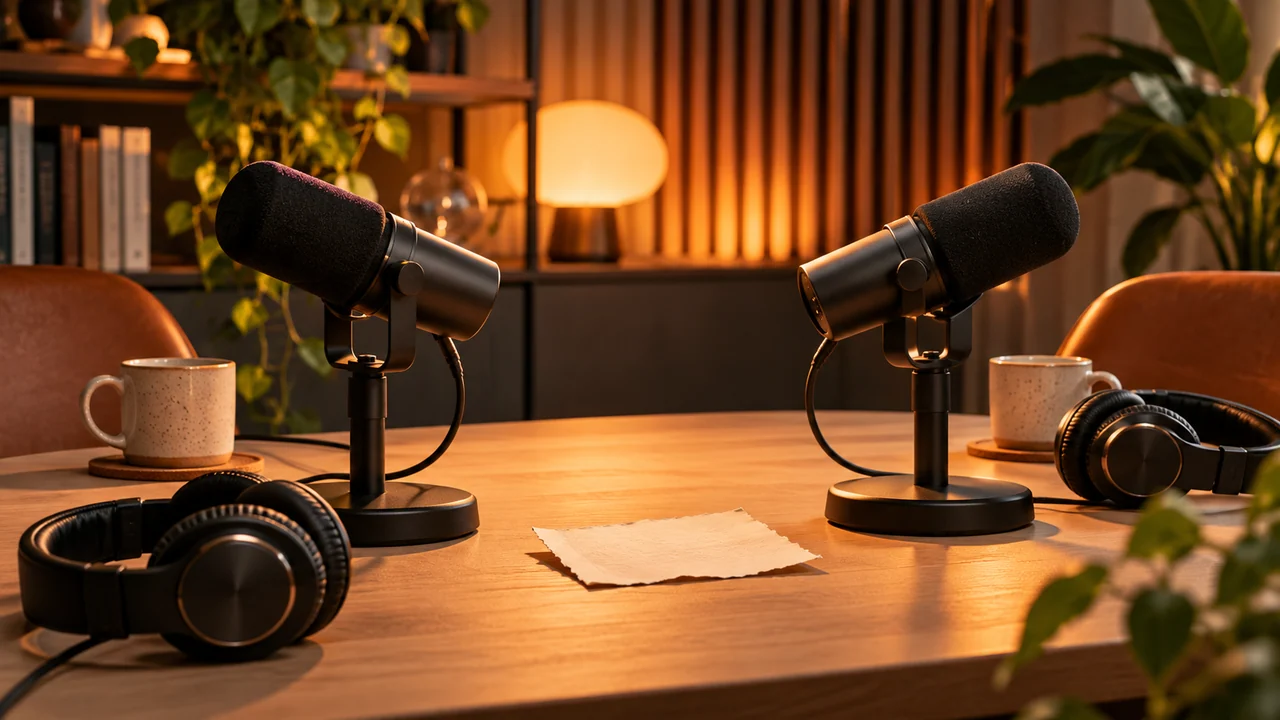
Two cleared performers at opposite sides of a table, with a paper sample and two distinctly positioned microphones.
Motion prompt
Hold on the guest for the full answer. Cut to a single insert of the paper before returning for a reaction.
Prompt library templates
Before you publish
- Obtain approval for the voices or use original authorized voices.
- Identify fictional scripted speakers in the clip presentation.
For factual content, keep a source record and verify the narration. For fictional scenes, make the presentation clear to your audience.
Common questions
What makes a podcast clip work on its own?
Put the subject in the opening line and include enough of the answer to deliver a complete point. Leave any sponsor or longer-show message for the end.