Tagalog Dub for an Original Microdrama
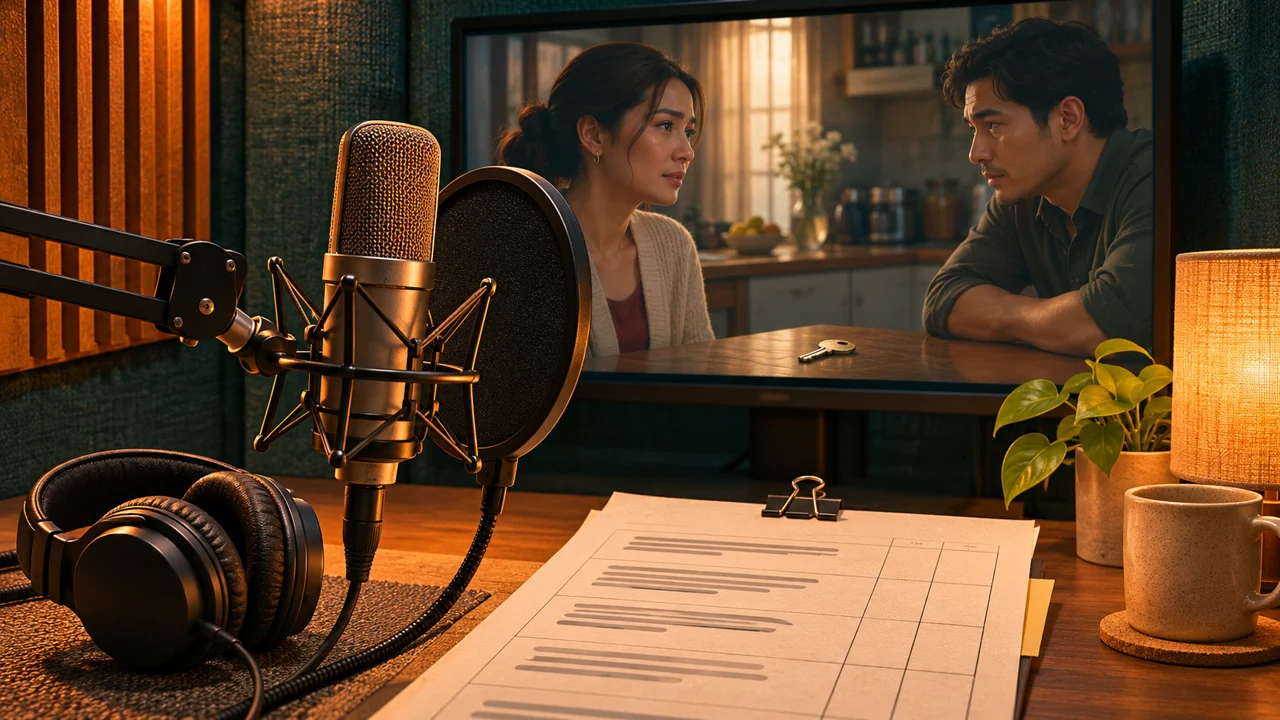
Record a scratch read with the scene open. Adjust the lines that run into reactions or important sound effects.
Make this prompt yours.
Localize [AUTHORIZED SCRIPT] into natural spoken Tagalog. Keep the relationships and stakes intact. Create a cue sheet with time in, time out, character, translated line, and delivery. Use everyday dialogue like “Sandali. Bakit nandito pa ’yung susi?” when it fits the character. Give each beat room for the actor's reaction. Preserve the original scene credits and flag jokes or idioms that need a second interpretation. Use a voice actor or a voice cleared for this production.
Edit the full prompt
1 placeholder still unfilled
How to use it
Keep the model version, aspect ratio, and reference consistent when comparing drafts. Change one camera or lighting cue at a time so you can see what it affects.
Add specific context
Fill in the topic, audience, format, and any reference material you have. If a detail is unknown, ask your AI tool to flag it instead of inventing it.
Generate a draft
Paste the customized prompt into your chosen tool. Check which controls it supports; descriptive wording transfers more reliably than model-specific flags.
Review and refine
Check facts, remove claims you cannot support, and compare the output with your intended video. Change one detail at a time to understand what improves the result.
Keep creating
 Clipping Plan for Owned or Licensed Footage ↗
 Animal Cooking Channel Series Plan ↗
 Anime Fight — Versus Format ↗
 POV Video Idea Machine ↗