Underwater Wildlife Explainers
Plan an underwater wildlife explainer with species references, believable motion, and clear labels for any generated reconstruction.
Start with the viewer promise.
Make one observable trait the center of the episode. Establish where the scene takes place and which parts are a reconstruction.
Who it may suit Nature viewers who want to learn how a marine animal moves or fits into its habitat.
Formats to try Both · 30s–3 min
Make the channel distinct.
A field guide in motion
Choose a feature a viewer could spot on a real dive, then give it a close shot before widening to the habitat.
Ideas for your first episodes
Build a repeatable episode.
Plan the opening
Verify one trait and the habitat where it can be seen.
Build the middle
Build close and wide frames around the same species reference.
Finish the episode
Add sourcing and clarify reconstructed scenes in the edit.
Editable scene examples
Keep one action per clip. Use the camera and lighting cues as a starting point and change one setting per take so you can see what improved.
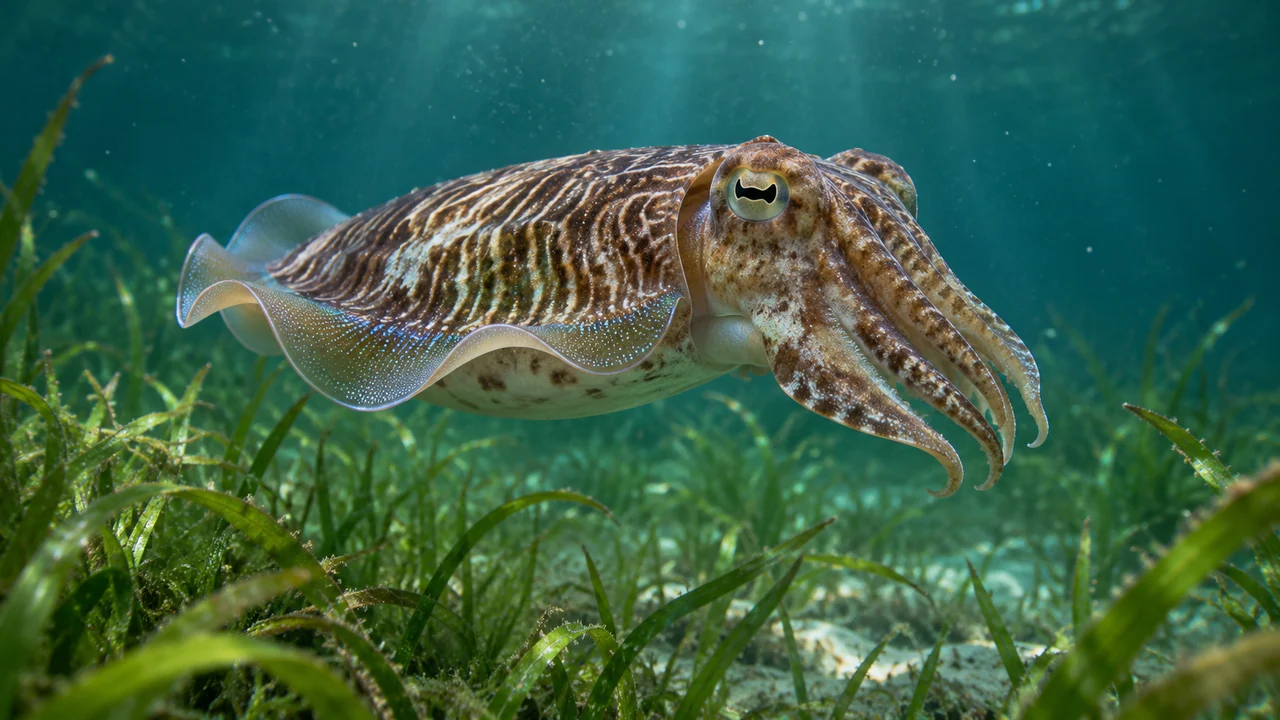
A cuttlefish at the edge of seagrass
Narration / character direction
Watch the thin fins along the sides of the body as the animal holds its place.
Image prompt
Cuttlefish and seagrass based on verified species references, suspended particles, realistic muted contrast at depth.
Motion prompt
Hold a side view long enough to see the small fin waves. Leave a lower corner open for an AI reconstruction label.
Prompt library templates
Before you publish
- Confirm fin, limb, and eye placement at full size.
- Identify the source of licensed footage and the status of generated scenes.
For factual content, keep a source record and verify the narration. For fictional scenes, make the presentation clear to your audience.
Common questions
Can I mix reconstructed visuals and real footage?
Yes. Label the reconstructed section clearly and keep the source record and license information for each real clip.