Translate Narration for an Existing Picture Edit
Adapt translated narration to an existing picture edit by preserving meaning, matching shot changes and revising captions for the new language.
What you’ll take away
- Translate meaning before matching duration
- Check every visual reference
- Rewrite captions for the target language
A translated script rarely fits an existing edit word for word. Mark the picture beats and the meaning each line must carry. Then adapt the spoken phrasing to the available time, revising the edit only when an important instruction cannot be understood at the original pace.
Map what the picture proves
List objects, gestures, labels and shot changes viewers can see. Flag phrases such as “this button” or “as you can see” because the translated version must point to the same moment. If an on-screen label remains in the source language, decide whether to add a localized graphic or explain it in narration. Mark any action that appears only briefly.
Translate for speech and timing
Have a fluent speaker adapt meaning, not just word order. Read the translation aloud against the timeline. A language may need more syllables for the same idea, so shorten redundant phrasing, move a sentence to a later shot or hold a visual slightly longer. Do not speed up the voice until it sounds rushed. Keep names, measurements and instructions checked against the approved terminology.
Rebuild captions independently
Create captions from the final target-language recording, not by squeezing source caption breaks into new words. Check line breaks, names, reading speed and punctuation with a fluent reviewer. Ensure captions do not cover product labels or the action they describe. Compare written captions with the performed voiceover so they do not describe different versions of a line.
Example adaptation
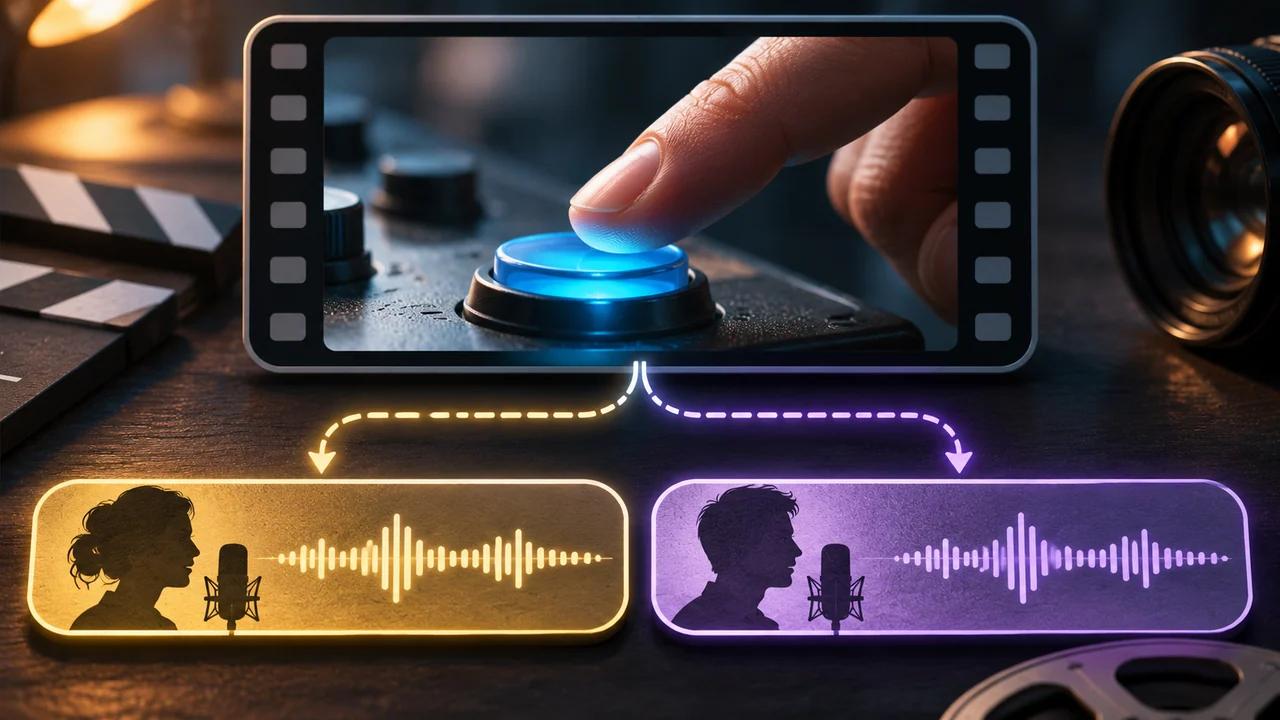
If the source says “Tap the blue control here” while the picture shows a control on the right, the translation should retain the location cue only if that same control remains visible. If the shot has changed, use the control’s name or adjust the cut. Review each sentence with picture and sound together so the new narration explains the footage viewers actually see.
Review references with a fluent speaker
Ask the reviewer to flag wording that sounds translated, ambiguous or too formal for the channel. Then check each flagged line against the visible action and available duration. A literal direction can become unclear after a shot reorder, even when the translation is fluent. Final approval should include the rendered video, not only a script document, because timing and picture context shape meaning.
Sources & further reading
Put it into practice
- A Repeatable Faceless Content Workflow: Idea to Published Video
- How to Write AI Video Prompts That Produce Usable Shots