Translate Prompt Directions Across Image and Video Generators
Keep stable visual facts and add motion directions when adapting an image idea to video.
What you’ll take away
- Retain the subject and visual identity.
- Add start, action, and end states.
- Check the destination tool’s reference support.
Carry over stable visual facts
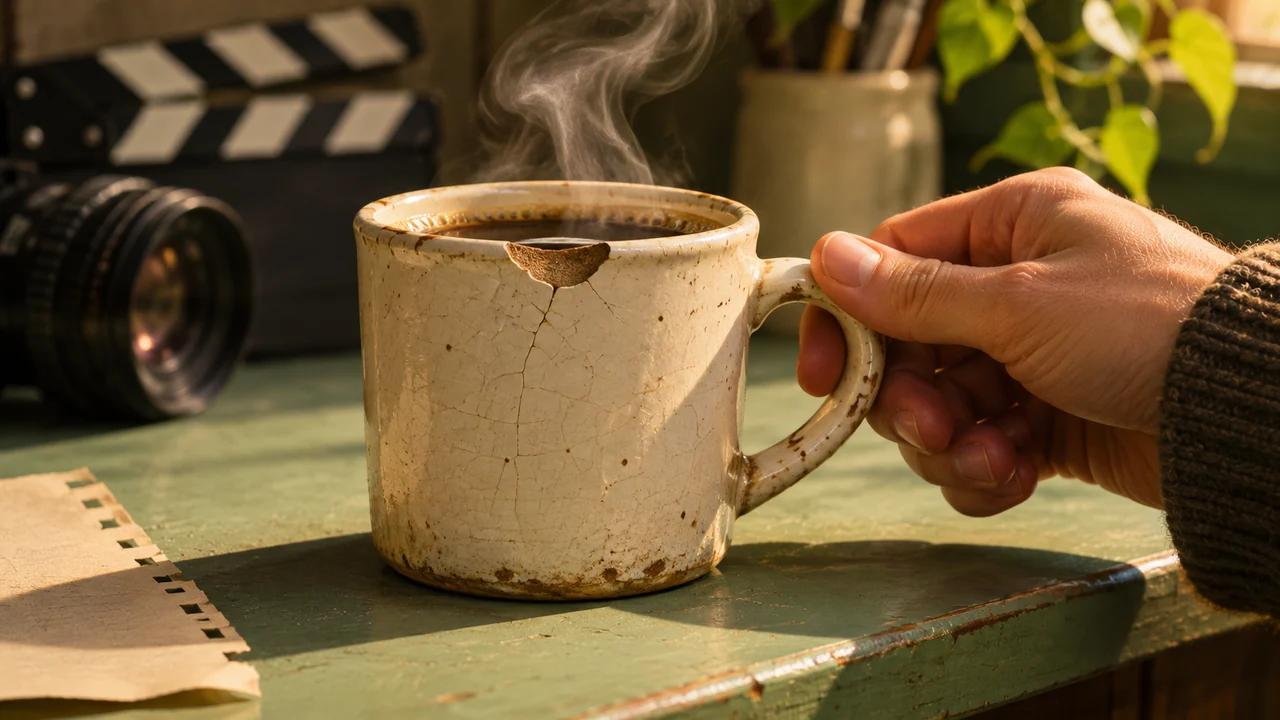
A source image prompt may specify a cream ceramic mug, cobalt glaze, a chipped rim, and a pale green kitchen. Keep those facts when turning the idea into video. Separate them from temporal instructions, such as steam rising or a hand setting the mug down. The still prompt describes a frozen state; the video prompt describes a change through time.
Translate medium-specific choices
Terms such as “editorial still life” may help describe an image treatment, but they do not tell a video model how to move. Add framing and camera behavior explicitly, and avoid assuming an image model’s style label maps identically to another generator. If the image contains a useful composition, use it as a reference only where the video tool supports that workflow. Check its documentation rather than assuming a shared feature.
Test one short transition
Write the clip as a start state, action, and end state: mug rests on table; hand enters and turns it; handle faces camera. Keep lighting and setting fixed. Generate a brief test, then check whether the action preserves the mug’s distinctive chipped rim. If identity drifts, simplify the motion or return to a clear reference frame. The image prompt guide and video prompt guide cover their respective tasks.
Example conversion
Image brief: “A cream ceramic mug with a chipped rim on a pale green kitchen counter, morning window light, three-quarter view.” This describes a single composition. Video version: “The same mug remains on the counter. Steam rises gently while a hand enters from the right and rotates the handle toward camera. Hold the three-quarter view; end with the chipped rim still visible.” The extra sentences specify temporal action and an ending.
If you need the mug’s appearance to persist, use an approved reference when supported and describe the identifying features in text. Do not assume a still image’s exact framing will carry over unchanged. Check how the destination service accepts reference images, and whether it supports the intended aspect ratio or camera control.
When translating from video back to image, select a meaningful frame or describe the key moment rather than pasting motion verbs into a still prompt. Keep the creative goal consistent while rewriting directions for each medium.
Sources & further reading
Put it into practice
- How to Write AI Image Prompts for Faceless Content
- How to Write AI Video Prompts That Produce Usable Shots