A Reusable Stickman Explainer Workflow From Script to Export
Move from a single teaching point to storyboard, reusable scene assets, audio, and a checked export.
What you’ll take away
- Storyboard before polishing assets
- Reuse a master scene and rig
- Check sound and phone-size readability
Start with one viewer outcome
A short explainer is easier to produce when it answers one question. Write a sentence that says what the viewer should understand, then cut any line that does not support it. Break the narration into visual beats and note what changes on screen for each. A useful script is not a full essay read over decorative motion; each sentence should have a matching picture, action, label, or deliberate pause.
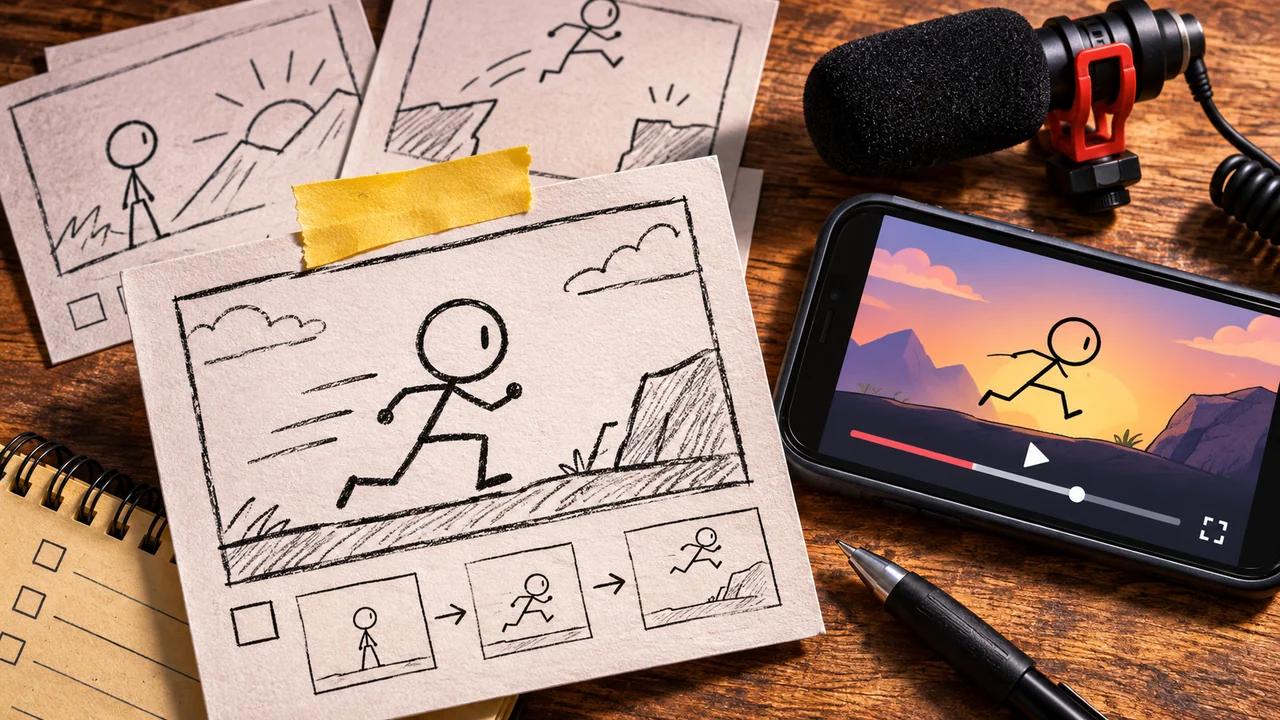
Create a storyboard with the opening state, the key action, and the final state for every beat. Choose a character style that fits the task, then make a small reusable kit: neutral figure, pointing pose, simple props, arrows, and label styles. Build a master scene with a stable camera and background. Duplicate it for new beats instead of rebuilding layout and rig choices every time. Store the script, artwork, voice track, and exports in a project folder with clear version names.
Animate to the narration
Record a scratch voiceover before final animation. Mark where a gesture begins, where the important word lands, and how long the result needs to stay visible. Animate one action at a time. Keep text and diagram elements on separate layers so you can revise a label without disturbing the figure. Use pauses to give viewers time to inspect a diagram. If a beat needs more than one main change, split it into separate shots or reveal the information in stages.
Review and export
Listen for clipped words, uneven volume, and pauses that feel accidental. Watch the sequence once with sound off to see whether the visuals still communicate their order. Then inspect the busiest frame on a phone. Check crop, label contrast, caption placement, and whether the final frame answers the opening question. Export a short test before the complete video and play the exported file rather than trusting only the editor preview. YouTube Creators’ production resources provide broader channel guidance; this workflow focuses on the repeatable decisions for a simple animation. See the faceless content workflow when planning the surrounding publishing steps.
Keep a scene package you can reopen
Save the storyboard, voice track, editable scene and exported preview in one folder. Put the narration line and the frame range beside each scene in your notes. If a producer asks you to replace a single example, they can locate its animation and audio without scrubbing the entire export. Keep a clean version of the main figure separate from the poses created for that episode.