Build a Replay Loop from a Complete Short Story
Create a replay-friendly ending by resolving the story and matching its final image to a meaningful opening moment.
What you’ll take away
- Resolve the story before looping
- Repeat an image with a new meaning
- Check the cut with audio and without it
Finish the story before you connect the loop
A replay loop works best when the Short already has a satisfying ending. Resolve the action or answer the question first; then make the last image connect to the opening. If the clip simply stops before the result, viewers may recognize the cut as a trick rather than feel that the story is worth watching again.
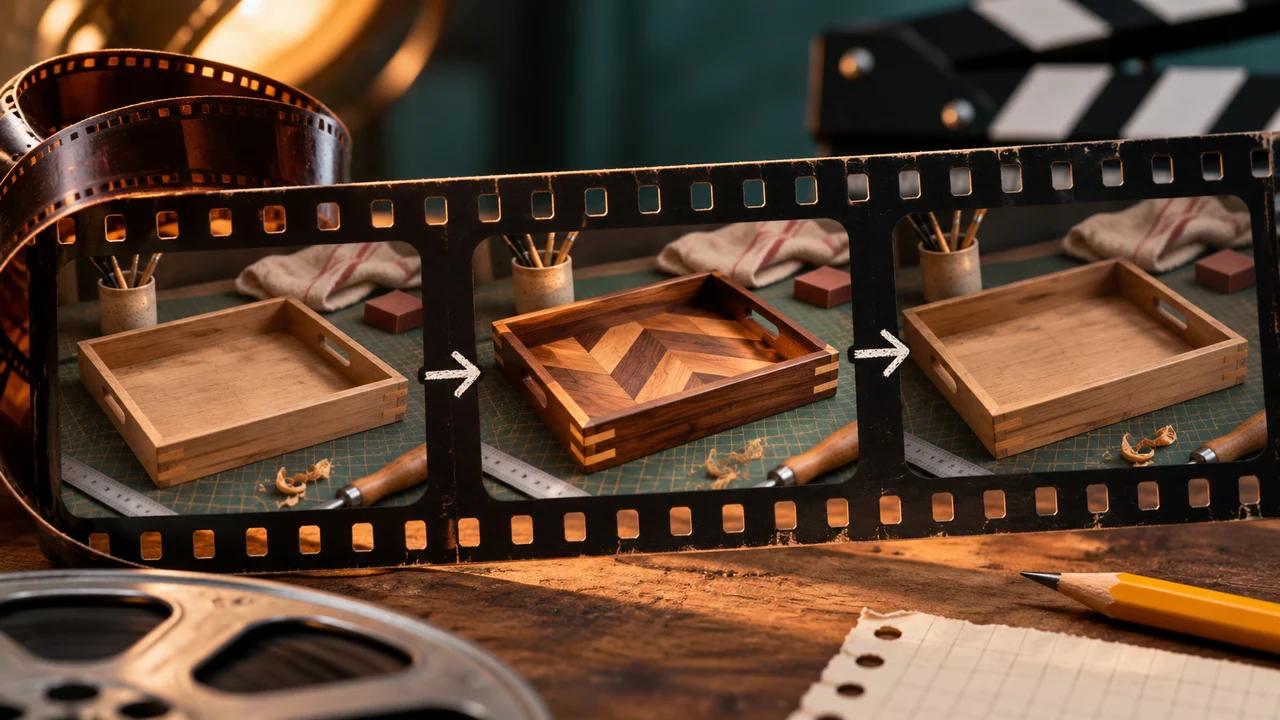
Start with a small visual arc: a marker sits beside a blank page, a hand draws a simple route, and the finished map is placed back beside the same marker. The opening and ending share a composition, but the ending now carries new information. That echo can make the restart feel natural without hiding the outcome.
Write the two matching frames
Before editing, describe the first frame and the last frame in plain language. Identify what stays in the same position and what changes. A useful match may repeat an object, camera angle, gesture, or color. The connection should be visible even if the viewer is not listening closely.
Film a few extra seconds at both ends. A held frame gives you room to trim and align the motion. Avoid forcing a match if it requires an unnatural jump in object position or lighting. A subtle sound bridge can smooth the transition, but it should not imply that the action is continuous when it is not.
For a process clip, you can return to the same workstation after the transformation. For a tip, echo a question from the opening with the finished answer now visible. In both cases, the middle needs to deliver the promised information. A loop cannot compensate for a sequence that repeats without adding meaning.
Review the whole restart
Play the final few seconds directly into the beginning, then watch one full pass without touching the controls. Look for a flash, silence gap, or repeated motion that feels accidental. Listen again with sound on. Music that resolves at the end may feel awkward when it restarts, so adjust the cue or let a natural sound connect the two shots.
Ask someone whether the video felt complete and whether the replay felt intentional. If they only notice that the ending returns to the start, strengthen the story payoff. If they understand the payoff but the transition jars, trim or adjust the matching frames.
YouTube’s Shorts help page explains the format and platform tools. Use the loop as an editing choice, not as a substitute for a useful idea. A complete story can stand on its own even when a viewer watches it only once.
Sources & further reading
Put it into practice
- A Repeatable Faceless Content Workflow: Idea to Published Video
- How to Write AI Video Prompts That Produce Usable Shots