Record Voiceovers in an Untreated Room
Get a clean voiceover from an ordinary room by choosing the quietest spot, managing reflections and setting mic distance.
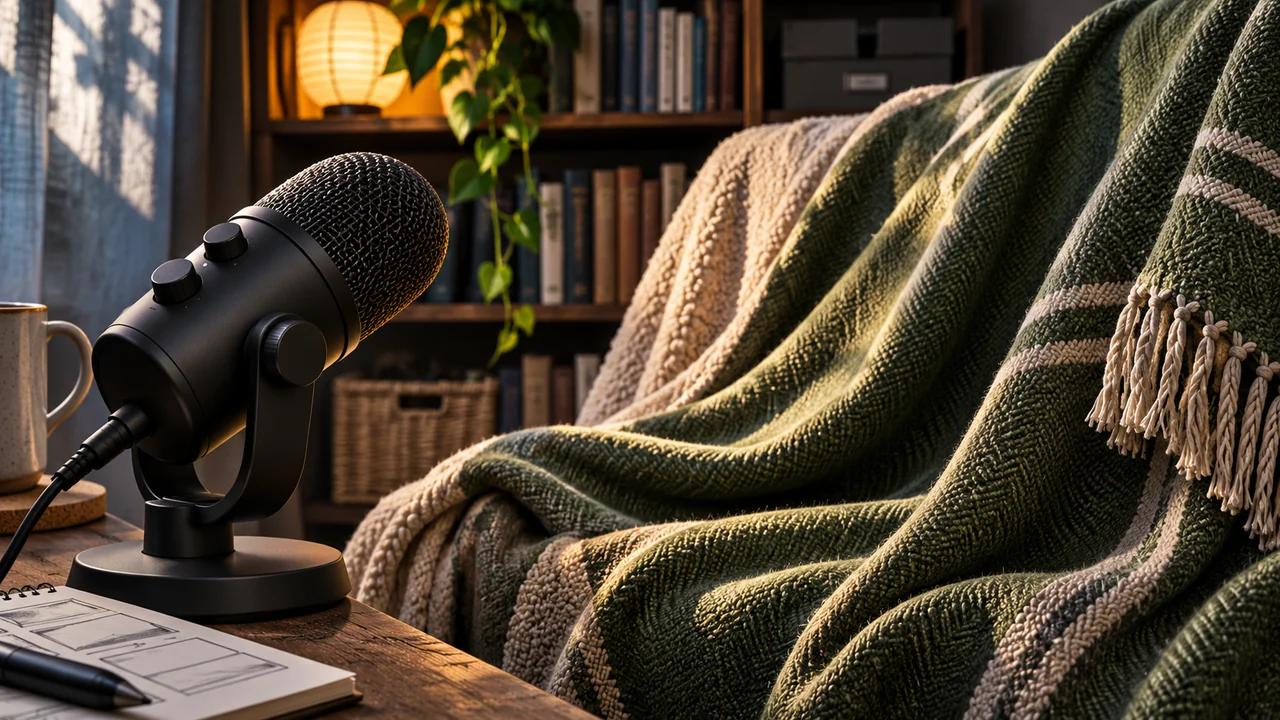
What you’ll take away
- Choose the quietest room corner
- Aim the mic away from hard reflections
- Record a test before the script
A typical untreated room can work for narration if you control the loudest reflections and keep the microphone away from noise. You do not need to cover every wall. Listen for the room’s problems, then place the mic and speaker so the recording captures more direct voice than reflected sound.
Pick the room by listening
Turn off fans and appliances you can safely stop, then clap once from the intended speaking position. A long flutter or hollow tail points to reflective surfaces. Try a closet only if clothes do not rustle and ventilation is quiet; a small empty closet can sound boxy. Curtains, a filled bookcase or a duvet can soften reflections near the mic.
Position the microphone
Keep the mic away from a bare wall and point its rear rejection area toward the noisiest surface when using a directional mic. A pop filter helps maintain a repeatable distance and reduces plosives. Start around a hand span away, then adjust while monitoring. Moving too close can make the voice boomy.
Record a room test
Capture 20 seconds of speech, a pause and a quiet breath. Listen on headphones for traffic, computer fans, room ring and plosive bursts. Move the setup before adding plugins. If the room still sounds lively, hang a thick blanket behind the microphone or record facing a soft furnishing; avoid an enclosure that traps heat or makes fabric noise.
Keep it repeatable
Mark your chair and mic stand positions with removable tape. Read a paragraph, step away, return and record it again. Compare the takes at matched volume. If the second sounds brighter or more distant, your position changed. Consistent placement makes later edits easier than trying to repair changing room tone.
Control the noise floor
If traffic is the main problem, wait for a quieter period rather than adding more fabric. Put a laptop or recorder fan farther away and use a long cable if available. Check that a power supply does not hum when the mic is connected. Make one change at a time and repeat the same test sentence so you know whether it helped.
Sources & further reading
Put it into practice
- A Repeatable Faceless Content Workflow: Idea to Published Video
- How to Write AI Video Prompts That Produce Usable Shots