Record Room Tone With the Matching Setup
Capture usable room tone by holding the recording position, microphone settings and room conditions steady after the narration take.
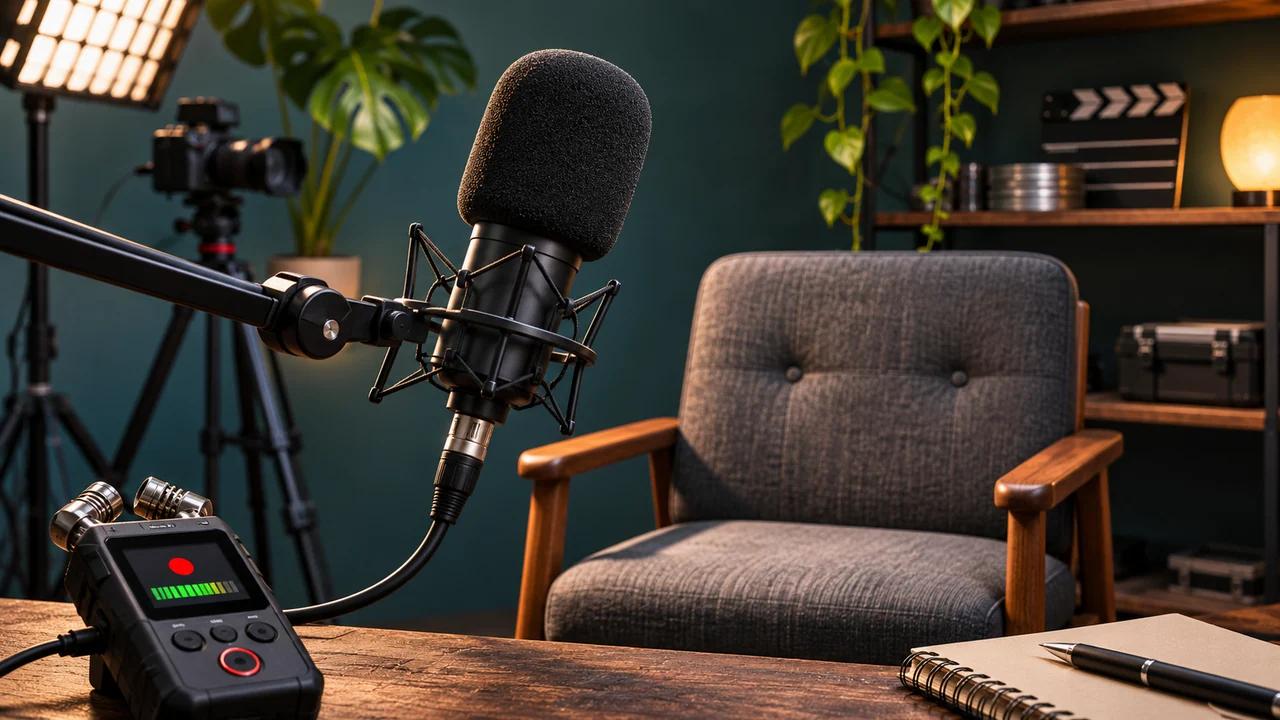
What you’ll take away
- Leave the recording chain untouched
- Capture silence in the same position
- Note changes in room noise
Record room tone before changing the setup or leaving the room. It is the sound of the space and recording chain during a pause, not digital silence. Matching tone can smooth a gap between narration edits, but a different mic distance or a newly started fan makes the patch obvious.
Hold the recording conditions
After the last line, keep microphone, preamp gain, input, sample rate and room arrangement as they were. Stay in position and avoid clothing movement, chair creaks or handling noise. Capture around half a minute if the room is stable; a shorter section works when the noise is steady and the edit needs only a brief gap.
Listen before saving
Play the capture through headphones. Check for traffic passing, an aircraft, a ventilation cycle or a computer fan ramping up. If a distinct event occurs, mark it and record another section rather than looping that event across the edit. Do not gate the recording into silence; the low steady ambience belongs under the voice.
Label the conditions
Name the file with episode, mic position and date, such as “ep04_roomtone_micA_close.” Add a note if the heater or window changed. This helps you choose a useful segment later and prevents an old room tone file from being mistaken for the current setup.
Test an edit gap
Copy a second of room tone between two phrases and crossfade the edges. Listen to the sentence at full speed and with headphones. If ambience changes like a switch, adjust clip gain or find a closer match. Use room tone where a pause sounds unnaturally dead; it need not be a repeated loop behind the entire narration.
Match tone to the edit
Room tone captured at a different gain may have the same character but louder hiss. Adjust clip gain gently and listen to the transition at normal and elevated headphone volume. If the environment changed during the take, use a segment from the same quiet interval as adjacent words. Mark another capture when appliances cycle, since a loop can reveal the pattern.
Save the unprocessed recording too, so later edits can use another stretch if needed.
Sources & further reading
Put it into practice
- A Repeatable Faceless Content Workflow: Idea to Published Video
- How to Write AI Video Prompts That Produce Usable Shots