Time Caption Lines for Mobile Viewing
Prepare readable caption timing and line breaks for vertical and mobile video without splitting names, phrases or speech unnaturally.
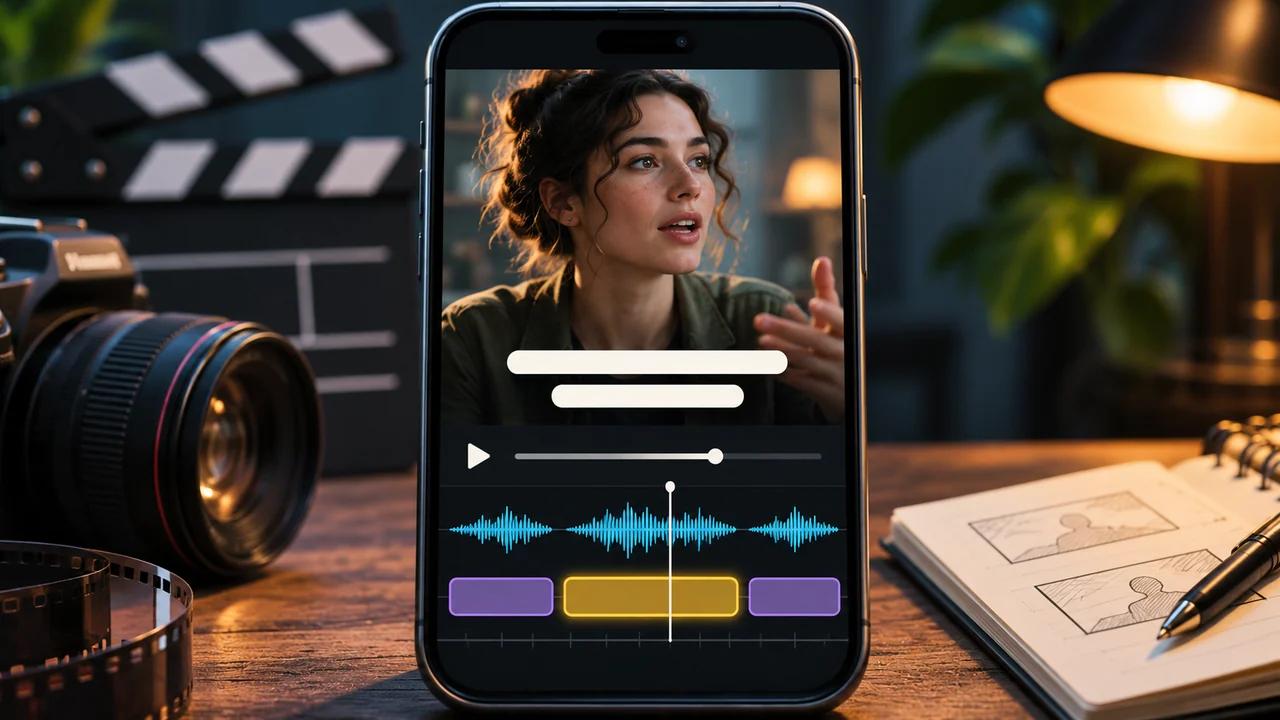
What you’ll take away
- Break at phrase boundaries
- Keep each caption synchronized
- Preview at phone size
Good mobile captions follow the spoken phrase, not the width of a desktop editing panel. Time each caption to audible words, then break lines where a viewer would naturally pause. Avoid leaving a short word stranded if a neighboring line can keep the thought together.
Start with an accurate transcript
Correct names, numbers and repeated words against the final audio. Automatic captions are a draft; they can turn a product name into a common word or omit a quiet ending. Keep punctuation that clarifies the sentence, but do not imply a pause the speaker did not make.
Break for meaning
Use the narrow mobile frame as your constraint. Split a long sentence at a clause boundary, keeping articles with nouns and prepositions with objects. Two lines are often easier to scan than one long line, but do not force every sentence into the same shape. Avoid covering faces, hands or the object being demonstrated.
Set timing against the voice
Bring each caption in as the first word begins and let it remain through the last word. Give the next line a clean transition; avoid a flash of blank screen between captions unless the speech pauses. Scrub the edit while reading at normal speed, since still-frame inspection misses captions that appear late or disappear early.
Preview on a phone
Check a 9:16 export with ordinary screen brightness. Look for tiny type, text against a busy background and lines that overlap platform controls. For “Open the settings menu and choose Export,” a clean break is after “menu,” not between “choose” and “Export.” Review after picture changes because contrast can shift.
Check the whole viewing path
Watch once without pausing and read captions at the speed they appear. A line can be legible and still demand too much reading while the viewer follows a demonstration. If it is dense, divide it across a natural speech pause or simplify punctuation, then check that the split does not separate a name from its title. Recheck after the final audio edit.
Export and inspect the captioned file, because safe-area cropping can differ from the preview window.
Sources & further reading
Put it into practice
- A Repeatable Faceless Content Workflow: Idea to Published Video
- How to Write AI Video Prompts That Produce Usable Shots