Hand Off Narration Pickups With Timecodes
Send a pickup request that tells a narrator exactly what to rerecord, what context to use and where the replacement belongs.
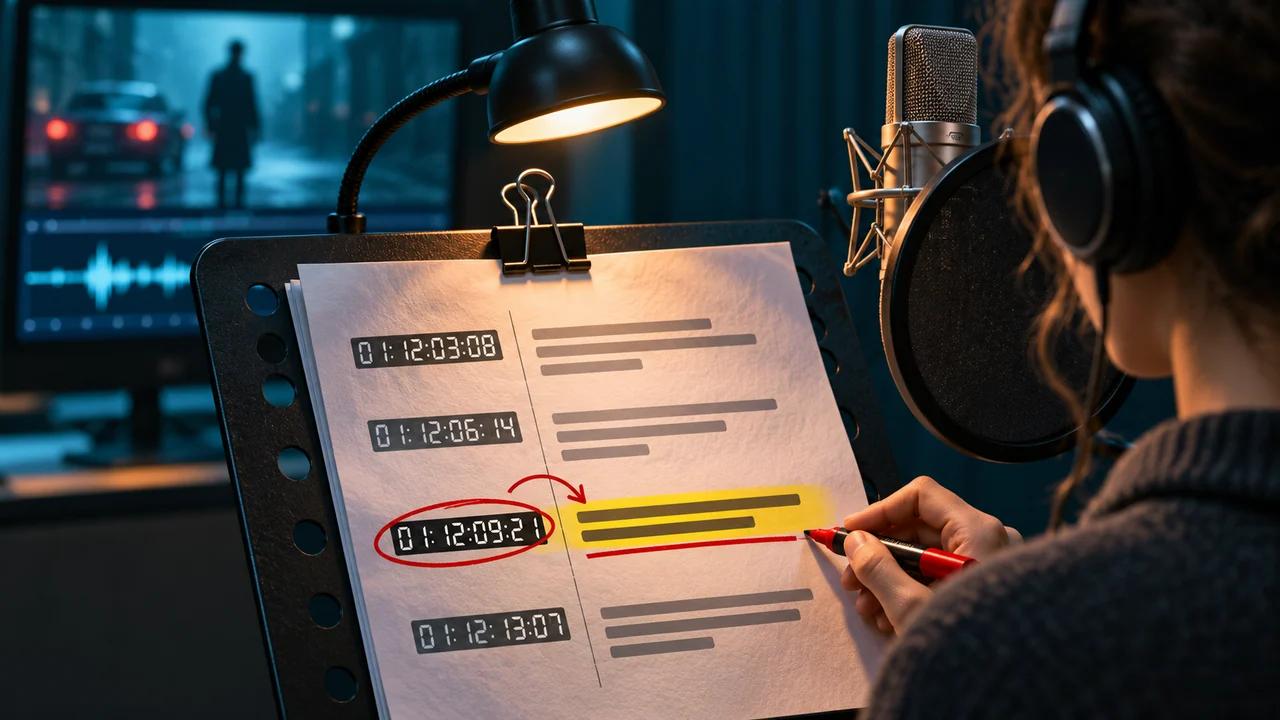
What you’ll take away
- Reference timeline and source file
- Include neighboring words
- Describe delivery as well as wording
A useful pickup request gives the narrator a location, the exact words and enough surrounding context to match the performance. A timecode by itself is fragile because exports shift. Pair it with the script line and timeline version so the replacement can be found even if the edit changes.
Identify the exact spot
Name the episode and cut version, then provide the timeline timecode and source audio filename. If the line spans an edit, say which take or sentence it belongs to. Include a few words before and after the target so the narrator can recreate the transition and emphasis. Mention whether timecode starts at zero or follows a broadcast offset when the project uses one.
Say what needs to change
Quote the current line and replacement wording. Note whether the issue is a factual correction, mispronounced name, missing phrase or performance adjustment. For delivery, describe the change plainly: “slower through the model number” is clearer than “make it better.” Keep notes focused so the narrator does not redo unaffected lines.
Ask for useful files
Specify mono or stereo, sample rate and bit depth only when your production requires them. Ask for a clean take with a little room tone at the beginning and end, and request a filename that includes episode and pickup number. State whether the replacement should include the lead-in or be isolated. Keep the original source take in the project for comparison.
Example request
“Episode 12, cut v7, 00:02:14:08. Source VO_12_take3.wav. Replace ‘the 18 millimeter lens’ with ‘the 18-millimeter lens.’ Context: ‘Mount the camera, then use the 18-millimeter lens for the wide shot.’ Keep the same calm pace. Return VO12_pickup_02.wav.” This provides both audio and a reliable match point. On receipt, audition it against the cut before replacing the original.
Close the handoff loop
When the replacement arrives, check wording, emphasis, file format and noise floor before importing it. Keep old and new takes until picture lock, and mark the accepted file in edit notes. If timing changed while the narrator recorded, do not force the replacement into the old duration with extreme stretching; adjust the nearby pause or ask for a tighter read.
Sources & further reading
Put it into practice
- A Repeatable Faceless Content Workflow: Idea to Published Video
- How to Write AI Video Prompts That Produce Usable Shots