Remove Mouth Clicks Without Losing Syllables
Fix mouth clicks in narration without chopping consonants or making edits audible.
What you’ll take away
- Repair only the click transient
- Keep consonant attacks intact
- Compare edits in context
Start with the smallest repair that removes the click. Mouth noises are short transients, but a syllable’s first consonant can be just as short. Deleting a broad slice may turn “take” into “ake,” so inspect the waveform and listen before applying a whole-track cleanup preset.
Find the click before editing
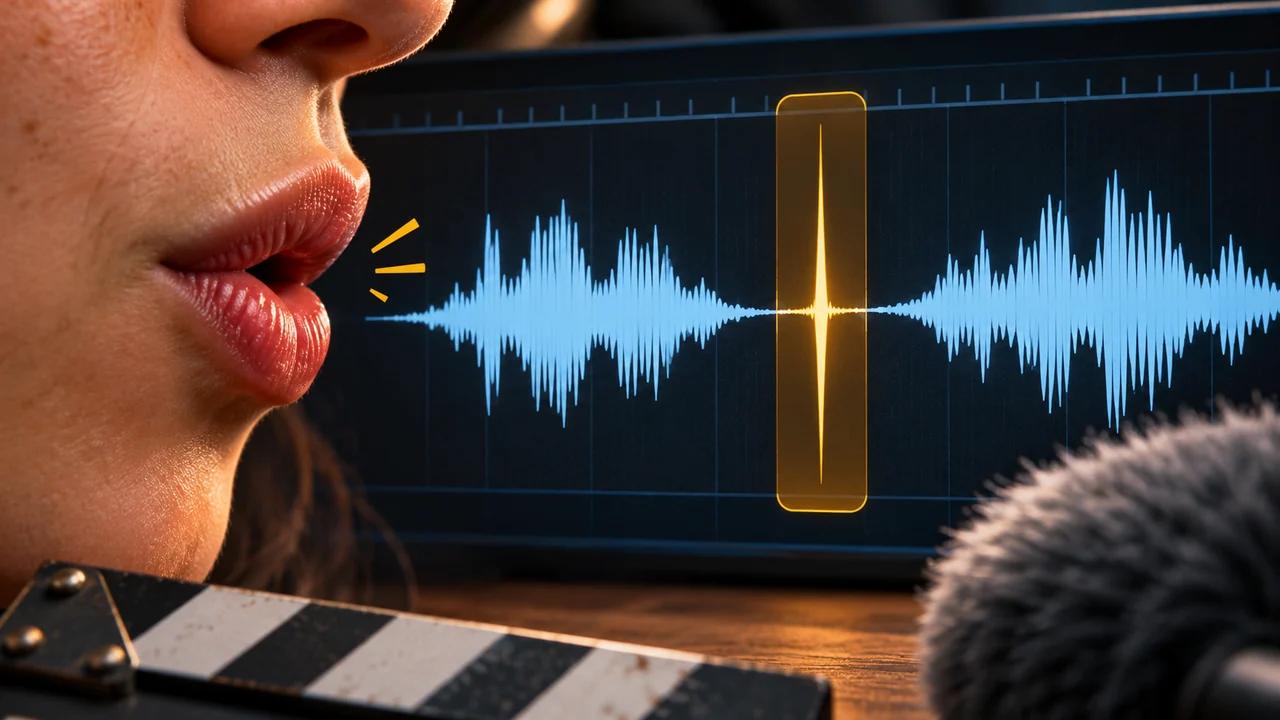
Listen at normal speed and mark the time, then replay a short loop around it. Zoom until the click appears as a narrow spike or irregular burst against the voiced waveform. A click may fall between words, inside a vowel, or at a breath; location determines which repair is safe.
Repair only the transient
If the editor has a spectral repair brush, select just the brief streak and audition the result. For waveform tools, try a short interpolation or a few milliseconds of gain automation. Avoid deleting a large chunk. Crossfades smooth the edges of a removal, but cannot restore a missing consonant.
Compare the phrase, not just the edit
Loop the full word and the neighboring words. Check whether the consonant stays crisp and whether the vowel has a watery or lisping texture. If the repair is conspicuous, undo it and use a lighter setting. A quiet room tone bed can hide a tiny seam, but should not mask a damaged syllable.
A practical pass
For “click — bring the bowl closer,” mark the click, select only its transient and replay “click, bring” at ordinary speed. Compare untouched and repaired versions on headphones and a phone speaker. Keep the one that sounds natural in the sentence. Save a copy before batch processing so a heavy pass can be rolled back.
When to stop cleaning
Not every breath or lip sound needs removal. If a noise is quiet beneath the sentence and does not distract in normal playback, leave it. Repeated aggressive denoising can make the voice brittle or phasey. Keep a short before-and-after reference and ask someone who has not heard the edit to compare; fresh ears often spot an overprocessed word faster.
Check the output after export as well, since rendering can reveal clicks hidden by the editor’s playback buffer.
Sources & further reading
Put it into practice
- A Repeatable Faceless Content Workflow: Idea to Published Video
- How to Write AI Video Prompts That Produce Usable Shots