Original AI Music Video Beat Sheet
Mark the strongest phrase change before generating clips. Test it against two timings in the edit.

Make this prompt yours.
Plan a 30-second faceless music video for my original or licensed [TRACK]. Use [TIMED BEAT MARKERS] to build a sequence around [VISUAL MOTIF]. Make four frames with distinct silhouettes, then assign one simple movement to each. Return a timed cut list with one color palette and a final frame that can lead back to the opening. Give one option where the cut lands on a beat and one where a held image carries through the beat.
Edit the full prompt
3 placeholders still unfilled
How to use it
Keep the model version, aspect ratio, and reference consistent when comparing drafts. Change one camera or lighting cue at a time so you can see what it affects.
Add specific context
Fill in the topic, audience, format, and any reference material you have. If a detail is unknown, ask your AI tool to flag it instead of inventing it.
Generate a draft
Paste the customized prompt into your chosen tool. Check which controls it supports; descriptive wording transfers more reliably than model-specific flags.
Review and refine
Check facts, remove claims you cannot support, and compare the output with your intended video. Change one detail at a time to understand what improves the result.
Keep creating
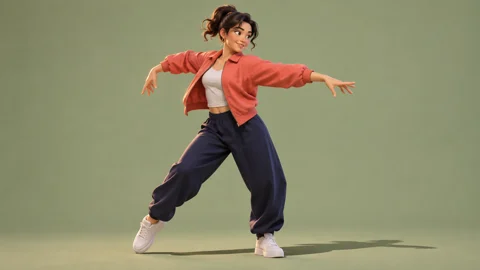 Original Dance Loop with Counted Poses ↗
 Animal Cooking Channel Series Plan ↗
 Anime Fight — Versus Format ↗
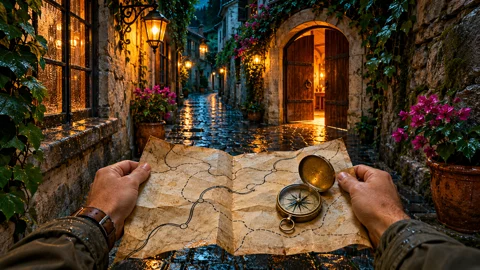 POV Video Idea Machine ↗