Midjourney Prompts for Faceless Video Assets
Use Midjourney to create still assets for faceless videos. Decide whether the image is a storyboard frame, a thumbnail, a character reference, or an opening frame for animation. Each has a different job. Give the most space to the object or action the viewer needs to recognize.
Describe the image in visual terms
Midjourney’s Prompt Basics guide recommends short, specific descriptions. A good thumbnail brief names one subject, one readable visual relationship, and the background work the frame needs to do. For an overhead article cover, describe a seed tray on the left, one bright new leaf, and open space on the right. Add the title in your editor so you can control spelling, type size and placement.
For an opening still that will become a motion clip, describe the exact state at the first frame. A hand has reached the table edge, the seed tray is still closed, and the soil remains level. Save the selected still separately. When animating it later, the motion brief can describe the hand lifting the lid and the camera holding long enough to see the first leaf.
Set aspect ratio and visual style deliberately
Put documented Midjourney parameters at the end of the prompt, after the visual description. Use --ar 16:9 for a landscape thumbnail draft or --ar 9:16 for a vertical opening frame. The aspect ratio controls the shape of the image. Check the actual pixel dimensions separately, then crop or export to the delivery size your platform requires.
Treat stylize as a separate layer of direction. Compare two values using the same subject, composition and aspect ratio. If a reference establishes a warm editorial palette, Midjourney’s Style Reference feature can guide the visual treatment where that feature is supported. Keep the reference type explicit. A style treatment steers the look, while the subject description still needs the physical details that identify the character or object.
Make a reviewable set of frames
Generate the most important frame individually and use it to check composition in the actual layout. A thumbnail should stay legible at phone size. A character sheet should show proportions clearly enough to compare key details across angles. If a grid crowds the frames or changes the same character from panel to panel, generate the views separately and arrange the approved images in your editor.
Keep display choices repeatable across a series. Record the margin for text, the baseline palette, the direction of light and the model version. Keep those choices steady for the next draft so you can test a new subject or crop without also changing the entire look. Verify each visual and its sources before using it to represent a real person or product.
Sample thumbnail still direction
Editorial overhead photograph, open seed tray on the left, a single bright green leaf in a paper pot as the focal point, charcoal worktop, soft window light from upper left, quiet empty space on the right for typography --ar 16:9
Troubleshoot the first draft
The crop cuts off the main subject
A good square draft can lose the leaf or the text area in a vertical frame. Generate at the intended aspect ratio and ask for the subject slightly inside the frame edge.
The treatment overwhelms the reference
Decorative details make the seed tray harder to read. Reduce stylize or simplify the reference treatment. Keep the subject, lens description and framing constant while you compare.
Labels look readable until the final export
Several tiny words or a complex diagram can come back distorted. Request a clean plate with reserved space. Add verified typography and diagram labels in the editor.
Official model guidance
Compatible prompt templates
Choose a starting template and adapt any references, duration, audio, and aspect ratio to the controls in your version.
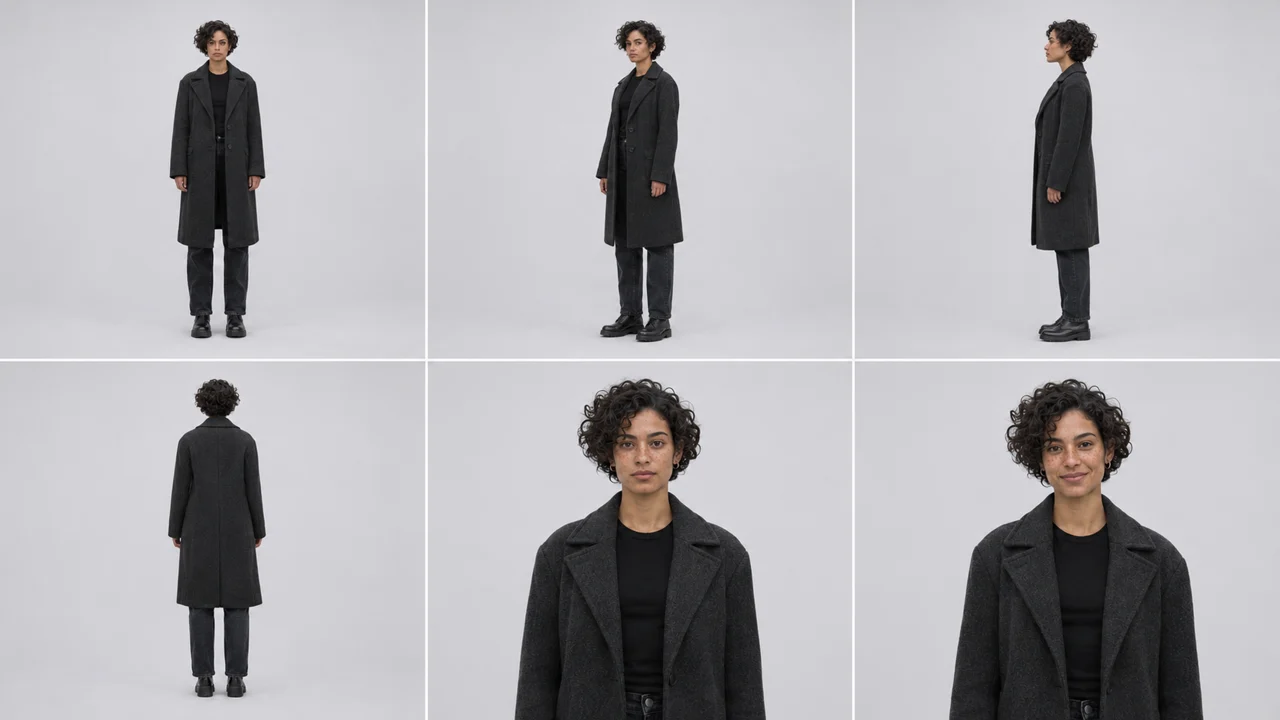
Image prompts
Consistent Character Sheet (Master Reference)
Generate this once, then feed the resulting image back as a reference for every subsequent shot.
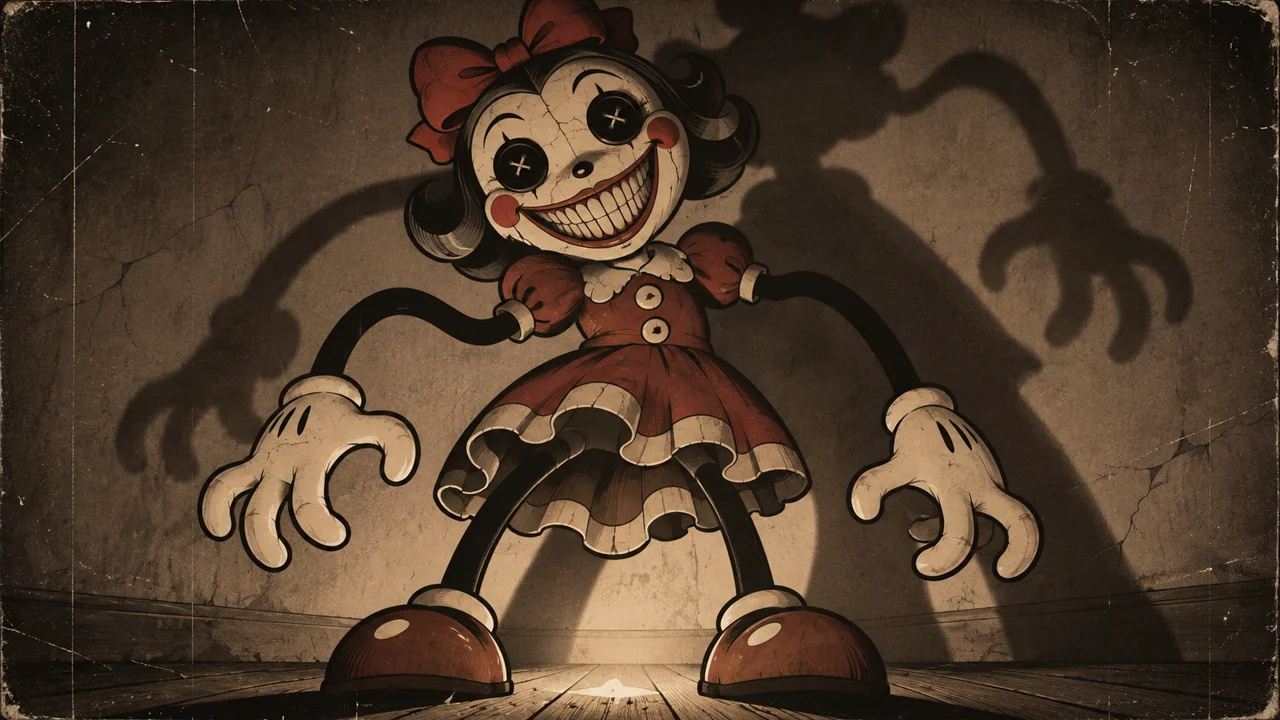
Image prompts
Cartoon Horror Creature
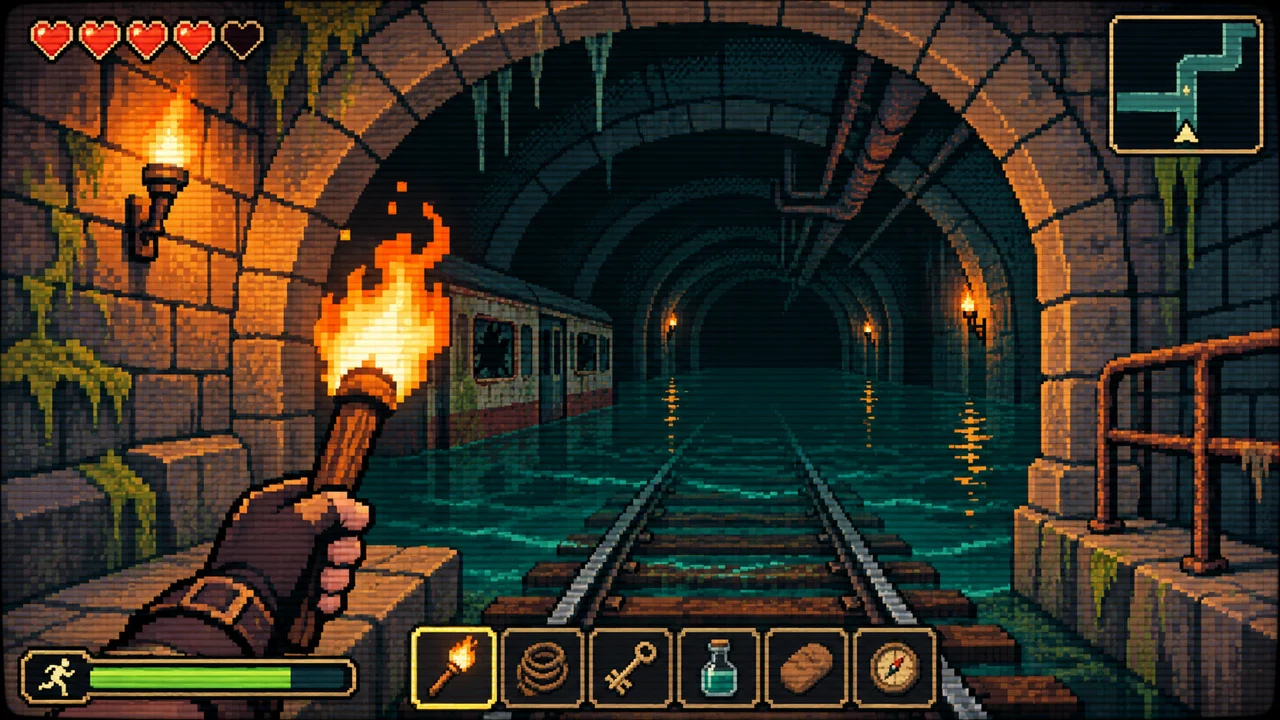
Image prompts
Pixel Game POV Frame
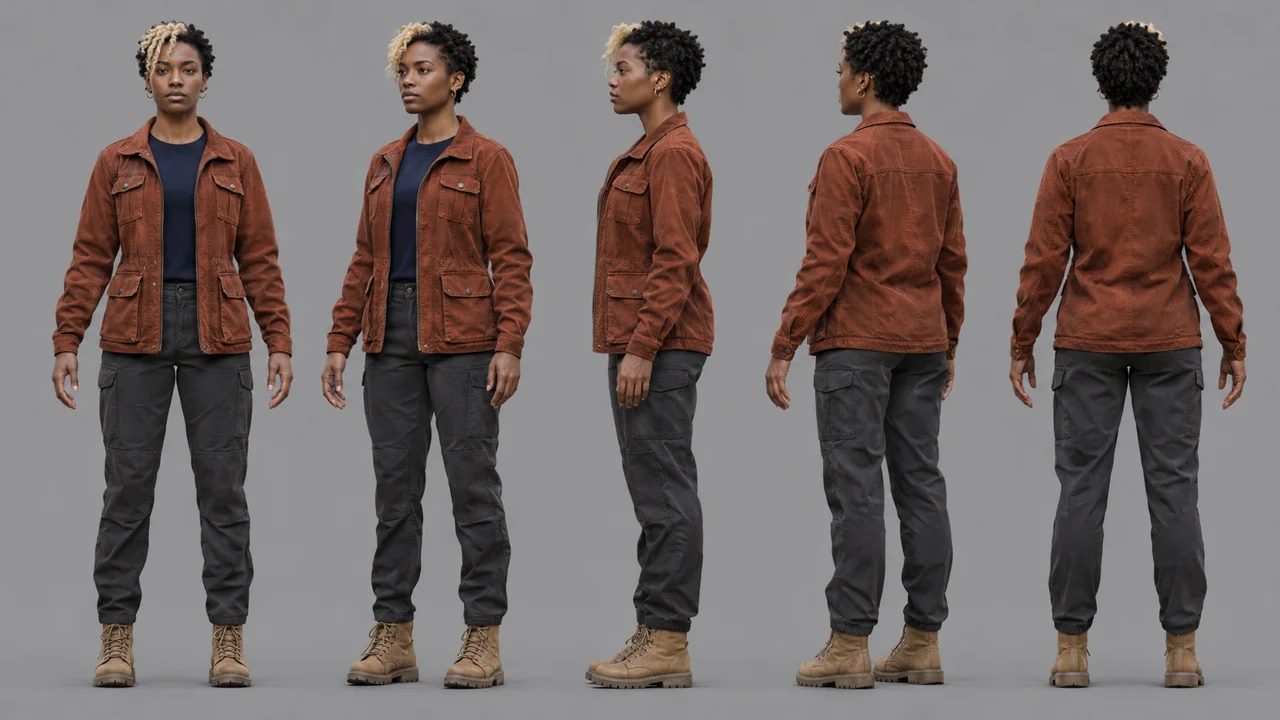
Character consistency
Character Turnaround Sheet
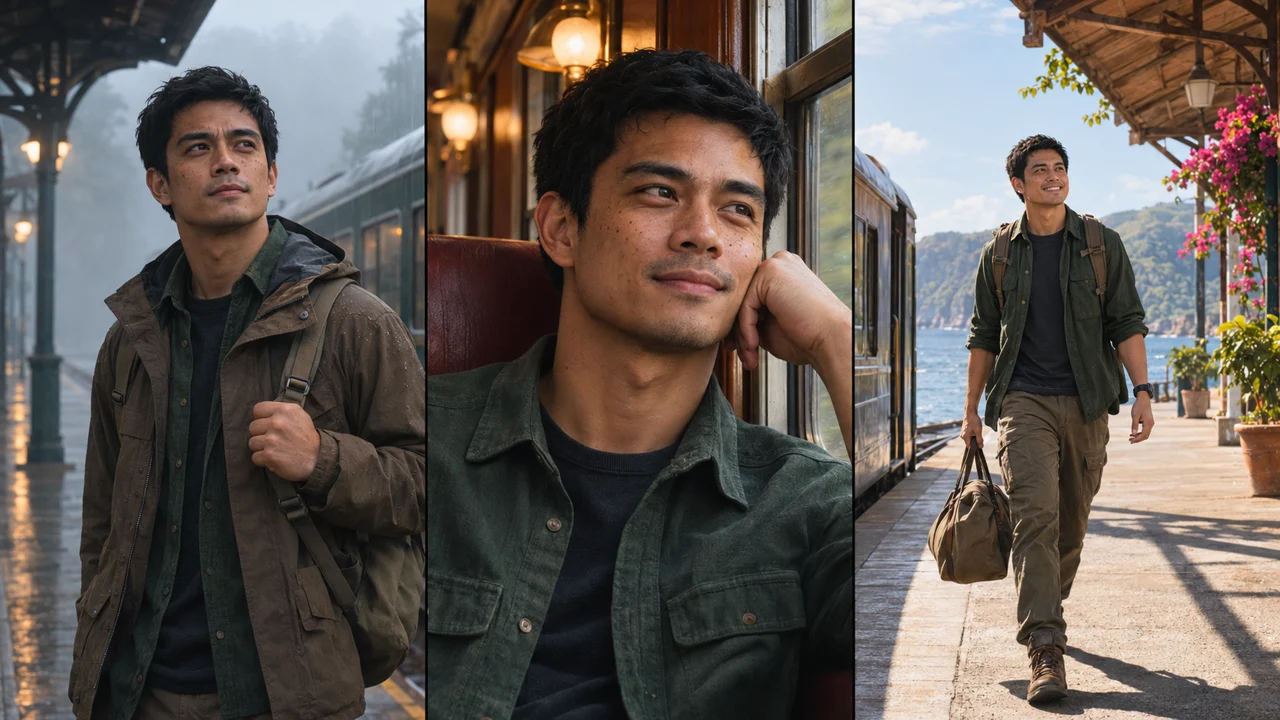
Character consistency
Consistent Character Shot Template
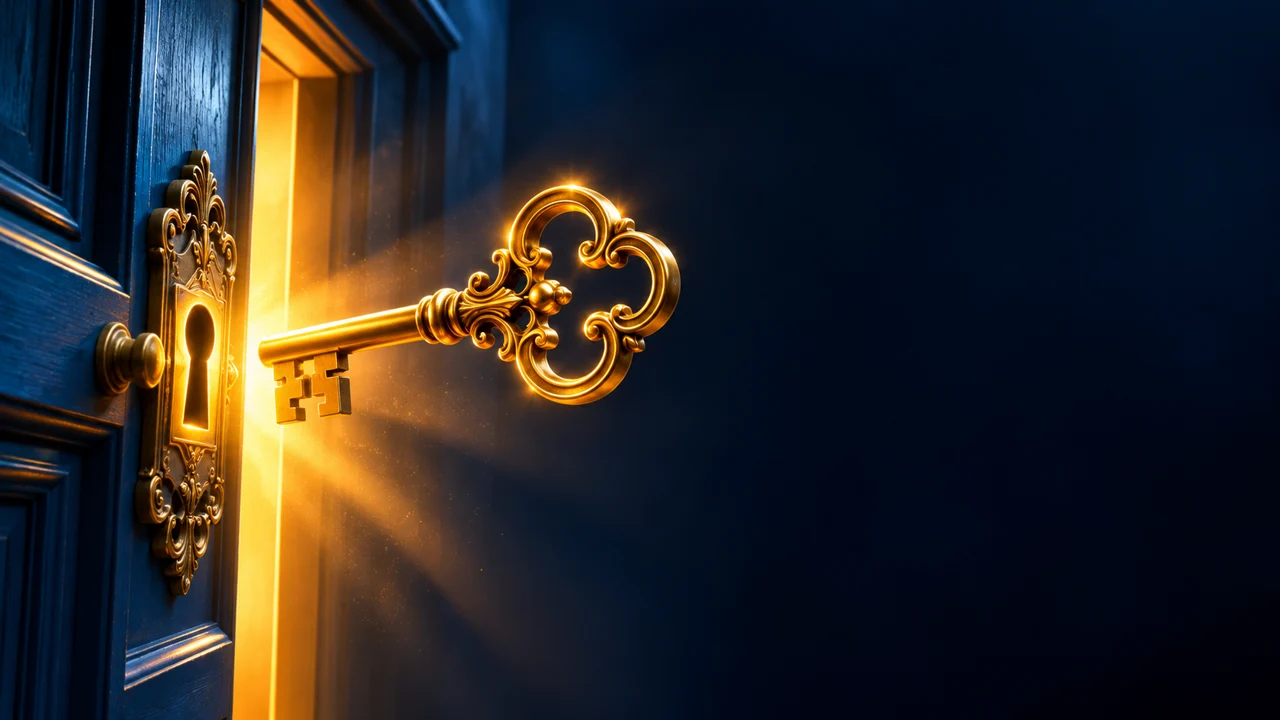
Image prompts
High-CTR Thumbnail Composition
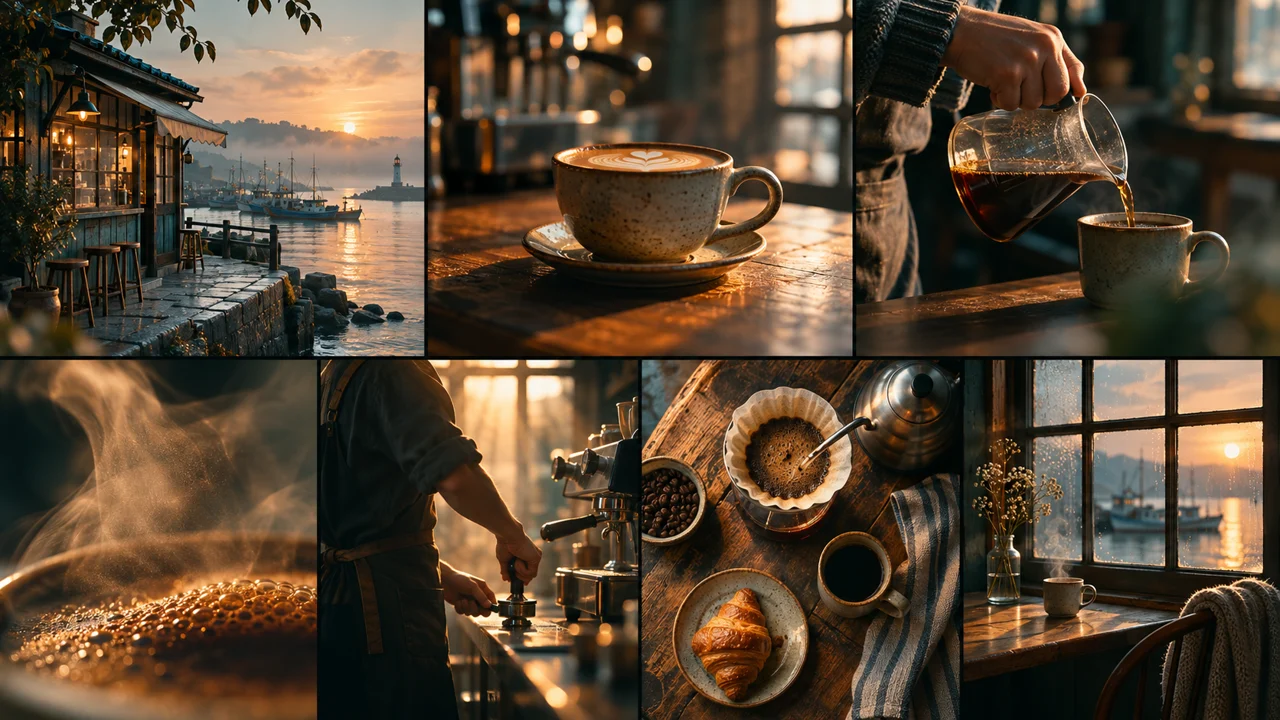
Image prompts
Cinematic B-Roll Frame Set

Image prompts
Clean Text-Overlay Background Plate
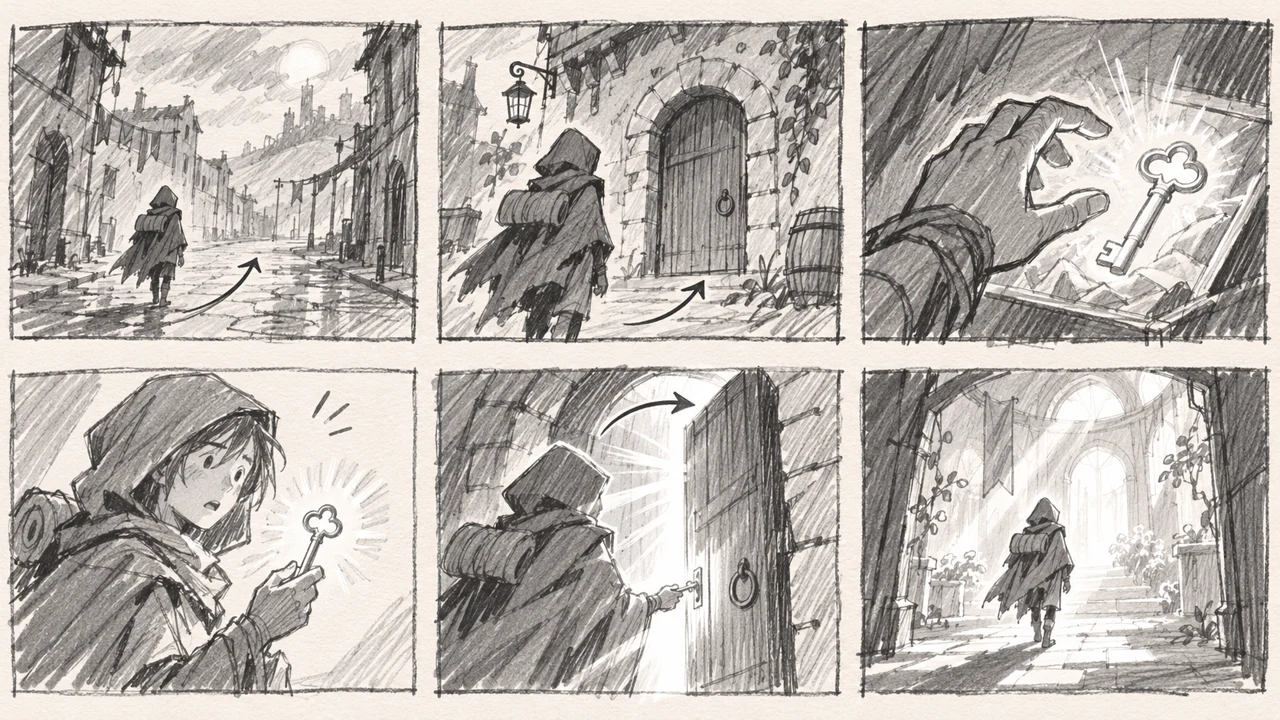
Image prompts
Storyboard Frame Generator
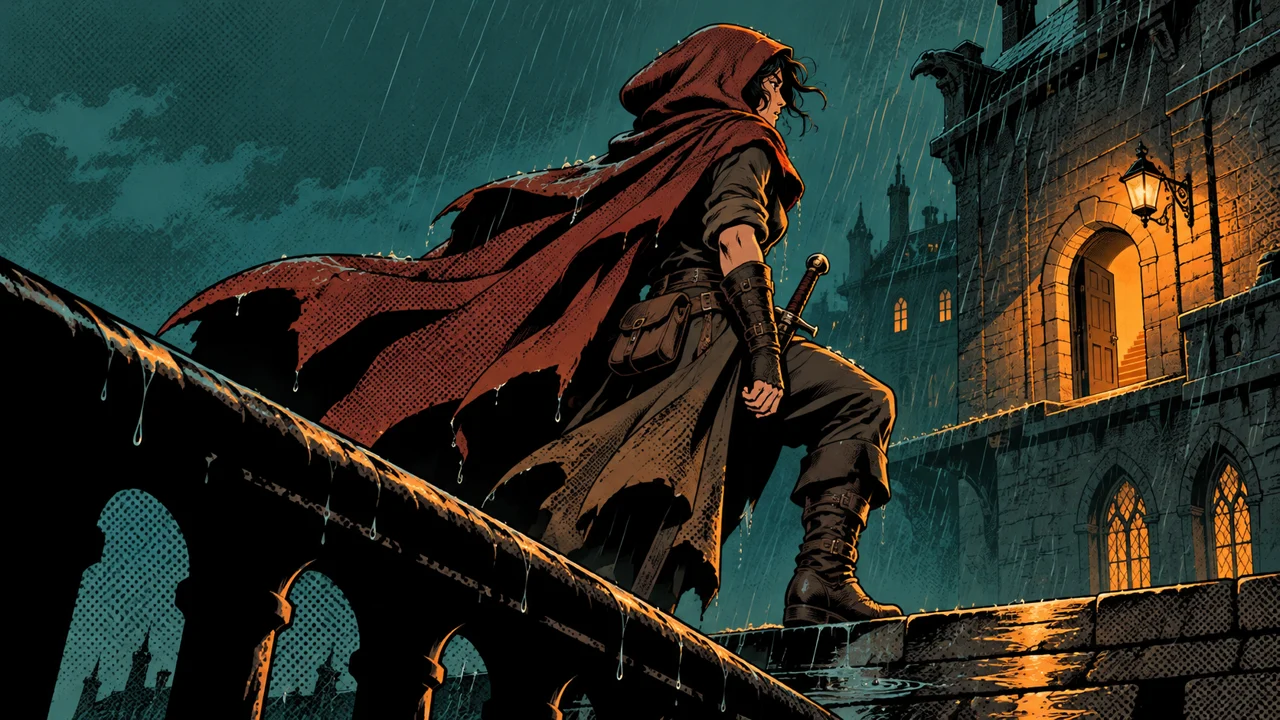
Image prompts
Comic Panel Sequence
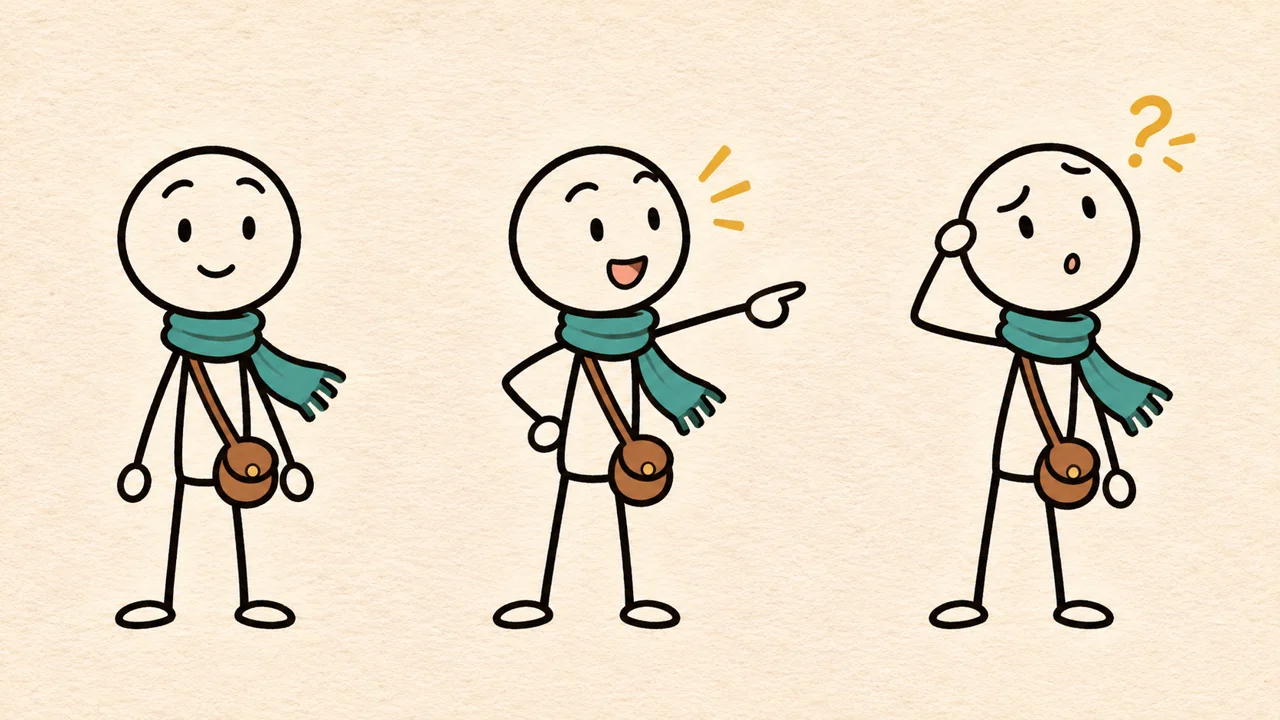
Character consistency
Convert an Original Character into a Stick Figure
Keep one silhouette clue and one prop. Check that the pointing and puzzled poses read clearly at thumbnail size.