Run an Upload-Ready Factual and Technical QC Watch-Through
Watch the actual rendered master with separate factual and playback checks before sending a faceless video to upload.
What you’ll take away
- Review the rendered master rather than only the timeline
- Check claims against their sources
- Separate content issues from playback defects
The QC watch-through should use the rendered upload master, not just the editing timeline. A file can export with a muted track, clipped caption, black frame, or an unintended earlier version. Watch it from beginning to end once for meaning and once for technical defects, using a written checklist to keep the review focused.
Pass one: factual and editorial
Keep the script and source notes beside you. Check every factual statement, number, name, quotation, and on-screen label against its source. Confirm that a graphic does not imply more than the source supports. If a claim changed during editing, update the citation or flag the edit for correction before publishing.
Listen for narration omissions, repeated lines, abrupt edits, and pronunciation errors. Read captions against the spoken words and note missing, mistimed, or misleading text. Check that a disclosure, attribution, or required credit appears where intended. Do not mark an asset clear simply because it passed through a previous episode; confirm the rights record applies to this release.
Pass two: file and playback
Watch on the same player or device you normally use for upload review, and inspect the rendered file’s properties. Confirm dimensions, frame rate, duration, and audio presence match the delivery brief. Check the opening and closing frames, transitions, graphics at their smallest readable size, and audio level changes between narration, music, and effects.
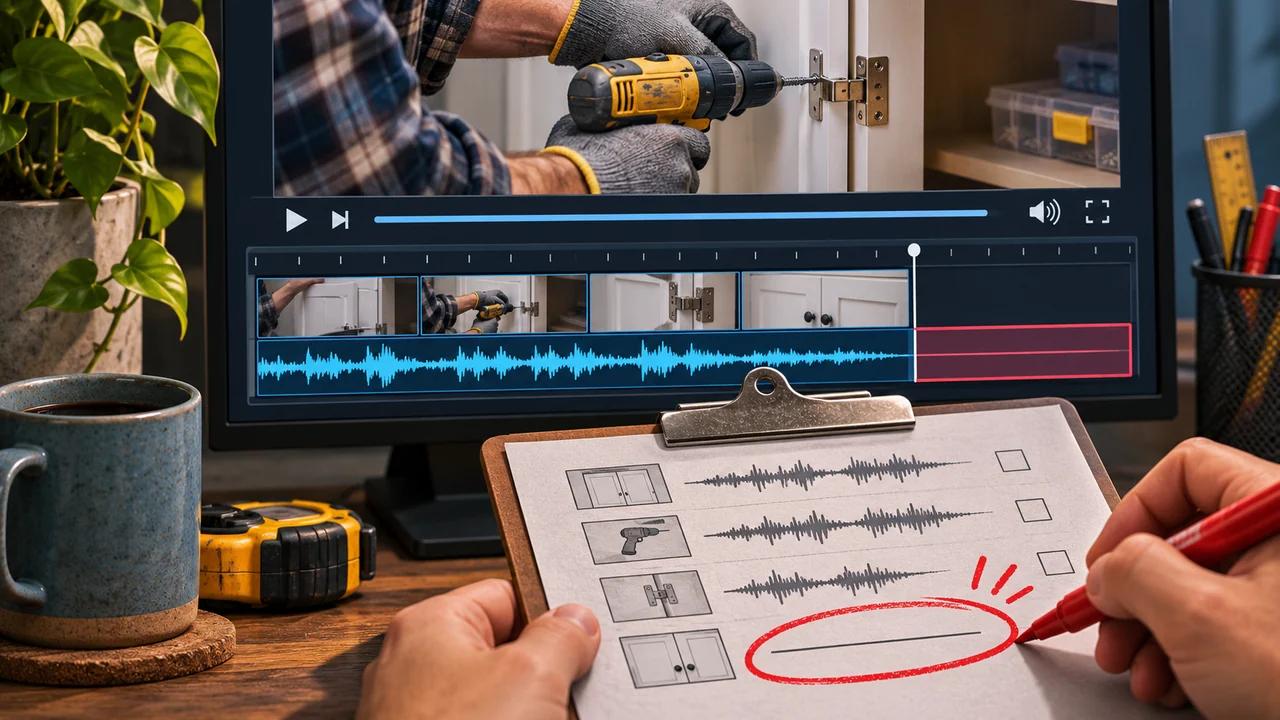
For a fictional example, a five-minute home repair video passes the script review but fails playback QC because its final export has a silent last 12 seconds. The editor’s timeline looked correct, but a muted output track affected the render. Log the timecode, return the export for correction, and repeat QC on the replacement master rather than assuming a new render fixed it.
Record a useful pass or fail
Write findings with timecode, issue, and required action: 02:14 — label reads 15 cm; source and narration say 18 cm — correct graphic and rerender. Give the file a new version number after changes. Keep a pass record with reviewer, date, master filename, and any accepted exceptions. YouTube’s upload guidance and caption help cover platform-side upload and caption steps. Follow the site’s editorial policy for sourcing and review standards.