Turn “I Like His Story” Into a Useful Review Note
Replace a vague reaction with a specific, actionable note about a story beat while keeping the creator's intent intact.
What you’ll take away
- Point to a precise beat
- Say what the beat does
- Offer a revision that preserves intent
“I like his story” tells an editor you had a positive reaction, but it does not reveal what to keep. A useful review note names the moment, explains its effect and, if needed, proposes a change the creator can actually make. This structure works even when the story is still a rough outline.
Move from taste to evidence
Read your first reaction back and identify the moment that earned it. Was the opening question intriguing? Did a choice reveal character? Did the ending pay off an earlier detail? Find a scene, line or transition you can point to instead of making a general claim about the whole piece.
Try this sentence frame: “I liked [specific moment] because it [effect on viewer]; consider [small action] so [intended effect] is clearer.” The explanation makes your taste legible, while the suggestion gives the writer something to consider. Avoid presenting your preference as an objective flaw or rewriting the scene in your own voice.
A fictional example
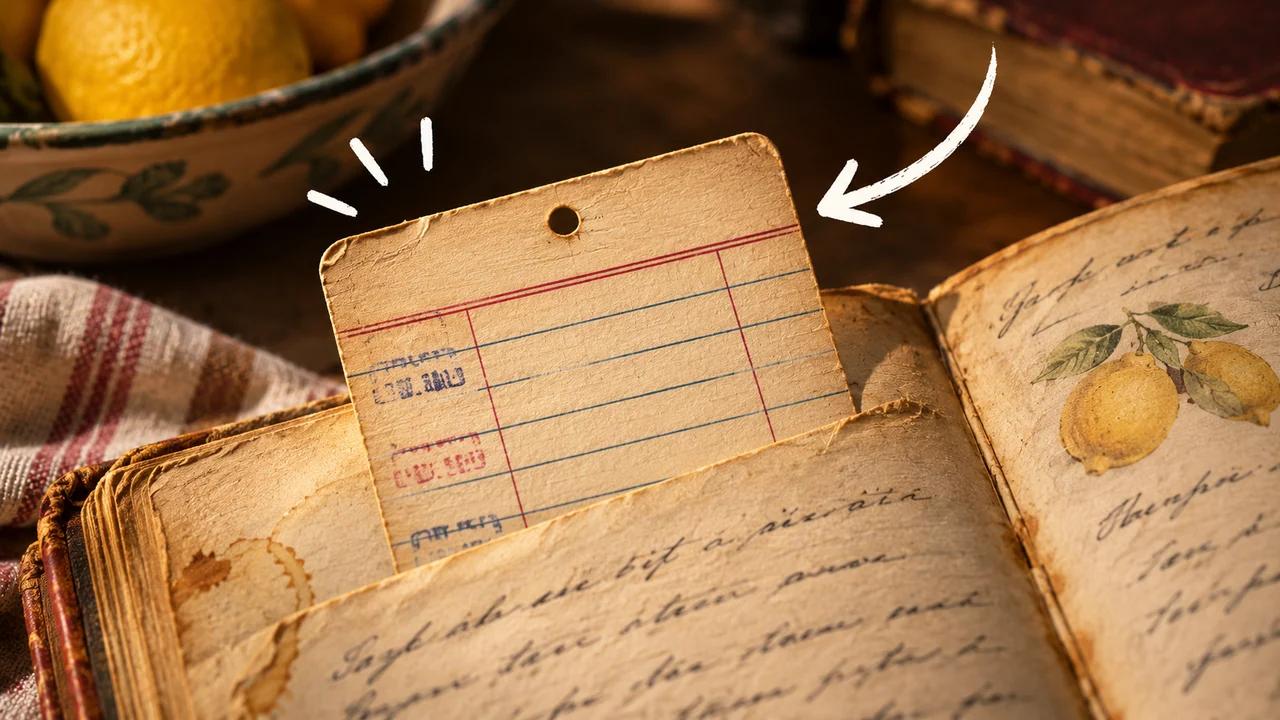
In a wholly fictional short about a lost library card, a character finds the card tucked into an old recipe book. A useful note could read: “I liked the moment when Mara finds the card beside her grandmother’s handwritten recipe because it connects the search to a personal memory; consider letting her pause before calling the library, so that emotional change has room to register.” Mara, the library and the events are invented for this example. The note praises one beat, describes why it matters and suggests a modest adjustment.
Keep feedback bounded
If the story is still early, ask whether the creator wants notes on structure, clarity or line-level wording. A note that mixes all three can become hard to use. When you are unsure of intent, describe your reading as a viewer: “I understood this as…” That leaves space for clarification rather than claiming the creator meant something they did not.
For a review pass, collect a few notes with scene references, then group them by repeated issue. A single confusing transition may be fixed locally; several may point to a missing motivation earlier. Avoid prescribing a major rewrite based on one moment of uncertainty. The faceless content workflow can help place feedback inside a broader production process.
Make the next action concrete
Before sending a note, check that the creator can find the moment and understand the requested action. Replace “make it stronger” with “hold on the reaction for one beat before the next line.” If you cannot suggest a next step, frame the message as a question about intent. That keeps review collaborative and makes the next revision easier to discuss.
Sources & further reading
Put it into practice
- A Repeatable Faceless Content Workflow: Idea to Published Video
- How to Build Content Pillars for a Faceless Channel