Balance Voice and Music With Playback Checks
Set narration and music levels by listening across devices and moments, rather than applying one universal loudness number.
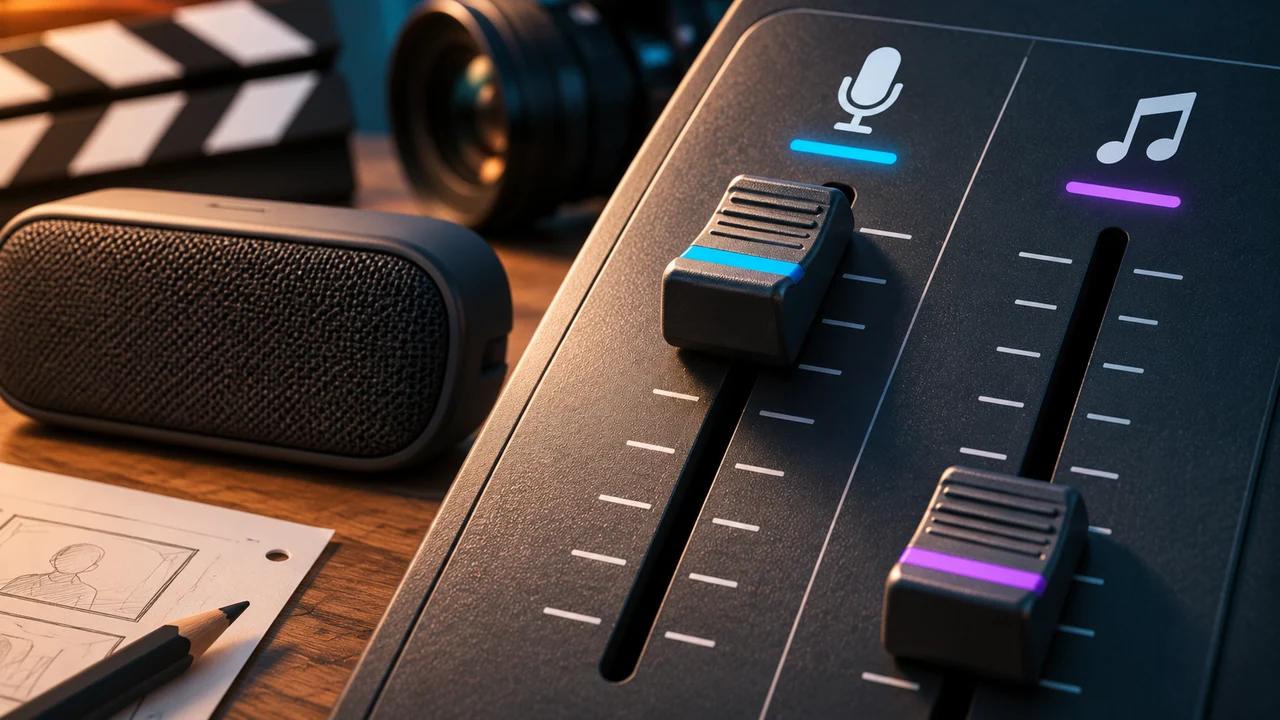
What you’ll take away
- Make every word easy to follow
- Check loud and quiet passages
- Compare on headphones and phone
There is no single voice-to-music level that works for every narration, arrangement and playback device. Set the music by checking whether words remain easy to follow at the quietest line and whether the soundtrack supports the scene during pauses. Meter readings catch peaks; listening decides whether the mix communicates.
Build the voice anchor
Set narration first, with processing you intend to keep. Listen for words that naturally fall quieter, especially sentence endings and names. Use clip gain or automation to make those lines consistent before turning music up. Do not raise the entire voice just to overcome a loud cue.
Bring music in under the line
Start with music low, then raise it until it adds mood without pulling attention from speech. Check a dense section with s, t and f sounds because bright instruments can mask them even when the bed seems quiet. If masking persists, lower the cue or make a small broad dip in the music while speech is present.
Test different playback moments
Listen to the opening, the densest sentence, a quiet phrase and a transition on headphones and a phone speaker at a comfortable volume. Also check once at low volume. If words disappear first, rebalance. Confirm that music does not jump between cuts or overpower the final sentence. Peaks should not clip; loudness normalization does not fix masking.
A repeatable decision
For a voiceover over soft piano, compare “add two drops, then stir” with the pause after it. If each word is clear at phone volume but the pause still feels supported, the relationship is working. Save a short reference excerpt so the next episode can be compared by ear.
Use meters as guardrails
Watch for clipping and sudden level jumps, but do not treat a meter value as a mix recipe. If voice sounds clear on studio headphones yet disappears on a phone, inspect the music’s frequency content and the voice’s consistency. A modest music reduction or brief automation under key words can solve the problem more naturally than compressing the whole mix harder.
Sources & further reading
Put it into practice
- A Repeatable Faceless Content Workflow: Idea to Published Video
- YouTube AI Content: Disclosure, Reused Content, and Monetization