Maintain a Reusable Series Template Without Repetition
Reuse the production structure that saves time while giving each faceless video a fresh question, evidence, and visual progression.
What you’ll take away
- Reuse process scaffolding, not episode substance
- Change the evidence and visual progression each time
- Schedule a review for stale repeated patterns
A reusable series template should save setup time while leaving each episode’s reasoning and visual material specific. Reuse the production scaffolding: brief fields, approval gates, folder names, caption rules, and export checklist. Write the question, evidence, example, and shot sequence fresh for every video.
Separate the fixed from the variable
Make a two-part series document. The first part lists stable production choices, such as audience, narration format, standard aspect ratio, review owners, and final delivery steps. The second part is an episode worksheet with fresh fields for the viewer question, sources, central example, visual proof, and conclusion.
Avoid a script template that fills the same beats with different nouns. If every episode starts with the same promise, repeats the same five points, and ends with the same generic takeaway, viewers may see a formula where the topic calls for a different explanation. Keep a familiar navigation cue if it helps viewers, but earn the next beat with the episode’s own evidence.
Example: a home-care series
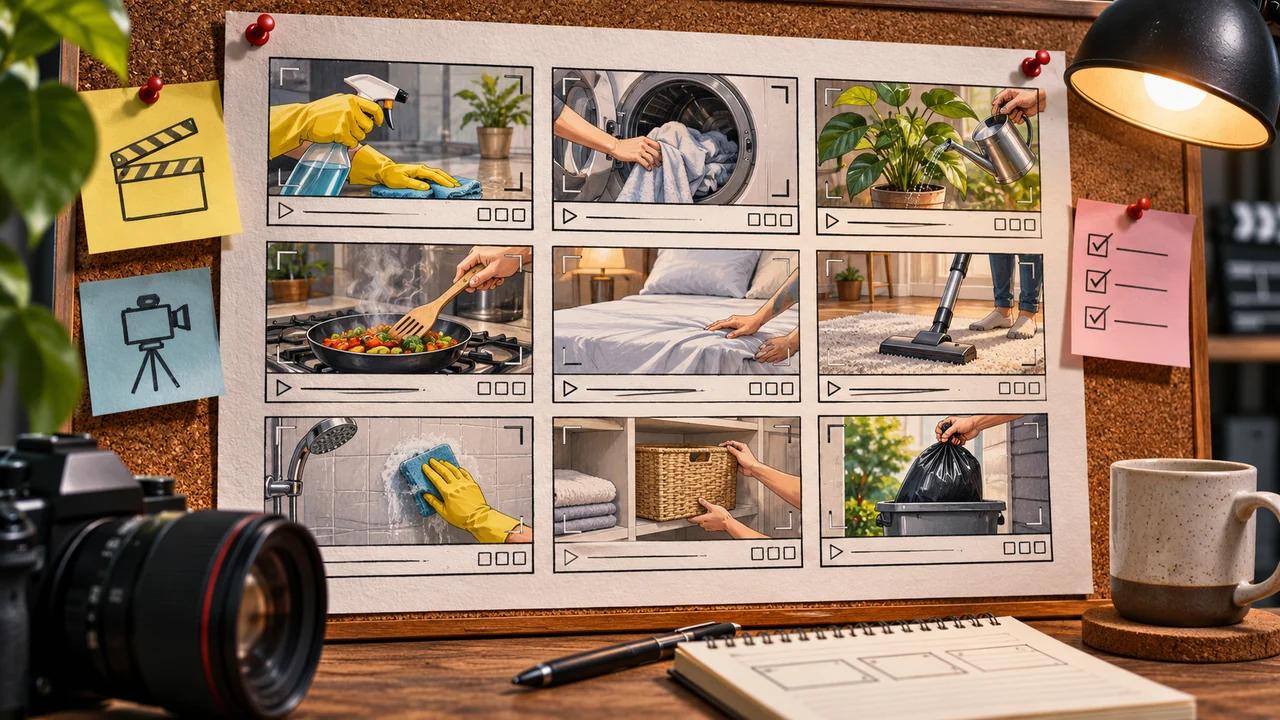
The template may require an opening problem, one explanation, a demonstration, a safety check, and a summary. A video about pruning a houseplant might show where to cut and why. An episode about watering could compare soil conditions and demonstrate a test. They share a clear flow, yet use different proof, objects, pacing, and visual changes.
Before greenlighting a new episode, ask: What is the specific viewer question? Which source or demonstration supports the answer? What will viewers see that they have not seen in the previous episode? If the answers are identical to last week’s, rewrite the episode plan before production.
Review the template itself
Keep a change log and revisit recurring elements after a run of episodes. Look for repeated stock images, identical cold opens, reused graphics that no longer fit, or advice that has become outdated. Check YouTube’s channel monetization policies when evaluating whether a channel’s output adds meaningful original value; do not treat a checklist as a guarantee of platform review outcomes.
A template is a starting point, not an instruction to make every video interchangeable. Keep the process steady and let each story determine the material. For a broader production sequence, see the faceless content workflow guide and the guide to avoiding generic AI videos.
Sources & further reading
Put it into practice
- A Repeatable Faceless Content Workflow: Idea to Published Video
- How to Avoid Generic, Mass-Produced AI Videos
- How to Build Content Pillars for a Faceless Channel