Final Upload Checklist for Vertical Shorts, Eligibility, and Music Rights
Check the exported frame, current Shorts eligibility, and music rights before you upload a vertical video to YouTube.
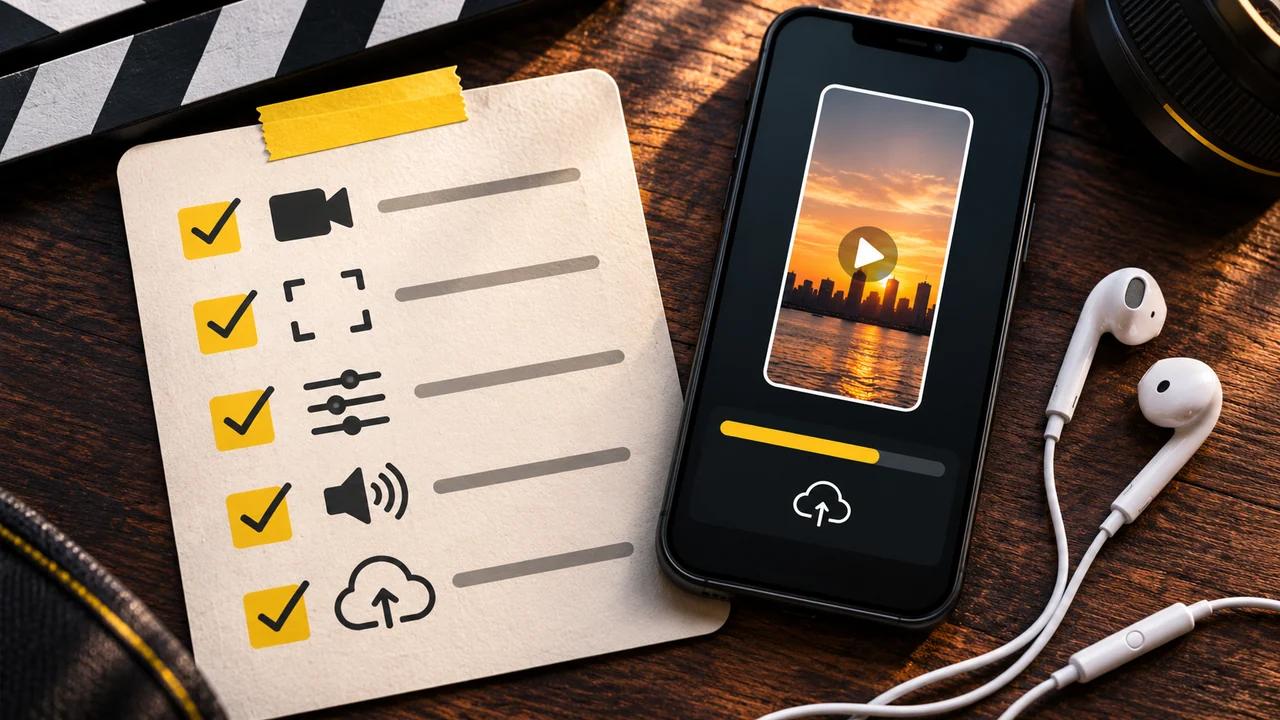
What you’ll take away
- Confirm the export meets current Shorts format rules
- Use audio you have permission to publish
- Check processing and playback after upload
Inspect the exported file
Before upload, watch the finished export from beginning to end. Confirm that the video is vertical or square, the subject stays in frame, and no editing guides or blank bars remain. Check caption spelling, text placement, and audio levels on a phone. Reopen the file after export so you are checking the actual upload copy rather than only the project preview.
YouTube currently classifies square or vertical videos up to three minutes long as Shorts when uploaded on or after October 15, 2024. Confirm the current requirements in YouTube’s Shorts help page, especially if you are relying on a particular format or creation tool. Platform rules and features can change, so use the official page for the latest details rather than an old checklist.
Check every sound source
For each music track, sound effect, or sampled clip, identify where it came from and what permission covers your planned use. A song available inside YouTube’s Shorts tools may have specific duration or territory limits. Music added outside those tools may require a license, and a credit line alone does not grant permission. If you cannot confirm the terms, replace the track with audio you created or have clear rights to use.
YouTube warns that Shorts longer than one minute with an active Content ID claim can be blocked globally. Check the current music eligibility guidance for details on music availability and claim handling. Keep a record of the license or source for any external music. Do not assume a track is cleared simply because another creator used it.
Review upload status and playback
Choose the intended visibility and audience settings, then wait for processing to finish. Review any copyright or restriction notices in Studio. Open the uploaded Short as a viewer and check the opening, captions, sound, ending, and links. A file can look correct locally but reveal a typo, muted section, or platform warning after upload.
If YouTube identifies a rights issue, use the notice to determine what asset is involved and what options are available. Replace or remove audio only when you have verified that the change addresses the issue. YouTube’s copyright help explains the platform’s copyright systems and available actions.
Keep this final checklist beside the export: format and playback, Shorts eligibility, music permission, upload processing, and viewer-side review. For general publishing reminders, this post-upload checklist lesson is a supplemental creator resource; official YouTube help remains the authority for current eligibility and rights rules.
Sources & further reading
Put it into practice
- YouTube AI Content: Disclosure, Reused Content, and Monetization
- A Repeatable Faceless Content Workflow: Idea to Published Video