Organize Faceless Video Project Folders from Source to Upload Master
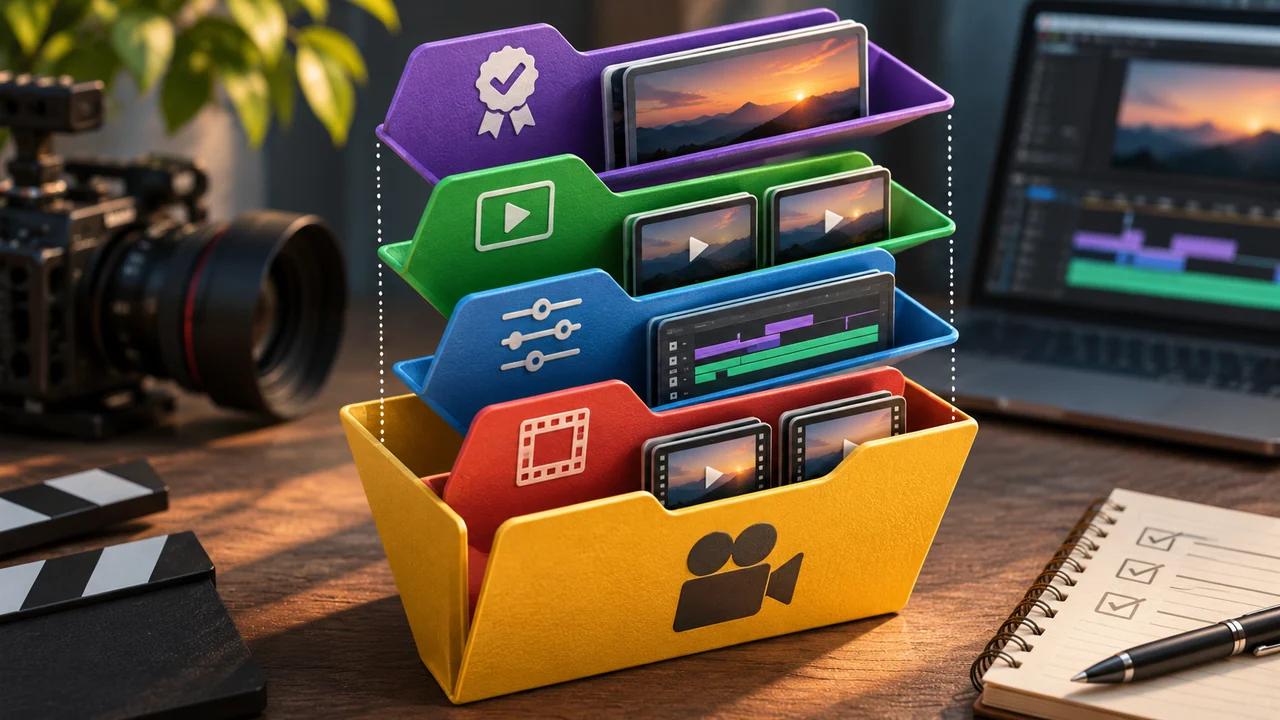
Build a folder structure that preserves source files, working edits, review exports, and the final upload master.
What you’ll take away
- Separate source media from exports
- Use stable names with version and status
- Keep the final master unmistakable
A project folder should make it obvious which files are originals, which are being edited, and which one is approved for upload. For faceless video production, that distinction prevents a temporary voice track or review export from quietly becoming the published version.
Start with a project root
Use one root folder per episode, named with a sortable date or series number and a short topic. Inside it, make a fixed set of folders:
01_brieffor approved outline, script, research notes, and gate log02_sourcesfor original camera files, voice recordings, screen captures, generated assets, and license receipts03_projectfor the editable timeline project and supporting project files04_audiofor cleaned narration, music, and sound effects if your editor expects separate media05_reviewfor dated exports sent to reviewers and their notes06_masterfor the final rendered file, caption file, and upload checklist
Adapt folder names to your editing software, but keep the separation. Store links or reference copies for cloud assets when copying is restricted. Do not rename source files after importing if the editor relies on their paths.
Name files for a quick scan
A useful pattern is series-episode_asset_description_version_status.ext. For example: desk-care_014_voiceover_v03_APPROVED.wav or desk-care_014_review_2026-11-21_v02.mp4. Avoid names like final2_realfinal.mp4; a filename should encode the state, not the creator's frustration.
Keep the upload master singular: desk-care_014_upload-master_1080p.mp4. If a replacement is approved, archive the prior master with its date and update the log. Never silently overwrite the only published version.
Example: moving a desk-care episode
The writer exports the approved script into 01_brief. The narrator places the raw recording in 02_sources; cleaned audio is derived and kept in 04_audio. The editor saves the project in 03_project and sends one named review export to 05_review. After factual and technical QC, the producer copies the render into 06_master, alongside captions and a checklist showing date and reviewer.
If a project goes to another editor, send the project package plus a manifest of media paths. For a broader process, read the faceless content workflow guide. Adobe’s Premiere Pro user guide and Blackmagic’s Resolve training resources provide editor-specific project and media guidance. Your folder map should make the correct next action visible without opening every file.