A Faceless Video Production Workflow with Approval Gates
Move a faceless video from idea to upload master with clear review points that catch expensive changes early.
What you’ll take away
- Approve claims before scripting
- Freeze each stage before downstream work
- Record who can reopen a gate
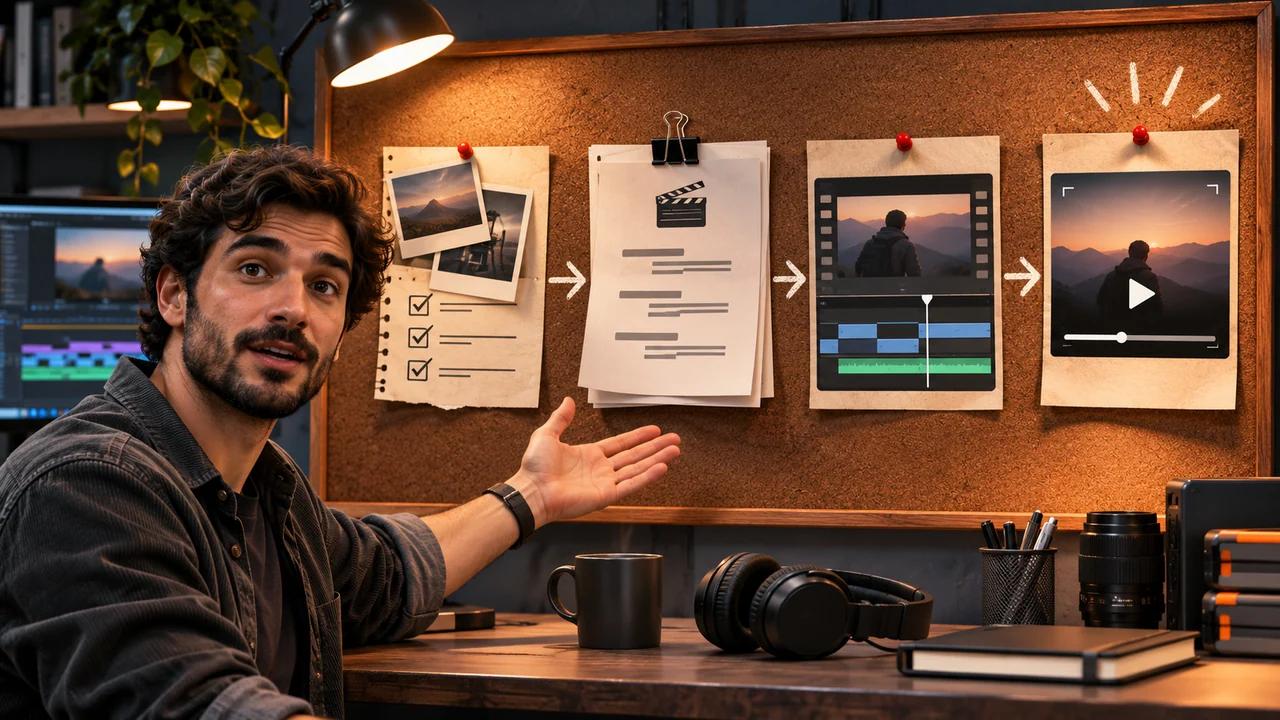
A faceless video production workflow works best when each stage has a small, explicit approval gate. The point is to catch a wrong claim before it becomes narration, animation, captions, and a costly edit revision.
Set the gates before assigning work
Write a one-page handoff with five stages. Give every stage an owner, an artifact to review, and a clear pass condition. A gate is a decision, not a meeting. Keep comments in the project tracker or review tool so an editor does not have to reconcile chat messages with an outdated script.
- Research: claims have a source, date, and confidence note. Approve the outline before anyone writes polished narration.
- Script: the spoken copy, pronunciation notes, and on-screen facts are checked. Mark this version as the edit source.
- Visual plan: every beat has a proposed shot, screen capture, diagram, or licensed clip. Flag any visual that implies more than the script proves.
- Rough cut: review structure, factual fit, and missing beats. This is the last inexpensive point to change order or replace a visual direction.
- Upload master: check the rendered file, captions, description links, disclosure needs, and final filename.
Each approval should record reviewer, date, version, and decision. Use “approved with notes” only for changes that do not alter meaning. If a factual claim changes after script approval, reopen the research and script gates before editing forward.
Example: a 90-second desk setup explainer
For a video about monitor height, the researcher attaches a reliable ergonomic source to the relevant claim. The script reviewer checks that the narration does not promise to prevent pain. The visual reviewer approves a side-view diagram with a measurement label. The editor can then build the sequence without guessing whether a generic desk shot is enough evidence.
The rough cut reviewer asks whether the diagram appears while the claim is spoken and whether the label can be read on a phone. The final reviewer watches the exported master, not just the timeline, because rendering can expose clipped captions or a black frame.
Keep a revision path
A useful gate log might read: “Script v3 approved by Mina, 14:20. Claim about eye strain softened. Reopen if source or wording changes.” That tells a freelancer which version controls and what would invalidate the approval.
For the wider sequence, see the faceless content workflow guide. Keep disclosure and originality decisions aligned with YouTube’s channel monetization policies. Once a stage passes, move work forward; reopen it only for a documented reason.
Sources & further reading
Put it into practice
- A Repeatable Faceless Content Workflow: Idea to Published Video
- How to Avoid Generic, Mass-Produced AI Videos