Make Faceless Shorts from One Visible Change
Build an original faceless Shorts production around one action viewers can see change from start to finish.
What you’ll take away
- Choose one change that reads without narration
- Capture a clean before and after
- Use captions to clarify the action
Pick a change the camera can prove
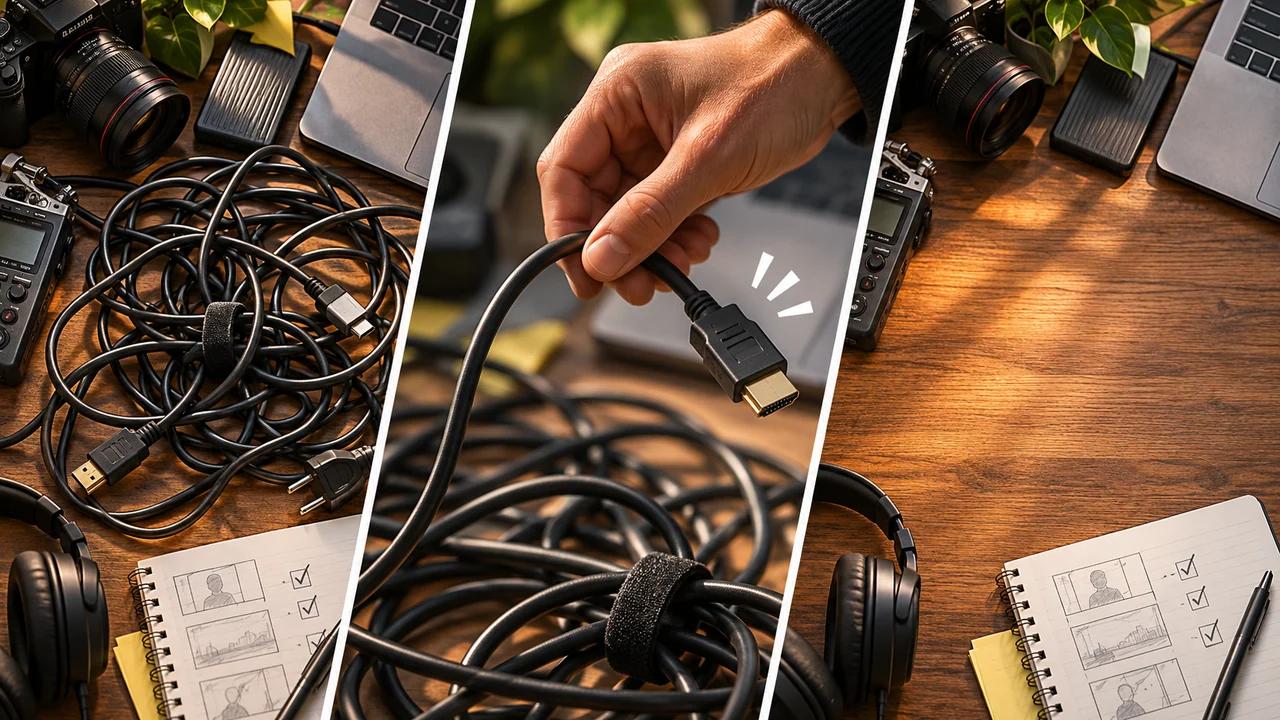
An original faceless Short can work without a host if the viewer can see one thing become another. Start with a small, filmable transformation: a messy cable becomes bundled, a blank card gets a simple diagram, or a plant cutting moves into a glass of water. The object and action carry the explanation. Do not begin by choosing an aesthetic and searching for a topic to fit it.
Write one sentence: “By the end, the viewer will see ___ change into ___.” If the result depends on hidden facts, narration, or a claim you cannot show, narrow it. A desk-cleaning clip can prove that the surface is clearer. It cannot prove that a particular method saves time unless you measured that separately.
Plan three visual beats
Make a simple shot list with an opening state, an action, and a finished state. Keep the object in a consistent position so viewers can compare the before and after. Capture the opening frame for a moment before your hands enter; that pause gives the eye time to identify the subject.
Record the main action in one uninterrupted take first. Then capture a closer detail if it helps explain the change, such as the knot tightening or a mark appearing. A detail is useful when it reveals process. Decorative close-ups that interrupt the action make a short sequence harder to follow.
Use a phone on a stable support and check that the working area stays inside the vertical frame. Leave room for a short label, but let the object remain large enough to recognize on a phone. If the action is too small, move the camera closer or simplify the set rather than relying on zoom.
Edit around the payoff
Remove setup that does not help the viewer understand the change. Keep enough of the action to make the result feel earned, and avoid speeding it up until the important movement becomes a blur. Add a brief caption for context or a step name; the image should still make sense when the caption disappears.
Review once with sound off. Can a new viewer identify the subject, notice the action, and understand the ending? Then listen with headphones for handling noise, abrupt cuts, or a music cue that masks a useful sound. If a beat needs explanation, add one precise label or another shot that shows the missing information.
Before publishing, check the crop, caption spelling, and rights for every music or stock element. YouTube describes Shorts creation and eligibility in its current Shorts help page. For a different workflow that starts with existing long-form footage, see repurposing faceless videos into Shorts. This process starts with a new recording, so its visual choices can be designed for the vertical screen from the first frame.
Sources & further reading
Put it into practice
- A Repeatable Faceless Content Workflow: Idea to Published Video
- How to Avoid Generic, Mass-Produced AI Videos