Build Foley From an On-Screen Action List
Create Foley from a specific list of visible actions so effects support the picture without inventing distracting sounds.
What you’ll take away
- List audible actions visible on screen
- Match timing and material
- Leave room for narration
Start Foley planning with verbs you can point to in the picture. “Hand places a ceramic mug on a wooden counter” is recordable; “make it cozy” is not. A concrete action list lets you choose a matching prop, record useful sounds and avoid layering effects over every movement.
Write what the viewer sees
Review the cut and note actions that need sound: a lid closes, a page turns, a drawer slides. Include visible material and approximate timing. Separate on-screen actions from sounds implied off camera. If an action is already clear from dialogue or music, it may not need Foley. Add a cue only when it supports scale, contact, rhythm or comprehension.
Choose a sound source
Use a prop with similar material and weight, then record several takes at different distances. A light plastic click should not become a heavy metal slam. Match perspective: a hand near the camera often sounds closer than an object across the room. Keep each recording short and name it by action so it is easy to find during editing.
Sync and mix with restraint
Place the transient on the visible contact, not merely at the start of a movement. Check the effect under narration; footsteps and taps can mask important consonants. Lower or remove sounds that make the scene feel busier than the picture. Foley should clarify contact or rhythm, not announce every frame.
Example action list
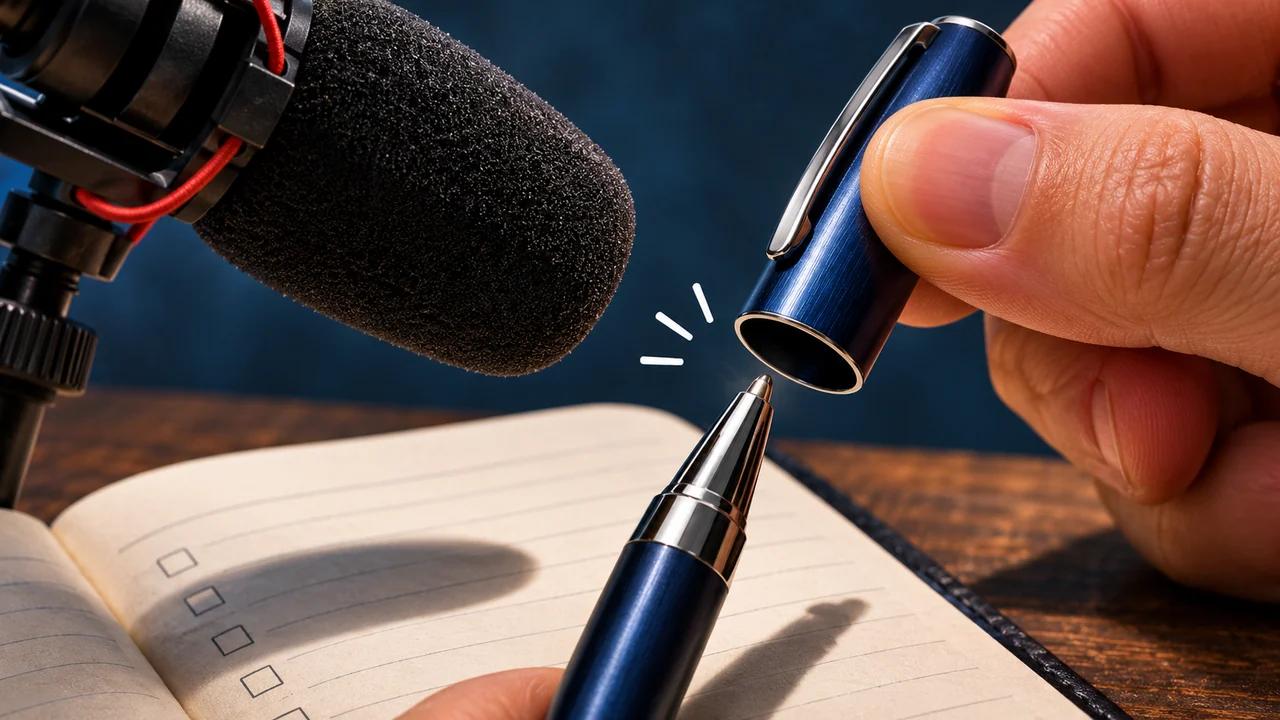
For a tutorial showing a notebook opening, pen uncapping and page turning, record three separate cues. Use a soft cover creak, a small cap click and thin paper rustle. Sync the click to the thumb movement. If the voice says “write the date,” keep the page sound below the words and trim handling noise after the action. This lets you replace one cue without rebuilding a full mixed track.
Organize the cue sheet
Give each action a short ID tied to the shot or timeline marker, plus a note for source, take and intended perspective. Keep Foley separate from music and narration so its level can be adjusted independently. After the first pass, watch the sequence muted and then with effects; retain only sounds that clarify contact, space or pace. The difference makes unnecessary cues easier to identify.
Sources & further reading
Put it into practice
- A Repeatable Faceless Content Workflow: Idea to Published Video
- How to Avoid Generic, Mass-Produced AI Videos